Step 1
Upload footage
Add raw video — interview, tutorial, demo. No project setup.
Editly AI
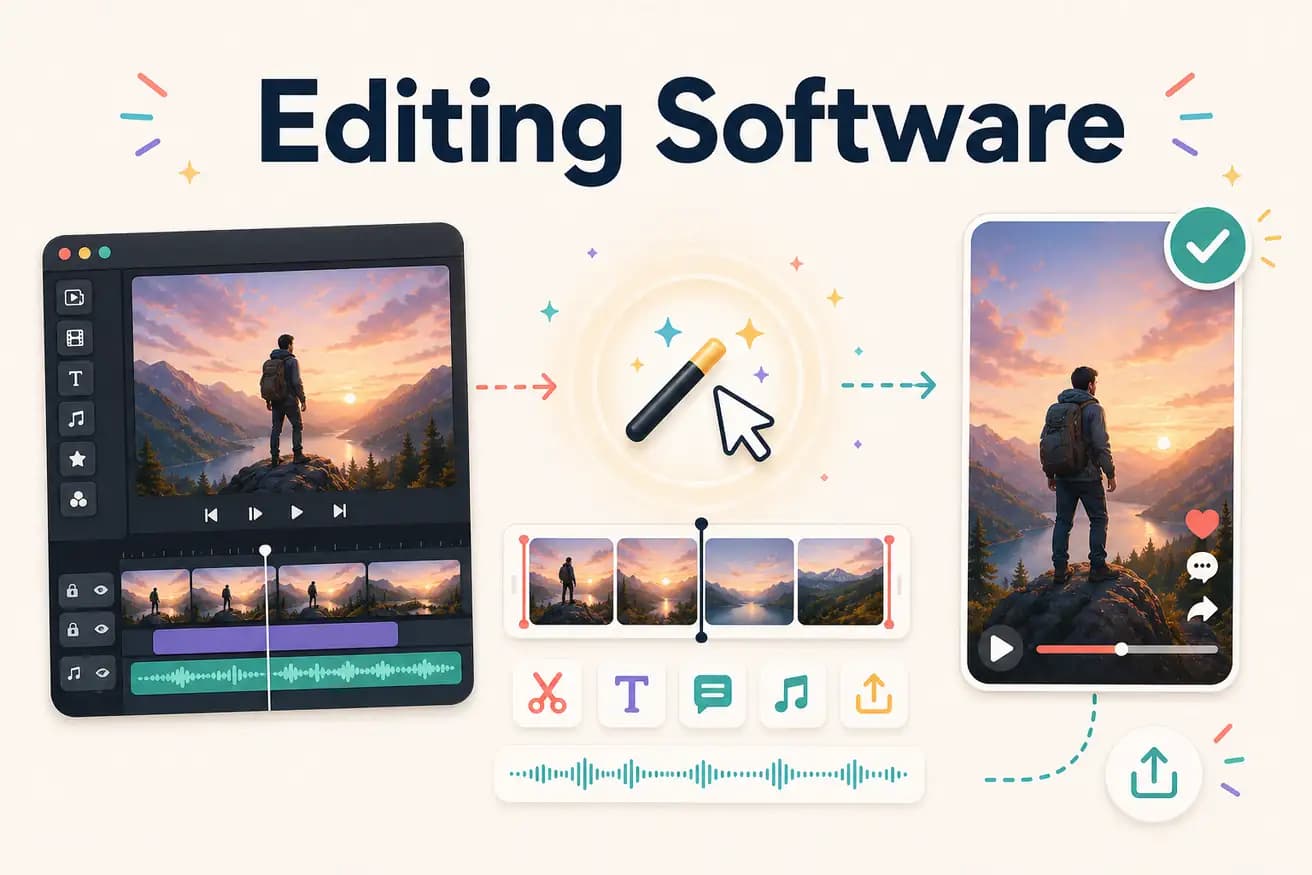
DaVinci Resolve for professional manual editing. Editly for AI-automated content creator editing. Filmora for beginners. CapCut for mobile social. Best depends on use case.
Matching editing software categories to actual creator needs.
| Decision | Other Apps | Editly |
|---|---|---|
| For professional production | DaVinci Resolve / Premiere Pro: the right editing software for professional production | Editly: not for professional production — for content creator workflows |
| For high-volume content | Traditional editing software: 2-4 hours per video regardless of experience | Editly: 15-20 minutes per video — AI handles editorial decisions |
| For beginners | Consumer NLEs (Filmora, iMovie): weeks to learn before consistent output | Editly: zero learning — first video in 15-20 minutes |
| Cost | Editing software: free (DaVinci, Shotcut) to $55/month (Premiere Pro) | Editly: 3 free exports, Pro $28/month for 100 AI-edited videos |
Step 1
Add raw video — interview, tutorial, demo. No project setup.
Step 2
'Create a 5-minute YouTube tutorial. Remove silences. Add captions. Start with the hook. Export 1080p.' One prompt covers everything.
Step 3
Gemini AI makes decisions. Acute processes. Finished video in 15-20 minutes.
Step 4
One check. One follow-up prompt if needed. Download and post.
Upload footage, write a brief, receive a finished video. 3 free exports to compare AI editing software against your current tool.
Related editing pages