Step 1
Define the output before uploading
The best Editly prompts start from a clear output definition: platform, length, audience, key message. Define this before writing your prompt.
Editly AI
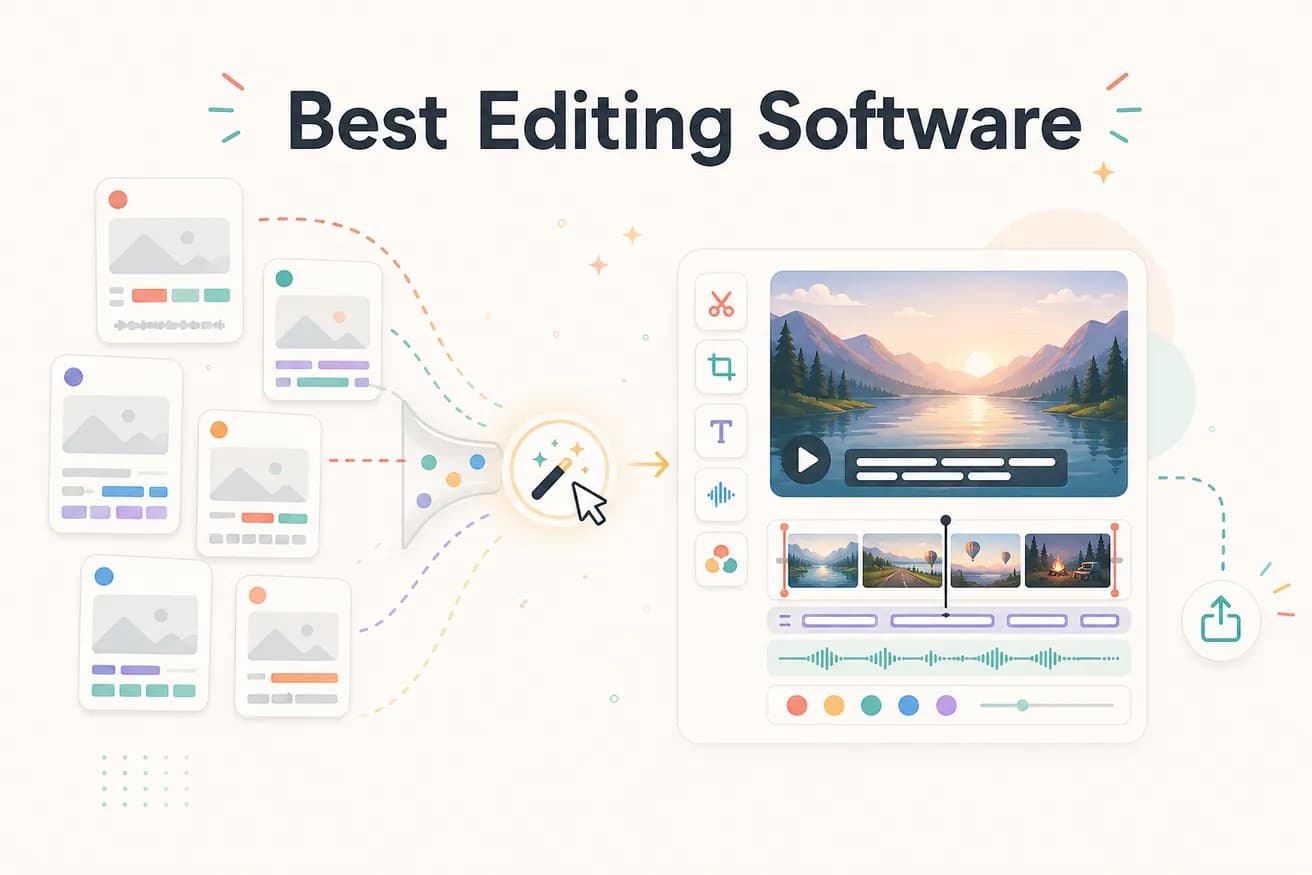
For professional use: DaVinci Resolve (free) or Adobe Premiere Pro. For AI-automated editing: Editly. For mobile social content: CapCut. The best software depends on whether you need manual craft control or automated speed. Most content creators benefit from having at least one tool in each category.
Understanding the categories helps you make the right choice for your specific workflow.
| Decision | Other Apps | Editly |
|---|---|---|
| Creative control | Manual NLEs (Premiere, DaVinci, Final Cut): full control over every frame, cut, color, and audio decision | Editly: you control the outcome via the prompt — the AI controls the execution |
| Time to finished video | Manual NLEs: 1-4 hours per video depending on length and complexity | Editly: 10-20 minutes per video from upload to finished export |
| Learning investment | Manual NLEs: weeks to learn well — significant upfront investment before productive output | Editly: zero — if you can describe what you want, you can use Editly |
| Best content type | Manual NLEs: highly produced narrative, commercial, broadcast, cinematic content | Editly: interview edits, tutorials, social clips, webinar highlights, product demos |
Step 1
The best Editly prompts start from a clear output definition: platform, length, audience, key message. Define this before writing your prompt.
Step 2
Add your footage and write a detailed prompt. Include: target length, content to prioritize, caption style, platform format, and any structural preferences.
Step 3
Evaluate the AI-generated edit against the output you defined. Does it hit the platform requirements? Does it communicate the key message? Is the length right?
Step 4
Use follow-up prompts for specific adjustments. Editly iterates faster than any manual editor because there's no project file to reload.
The fastest way to know if prompt-based editing is the right software for your workflow is to try it on real footage. 3 free exports, no credit card required.