Step 1
Upload your long recording
Add your podcast, interview, webinar, or tutorial. Editly handles the long footage that CapCut's mobile timeline makes tedious.
Editly AI
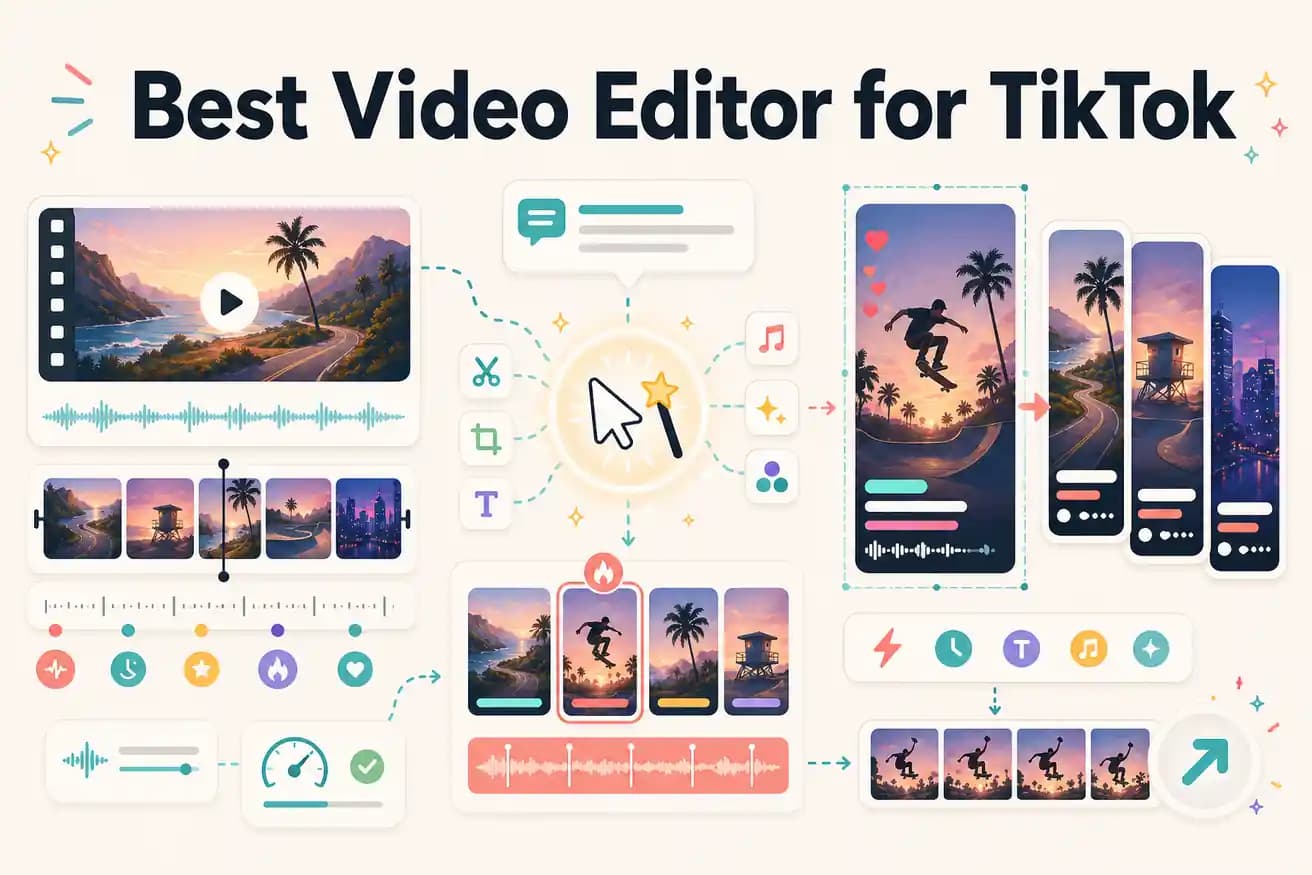
Most TikTok creators use CapCut — it's TikTok's sister app with deep integration. For extracting TikTok content from longer recordings, AI tools like Editly are increasingly used to automate the reframing, captioning, and segment selection.
Both create TikTok-ready content. The right choice depends on whether you're filming on mobile or editing longer footage.
| Decision | Other Apps | Editly |
|---|---|---|
| For mobile-filmed TikToks | CapCut: purpose-built for TikTok mobile filming — trending effects, audio library, native app experience | Editly: better for longer footage editing — use CapCut for mobile-native TikTok content |
| For longer footage extraction | CapCut: possible but manual — find segments, trim, reframe, caption each clip separately | Editly: AI identifies best segments from long recordings and creates TikToks from prompts |
| 9:16 format | CapCut: native mobile format, manual crop for horizontal footage | Editly: '9:16 for TikTok' in the prompt — applied automatically from any source format |
| Captions | CapCut: good auto-caption on mobile — requires per-TikTok review and styling | Editly: caption style in the prompt — generated and burned in without mobile review step |
Step 1
Add your podcast, interview, webinar, or tutorial. Editly handles the long footage that CapCut's mobile timeline makes tedious.
Step 2
'Find the most surprising 30 seconds from this recording about [topic]. 9:16 format. Add bold white captions. Start immediately — no slow intro.'
Step 3
Editly returns a vertical, captioned, hook-first clip. Check that it starts strong and the captions are accurate.
Step 4
Create 5-10 TikToks from the same upload using separate prompts targeting different segments.
Upload a podcast or interview recording. Write a prompt targeting the best 30-60 seconds. See a finished vertical TikTok with captions. 3 free exports to test.
Related editing pages