Step 1
Upload your footage
Add your interview, demo, tutorial, or any footage with content valuable enough to share on Instagram.
Editly AI
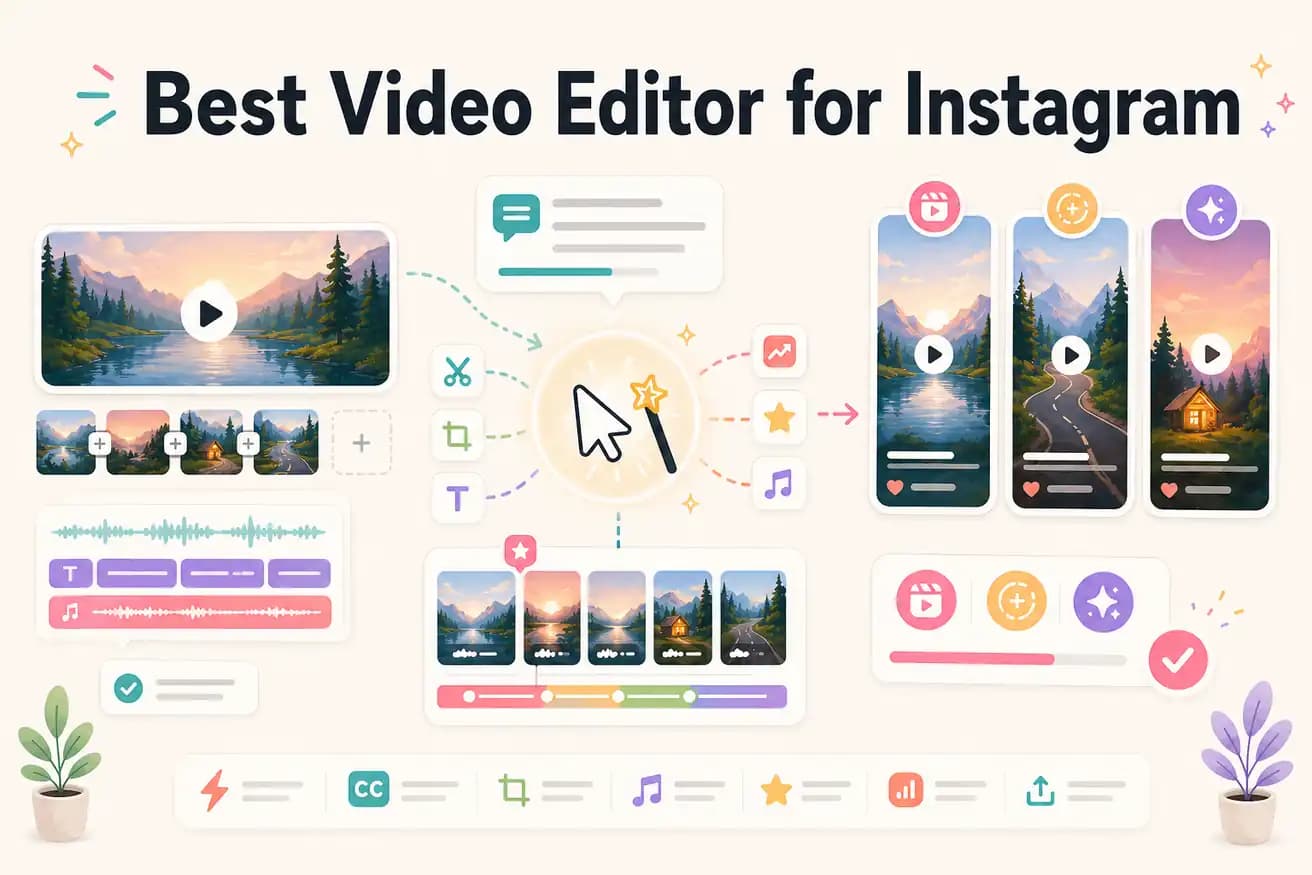
Mobile influencers most commonly use CapCut for Reels — it's free, has trending effects, and integrates well with the TikTok/Instagram ecosystem. Creators who edit longer footage into Reels increasingly use AI tools like Editly for the extraction and reframing work.
The best Instagram editor depends on whether you're editing phone clips or extracting from longer footage.
| Decision | Other Apps | Editly |
|---|---|---|
| 9:16 vertical framing | CapCut / InShot: manual crop position — you adjust the vertical frame for each segment | Editly: '9:16 for Instagram Reels' in the prompt — AI applies vertical framing automatically |
| Captions for Instagram | CapCut / InShot: auto-caption requires per-video style setup and review on mobile | Editly: caption style described in the prompt — generated and applied without mobile review |
| Multiple Reels from one recording | CapCut / InShot: separate mobile project for each Reel — each requires full manual edit | Editly: separate prompt for each Reel — AI extracts each segment from the same upload |
| Platform | CapCut / InShot: mobile-first — best on phone | Editly: desktop browser-based — better for long footage and batch Reels production |
Step 1
Add your interview, demo, tutorial, or any footage with content valuable enough to share on Instagram.
Step 2
'Create a 75-second Instagram Reel from the section where I discuss [topic]. 9:16 format. Add bold white captions. Start with the strongest statement. Remove pauses.'
Step 3
Editly returns a vertical, captioned, Reels-ready video. Check the hook, caption accuracy, and pacing.
Step 4
Download the MP4 and upload to Instagram Reels. The format, dimensions, and captions are already handled.
Upload footage, write a Reels prompt, see a finished 9:16 captioned video. Compare the time to your CapCut or InShot workflow. 3 free exports, no card required.
Related editing pages