Step 1
Record your video
Use your phone or webcam. Don't overthink the recording — Editly can fix pacing, remove silences, and structure the content from raw footage.
Editly AI
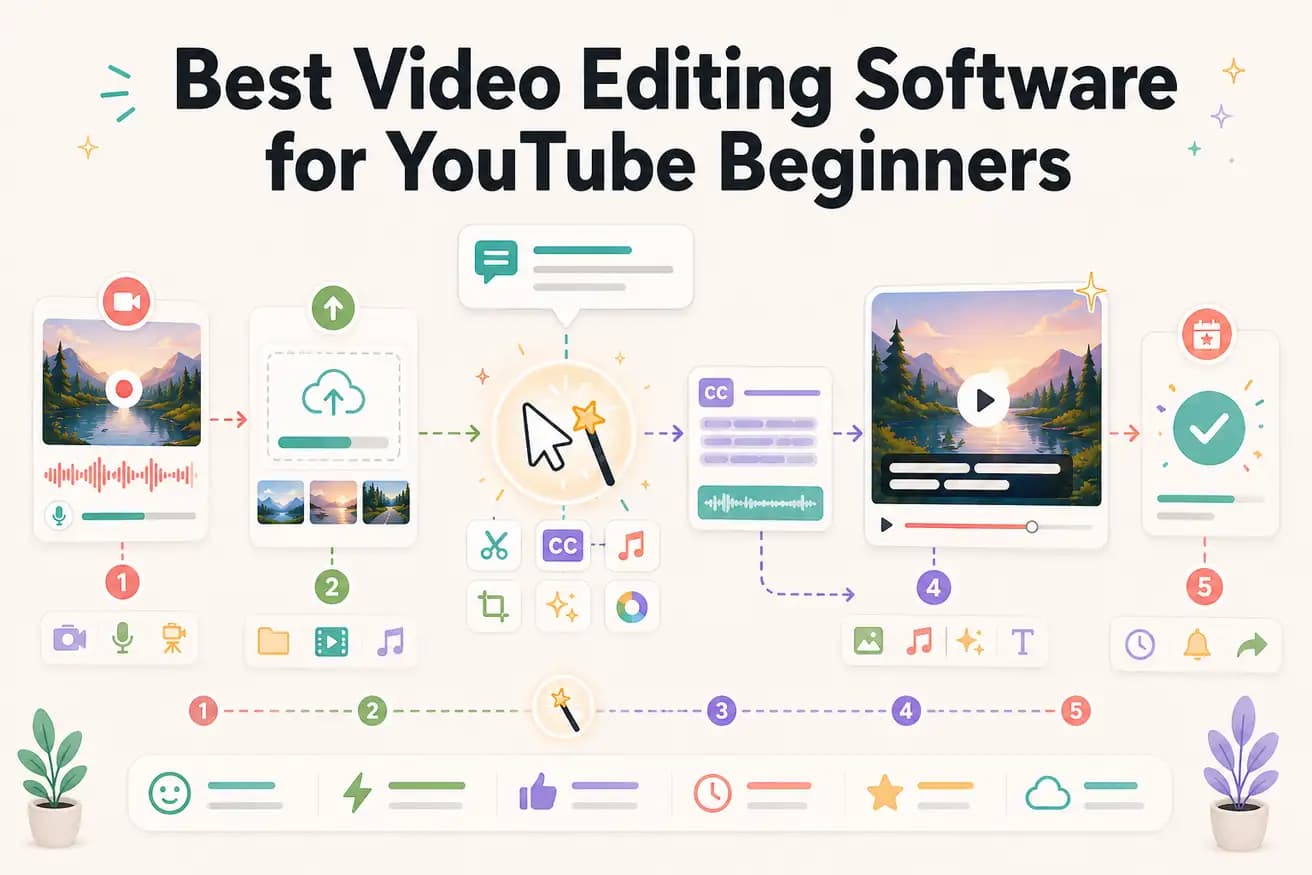
Editly is the fastest path to published videos for beginners — no learning curve, just describe what you want. For beginners who want to learn traditional editing, Filmora or Clipchamp are accessible starting points. The right choice depends on whether your priority is publishing quickly or learning the craft.
For beginners, the most important metric is how quickly you can go from recording to published video.
| Decision | Other Apps | Editly |
|---|---|---|
| Time to first published YouTube video | Traditional editors (Filmora, iMovie): 1-2 weeks of learning + 3-4 hours of editing before first publish | Editly: upload, write prompt, review, publish — same day as recording |
| YouTube captions | Traditional editors: add captions as a separate step — 30-60 minutes including review | Editly: captions specified in the prompt — generated automatically as part of the edit |
| Frequency of publishing for beginners | Traditional editors: 3-4 hours per video means once-weekly publishing is a significant commitment | Editly: 15-20 minutes per video makes 3-5 times weekly publishing feasible |
| Cost to start | Filmora: $49/year; iMovie: free but Mac-only; Clipchamp: free but Windows-limited | Editly: 3 free exports to start; Pro $28/month for ongoing weekly publishing |
Step 1
Use your phone or webcam. Don't overthink the recording — Editly can fix pacing, remove silences, and structure the content from raw footage.
Step 2
Write: 'This is my first YouTube video about [topic]. Make it 8 minutes. Start with a hook. Remove pauses. Add captions. Keep the most valuable content. Export 16:9 1080p.'
Step 3
Watch the edited video. Check that the hook is strong, the pacing is good, and the captions are accurate. Note what needs changing.
Step 4
Download and upload to YouTube. Add a thumbnail and description. Publish. You can do this today — no weeks of editing software learning required.
Don't spend weeks learning editing software before you publish. Use Editly's free tier to publish your first 3 videos this week. Learn as you go, not before you start.