Step 1
Record your video
Use your phone, webcam, or screen recorder. Record what you want to share. Editly handles whatever you upload.
Editly AI
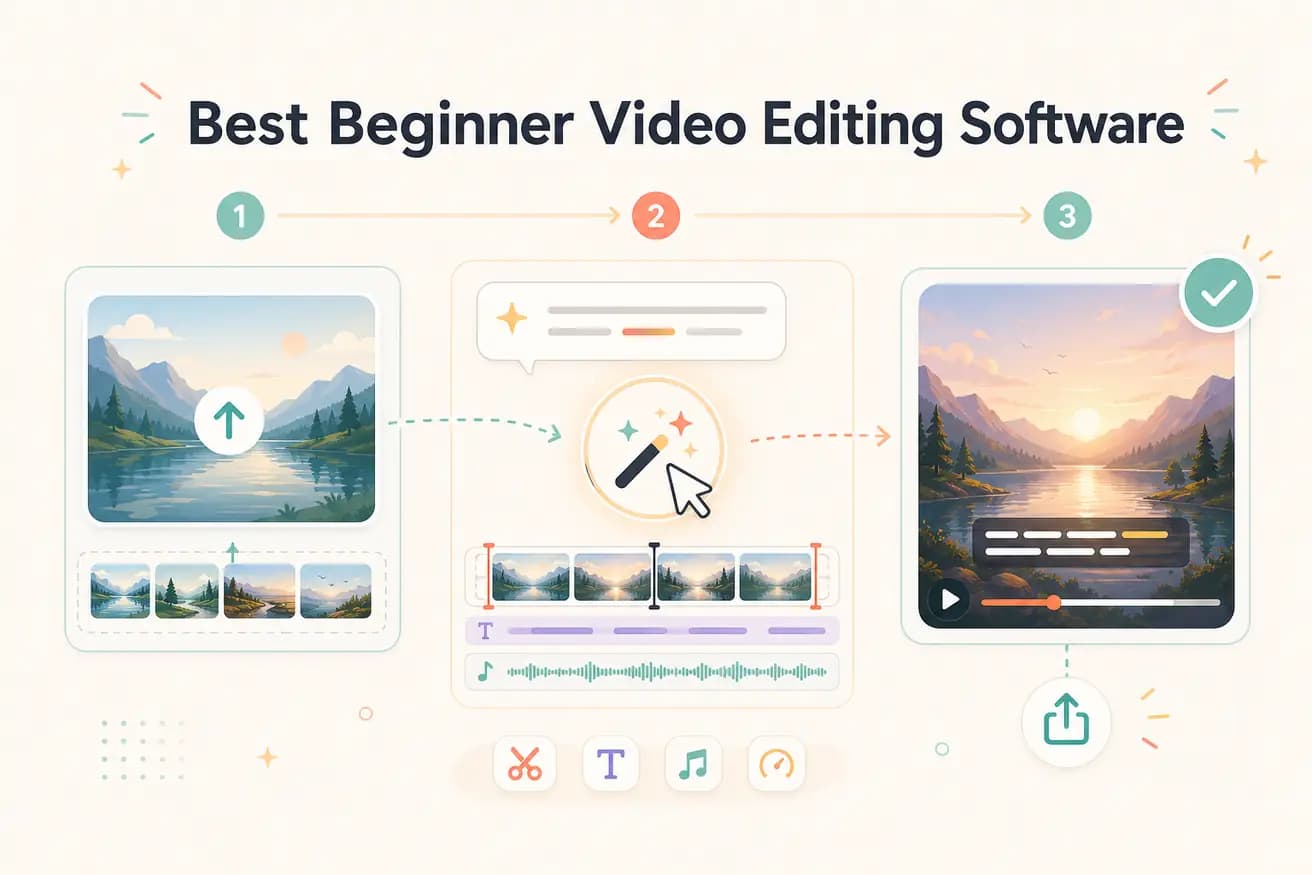
Editly is the simplest because there's no interface to learn — you describe what you want in English. For beginners who want to learn traditional editing, Filmora and iMovie have the gentlest interfaces. The right choice depends on whether you want to learn editing as a skill or just want your videos produced.
Choosing the right starting editor depends on whether you want to learn editing or just want your videos produced.
| Decision | Other Apps | Editly |
|---|---|---|
| iMovie (Mac free) | iMovie: simple, Mac-only — requires learning basic timeline concepts; limited features but good for starting | Editly: no Mac required, no timeline concepts — describe what you want in any browser |
| Filmora (beginner-friendly paid) | Filmora: template-driven with a friendlier interface — still requires learning and manual work; watermark on free tier | Editly: no interface to learn — 3 free exports without watermark; Pro $28/month |
| Clipchamp (Windows free) | Clipchamp: convenient, Windows-integrated — basic timeline editor; limited AI features | Editly: cross-platform, AI-powered — no timeline, full AI editorial decisions from a prompt |
| Time to first good video | Traditional beginner editors: 2-4 hours including learning time before producing acceptable output | Editly: 15-20 minutes — no learning time required for acceptable output |
Step 1
Use your phone, webcam, or screen recorder. Record what you want to share. Editly handles whatever you upload.
Step 2
In plain English: 'I recorded a 15-minute tutorial. Please make a 6-minute YouTube video. Keep the key steps. Add captions. Remove the long pauses.' Hit submit.
Step 3
Editly returns a polished, captioned, export-ready video in minutes. Watch it through and see how close it is to what you imagined.
Step 4
Download and upload to YouTube, LinkedIn, Instagram, or any platform. No technical export settings to figure out.
No tutorial, no course, no timeline to learn. Upload your footage, write what you want, see a finished video in under 20 minutes. That's what beginner-friendly actually means.