Step 1
Upload the raw recording
Add your talking-head video, interview, tutorial, or vlog footage. Long recordings and multi-clip projects both work.
Editly AI
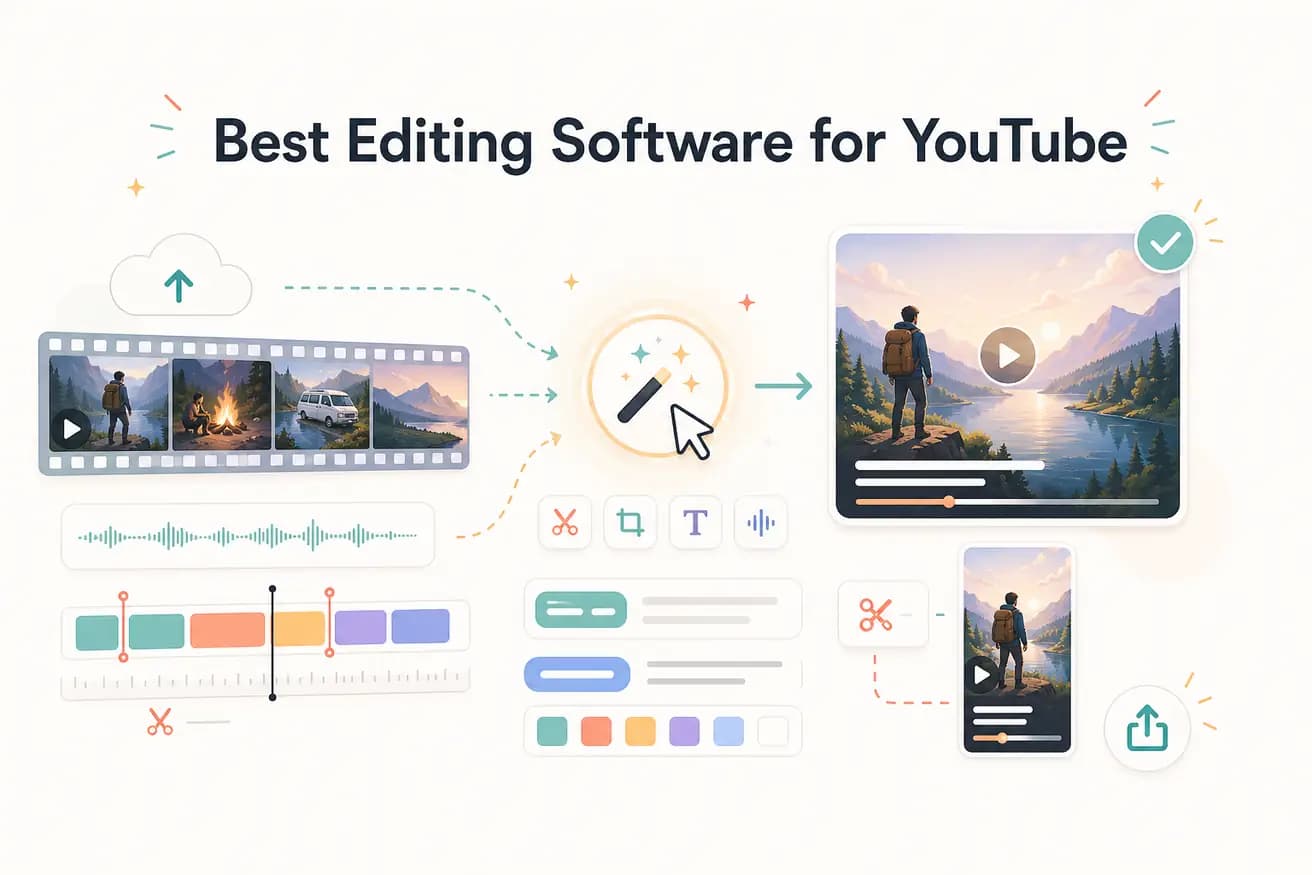
Most established YouTubers use Adobe Premiere Pro or Final Cut Pro for their main content. Many are adding AI tools like Editly for Shorts, social clips, and when they want to increase publishing frequency without proportionally increasing editing time.
For YouTube, time to publish is the key metric. Here's how editing software compares on that dimension.
| Decision | Other Apps | Editly |
|---|---|---|
| Time per video | Traditional YouTube editors (Premiere, DaVinci, Filmora): 2-4 hours per video from import to upload | Editly: 15-20 minutes per video from upload to YouTube-ready export |
| Captions for YouTube | Traditional editors: add captionsseparately, review for accuracy, style manually — 30-60 additional minutes | Editly: captions are part of the edit prompt — generated, styled, and applied automatically |
| Silence removal | Traditional editors: manual or plugin-based — adds 20-40 minutes to every talking-head video | Editly: 'remove silences' in the prompt — applied automatically across the full recording |
| Weekly publishing feasibility | Traditional editors: 2-4 hours per video makes weekly publishing a significant time commitment alongside other responsibilities | Editly: 15-20 minutes per video makes daily or multiple-per-week publishing feasible for solo creators |
Step 1
Add your talking-head video, interview, tutorial, or vlog footage. Long recordings and multi-clip projects both work.
Step 2
Example: 'From this 35-minute tutorial, create a focused 12-minute YouTube video. Remove silences. Add white bold captions. Keep the key steps. Start with a strong hook.' That's your timeline.
Step 3
Editly returns a YouTube-ready cut. Watch it through — check the hook, pacing, and caption accuracy.
Step 4
Add follow-up prompts for any adjustments. When the output is ready, download the 1080p MP4 and upload directly to YouTube.
Test Editly on one YouTube video before spending another 3 hours in your current editor. Upload your raw footage, write the brief, see how close the output is to upload-ready.