Step 1
Choose the right content for AI editing
Interviews, tutorials, webinar clips, product demos, and social content are Editly's strongest use cases. Identify which of your regular video types fits this.
Editly AI
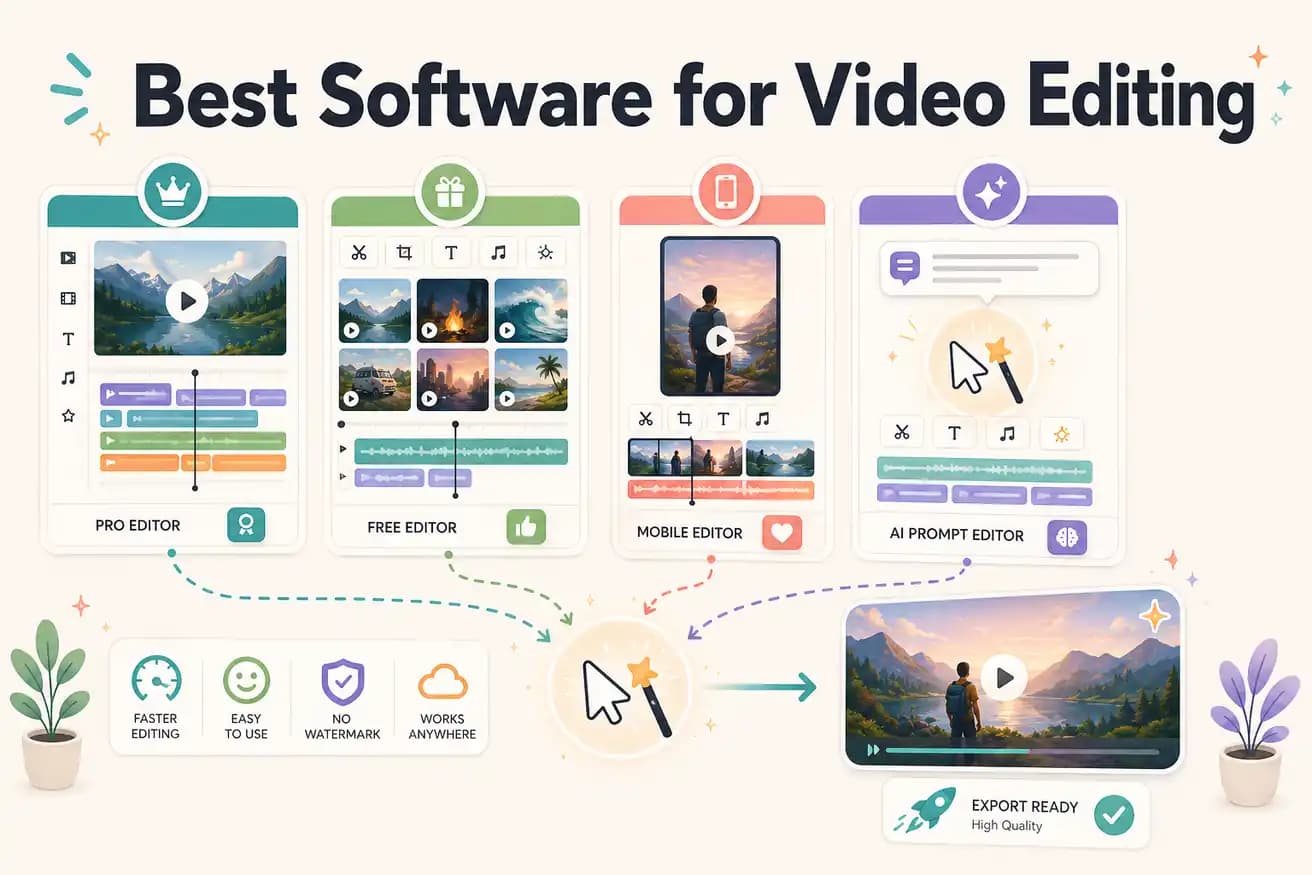
Professional video editors primarily use Adobe Premiere Pro and DaVinci Resolve. Content creators use a wider range including Filmora, CapCut, and Final Cut Pro. AI-first creators and teams producing at scale are increasingly using Editly for automated footage editing.
Match the software to the actual job, not to brand recognition or feature lists.
| Decision | Other Apps | Editly |
|---|---|---|
| Professional production | Best: Premiere Pro or DaVinci Resolve — full NLE with professional color, audio, and format support | Editly: not designed for professional broadcast — optimized for content creator and business video |
| YouTube content creation | Traditional approach: 2-4 hours per video in Premiere, DaVinci, or Filmora | Editly: 15-20 minutes per video — AI makes the editorial decisions from your prompt |
| Business video at scale | Traditional approach: requires a video editor to manually cut every interview, demo, and training clip | Editly: consistent AI editing across all business video content without a dedicated editor |
| Social media clips | Traditional approach: multiple manual steps — vertical reframing, caption add, audio cleanup, platform export | Editly: one prompt covers platform format, captions, reframing, and export |
Step 1
Interviews, tutorials, webinar clips, product demos, and social content are Editly's strongest use cases. Identify which of your regular video types fits this.
Step 2
Write a detailed prompt covering all the elements: 'From this 40-minute webinar, create a 5-minute highlight. Remove silences. Add captions. Keep the most actionable advice. Export 16:9 for YouTube.'
Step 3
The same prompt structure applied to different footage produces consistent output. This is where AI editing software outperforms any traditional tool for volume production.
Step 4
When output needs adjustment, improve the prompt. A better prompt produces better output for every subsequent video — unlike manual editing where each project is a fresh manual effort.
3 free exports let you put Editly's AI editing to the test on the video content you actually produce. Compare the output and the time against your current editing software.