Step 1
Upload your footage
No Shotcut project setup, no MLT file format. Upload your raw recording directly to Editly in a browser.
Editly AI
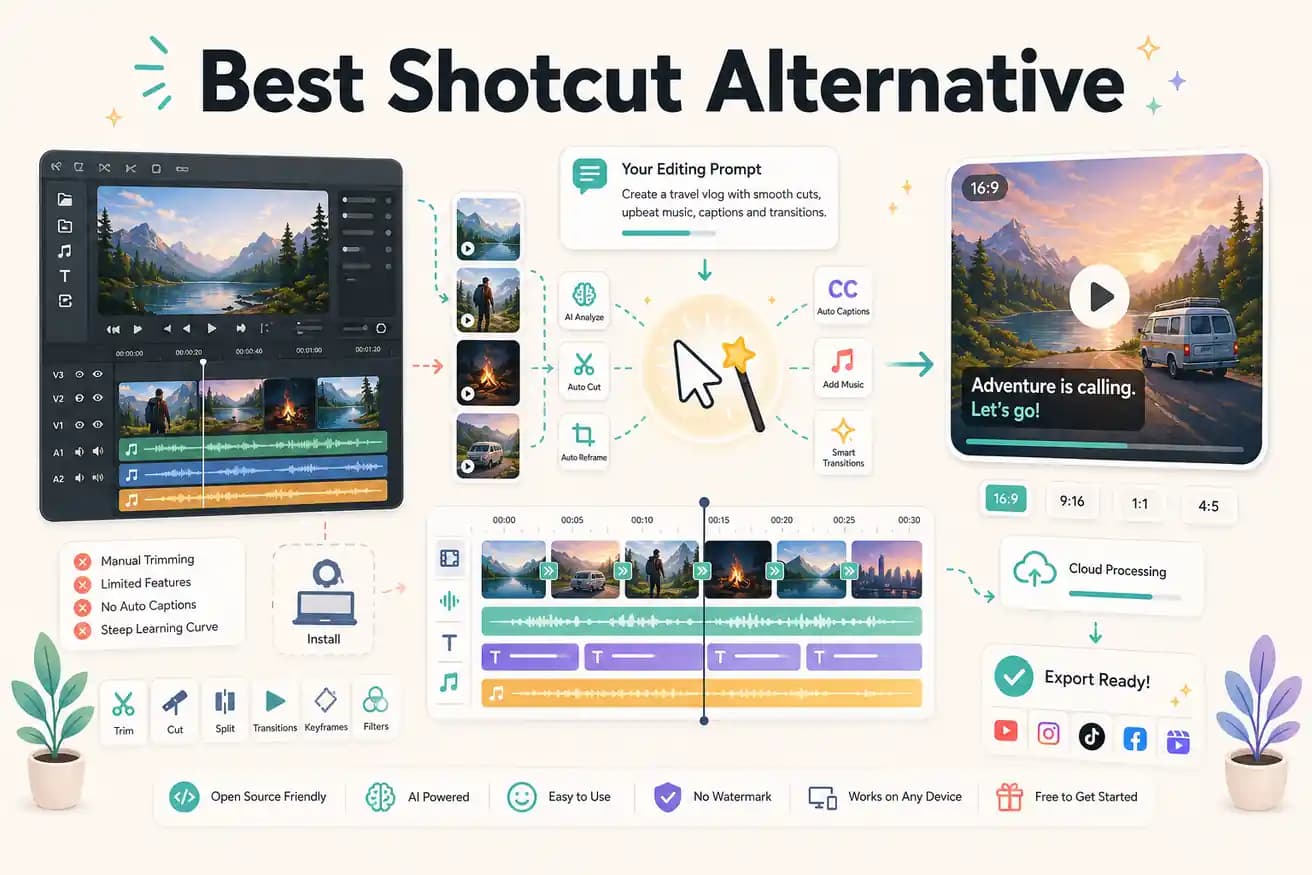
Shotcut is free but requires significant manual time for every project. If you edit 10 videos per month and each takes 2 hours manually, you're investing 20 hours. Editly at $28/month might reduce that to 2-3 hours. The math depends on the value of your time.
The core comparison is whether your time cost of manual editing outweighs Editly's subscription cost.
| Decision | Shotcut | Editly |
|---|---|---|
| Cost | Shotcut: free, open-source, no watermark — zero subscription cost | Editly: free tier (3 exports), Pro $28/month (100 AI-edited exports) |
| Silence removal | Shotcut: no built-in silence detection — requires manual scrubbing to find and trim every silent gap | Editly: silence removal is a prompt instruction — applied automatically across the full recording |
| Captions | Shotcut: no auto-caption generation — subtitles require manual SRT import or frame-by-frame text entry | Editly: captions generated automatically from spoken content and applied as part of the edit prompt |
| Editorial AI | Shotcut: no AI editorial layer — all decisions about what to keep and how to structure the video are manual | Editly: Gemini AI analyzes footage and applies editorial decisions based on your prompt |
Step 1
No Shotcut project setup, no MLT file format. Upload your raw recording directly to Editly in a browser.
Step 2
Instead of building a Shotcut timeline manually, write: 'Remove silences, trim to 4 minutes, add captions, export YouTube 16:9.' One prompt replaces hours of Shotcut work.
Step 3
Editly returns a finished cut. Compare the time it took to your typical Shotcut project for the same footage.
Step 4
Changes are text instructions — not timeline edits or Shotcut filter adjustments.
Shotcut is free and will always be there. Try Editly free on one project to understand the speed difference. 3 full exports, no card required.