Step 1
Upload your footage in a browser
No Kdenlive project files, no MLT format, no Linux-specific codec setup. Upload your video directly.
Editly AI
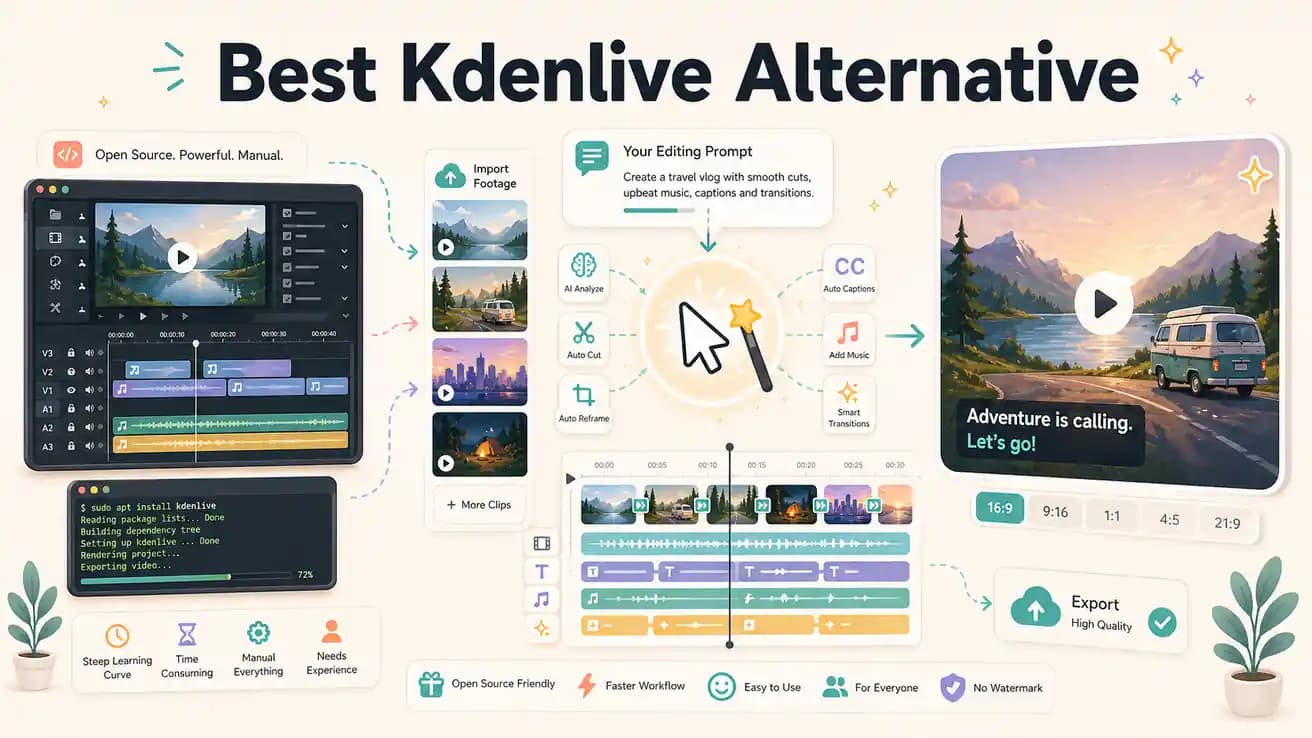
Yes — Editly works in any browser including Firefox and Chromium on Linux. You get AI editing capability without leaving your Linux environment or installing anything.
Both are serious tools. The decision comes down to whether you want control of the timeline or the AI to handle it.
| Decision | Kdenlive | Editly |
|---|---|---|
| Cost | Kdenlive: free, open-source, no subscription — community-maintained and improving | Editly: free tier (3 exports), Pro $28/month for 100 AI-edited exports |
| Silence removal | Kdenlive: no native silence detection — requires manual scrubbing or external scripts like auto-editor | Editly: silence removal is a built-in prompt option — applied automatically at the threshold you specify |
| Auto-captions | Kdenlive: no built-in caption generation — requires external transcription and SRT import | Editly: captions generated automatically from spoken content as part of the edit prompt |
| Platform | Kdenlive: strongest on Linux; Windows and Mac versions available but Linux is primary | Editly: browser-based — identical experience on Linux, Mac, Windows, Chromebook |
Step 1
No Kdenlive project files, no MLT format, no Linux-specific codec setup. Upload your video directly.
Step 2
Describe what you'd build in Kdenlive: 'Remove silences, trim to 5 minutes, add captions, keep the best content, export 1080p.' That's the whole project.
Step 3
Editly processes in the cloud. No local rendering, no timeline work, no Kdenlive project to save.
Step 4
Changes are additional prompts — not Kdenlive clip handle adjustments or subtitle retiming.
Kdenlive will still be there. Use Editly's free tier to experience what AI-automated editing looks like for the content you typically edit.