Step 1
Assess your editing frequency
How many videos do you edit per month? If it's 1-2, free manual editing with DaVinci Resolve is likely fine. If it's 10+, the manual time adds up significantly.
Editly AI
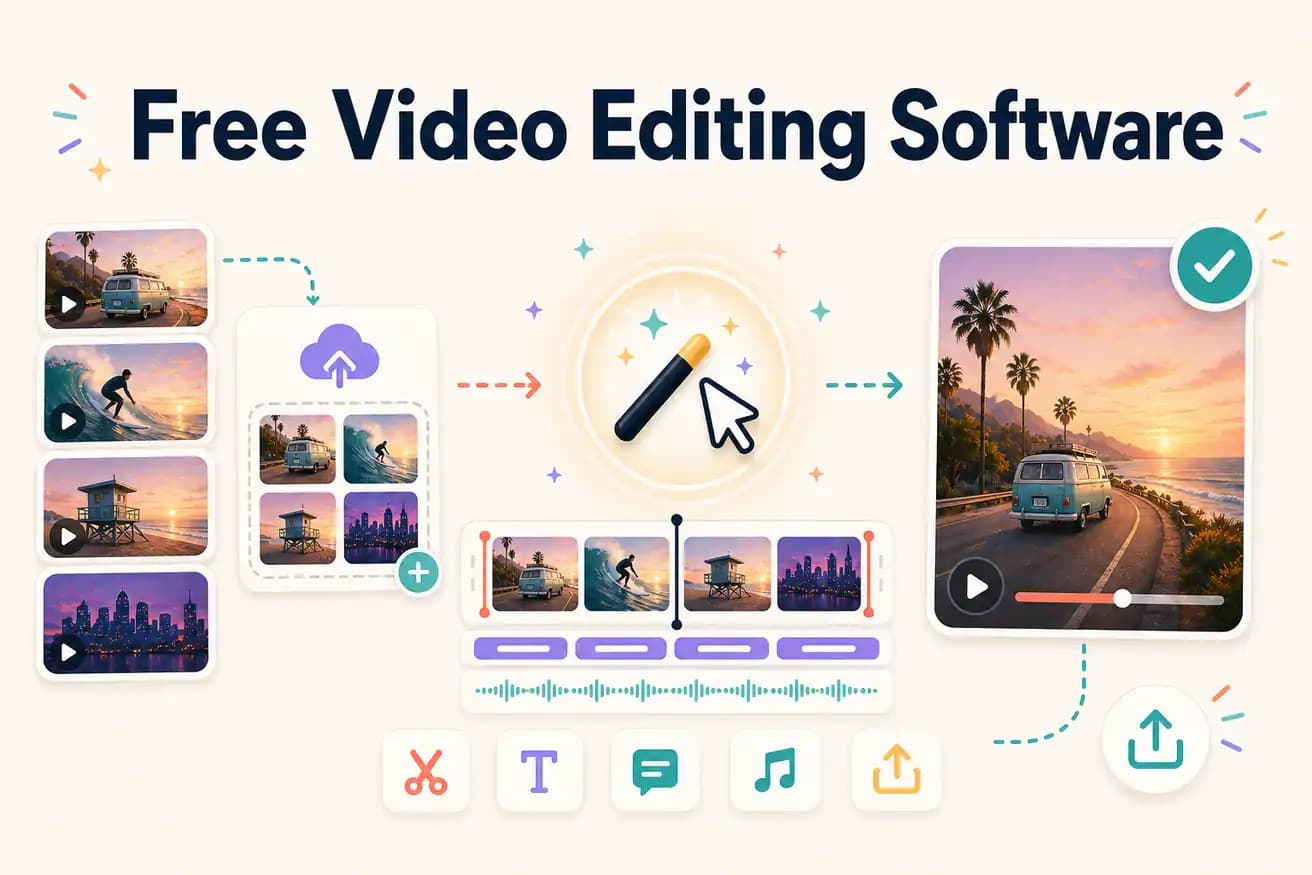
For unlimited professional editing: DaVinci Resolve. For cross-platform open-source: Shotcut or Kdenlive. For AI editing evaluation: Editly's free tier (3 exports). For Windows 11 convenience: Clipchamp. The 'best' depends on whether you prioritize unlimited access, professional tools, AI automation, or platform convenience.
Comparing the main free options across the dimensions that matter for ongoing use.
| Decision | Other Apps | Editly |
|---|---|---|
| Usage limits | DaVinci Resolve / Shotcut / Kdenlive: unlimited — edit as many videos as you want, forever free | Editly: 3 free AI-edited exports — full quality, no watermark — then $28/month |
| Time per video | Free NLEs: 1-4 hours per video — manual editing is always manual regardless of software quality | Editly: 15-20 minutes per video — AI makes the editorial decisions |
| Silence removal | Free NLEs: manual only — no built-in silence detection in any major free editor | Editly: silence removal is a prompt instruction — works on all plans |
| Auto-captions | DaVinci Resolve: Speech to Text (requires setup); others: SRT import required | Editly: captions generated from spoken content on every edit |
Step 1
How many videos do you edit per month? If it's 1-2, free manual editing with DaVinci Resolve is likely fine. If it's 10+, the manual time adds up significantly.
Step 2
Use DaVinci Resolve on one video. Use Editly's free tier on the same footage. Compare output quality and time investment. That comparison is more valuable than any marketing claim.
Step 3
If DaVinci takes 3 hours per video and you edit 10 videos per month: 30 hours. If Editly takes 20 minutes per video for the same 10: 3.3 hours. Is the 26-hour difference worth $28/month?
Step 4
Either choice is reasonable depending on your situation. The worst outcome is spending weeks bouncing between tools instead of producing content.
DaVinci Resolve free is always there as an option. Use Editly's free tier to understand what the alternative looks like. 3 real exports, no watermark, no commitment.