Step 1
Upload footage in your browser
No OpenShot project file, no local processing. Upload your clip — interviews, tutorials, demos — directly to Editly.
Editly AI
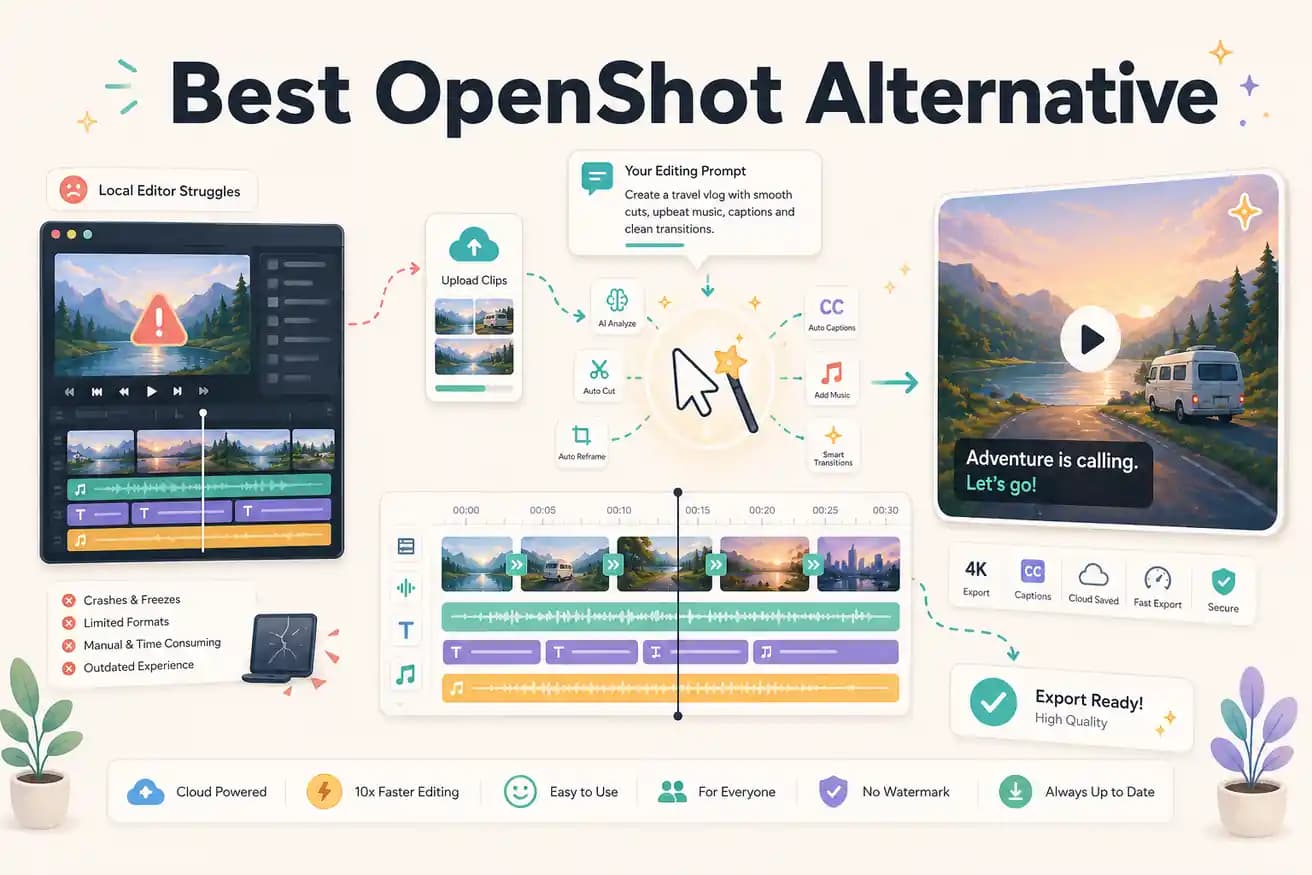
OpenShot processes video locally using your CPU and RAM. On older hardware or complex projects, it runs out of resources and crashes. Editly processes in the cloud — your device only runs a browser, so hardware limitations don't affect the edit.
OpenShot and Editly both have free access. The difference is local vs cloud processing and manual vs AI-driven editing.
| Decision | OpenShot | Editly |
|---|---|---|
| Stability | OpenShot: known to crash on complex projects and long recordings — local processing dependent on hardware | Editly: cloud-based processing via Acute — footage processed server-side, no local crashes |
| Silence removal | OpenShot: no silence removal — requires manual scrubbing or external tools like auto-editor | Editly: silence removal is a prompt option — automatically applied to the full recording |
| Auto-captions | OpenShot: no built-in caption generation — requires SRT file import and manual timing | Editly: captions generated from spoken content as part of the edit prompt |
| Hardware requirement | OpenShot: performance degrades on older hardware — crashes more common on low-RAM machines | Editly: any browser on any device — cloud processing means hardware doesn't matter |
Step 1
No OpenShot project file, no local processing. Upload your clip — interviews, tutorials, demos — directly to Editly.
Step 2
Instead of building an OpenShot timeline, write: 'Remove silences, trim to 5 minutes, add captions, export YouTube 16:9.' One prompt covers what would take an hour in OpenShot.
Step 3
Editly's Acute engine processes your footage server-side. No crash risk, no render wait — just a finished video.
Step 4
Changes are text instructions. No OpenShot project to reload, no timeline to rebuild if the preview crashes.
If your last OpenShot session crashed or took longer than you expected, test Editly's approach. Upload footage, write a prompt, receive a finished video. 3 exports free.