Step 1
Upload your footage
No Creative Cloud login. No project setup. Upload your raw recordings directly to Editly in any browser.
Editly AI
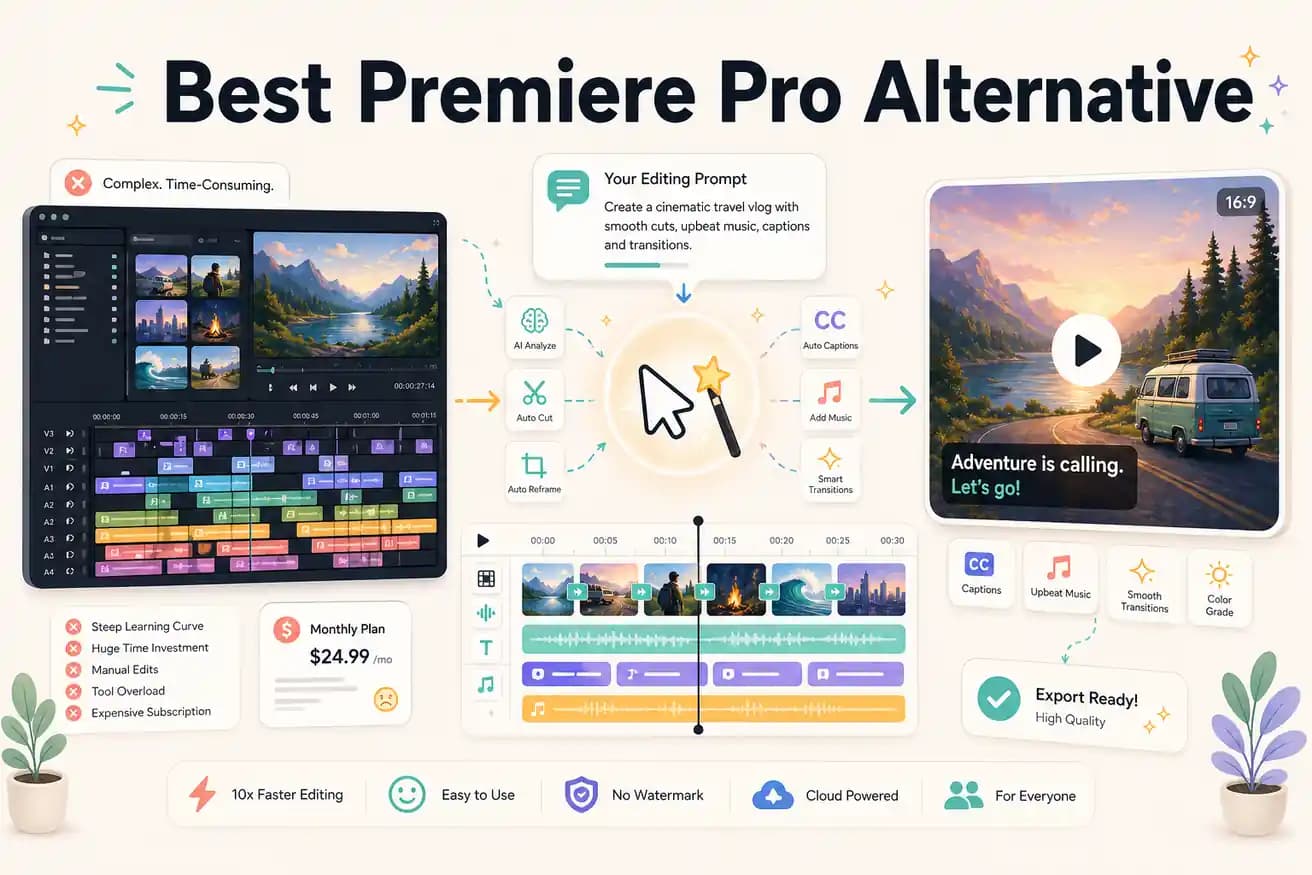
For content creators publishing to YouTube, Instagram, LinkedIn, and TikTok — yes, for most use cases. For broadcast, commercial, or film production requiring professional color, multicam, or broadcast formats — no. Premiere Pro remains essential for those workflows.
This comparison is for content creators, not broadcast professionals. If you're publishing to web platforms, here's what matters.
| Decision | Premiere Pro | Editly |
|---|---|---|
| Monthly cost | Premiere Pro: $55/month for Creative Cloud single-app — $660/year for the timeline | Editly: $28/month for 100 AI-edited exports — $336/year for automated output |
| Time per video | Premiere Pro: 2-4 hours per video for import, organize, rough cut, fine cut, caption, color, export | Editly: 10-20 minutes per video — write a prompt, review the output, add follow-up if needed |
| Silence removal | Premiere Pro: requires manual scrubbing or third-party extensions — not built-in | Editly: a single prompt instruction applied automatically across the entire recording |
| Platform requirement | Premiere Pro: requires macOS or Windows with dedicated GPU for good performance | Editly: any browser on any device — all processing is cloud-based |
Step 1
No Creative Cloud login. No project setup. Upload your raw recordings directly to Editly in any browser.
Step 2
Describe what you'd build in Premiere: 'Remove silences, trim to 8 minutes, add captions, start with the strongest quote, export 1080p for YouTube.'
Step 3
Editly returns a finished edit. No render bar, no proxy setup — just a video to review.
Step 4
Changes are text — not timeline adjustments, not Sequence settings, not Effect Controls panel hunting.
Before renewing Premiere Pro, test one video in Editly. Upload it, write a prompt, see if the output meets your standard. 3 exports free, no Creative Cloud required.