Step 1
Upload your raw footage
Add your clips to Editly — interviews, screen recordings, talking-head content. No bin setup, no project config required.
Editly AI
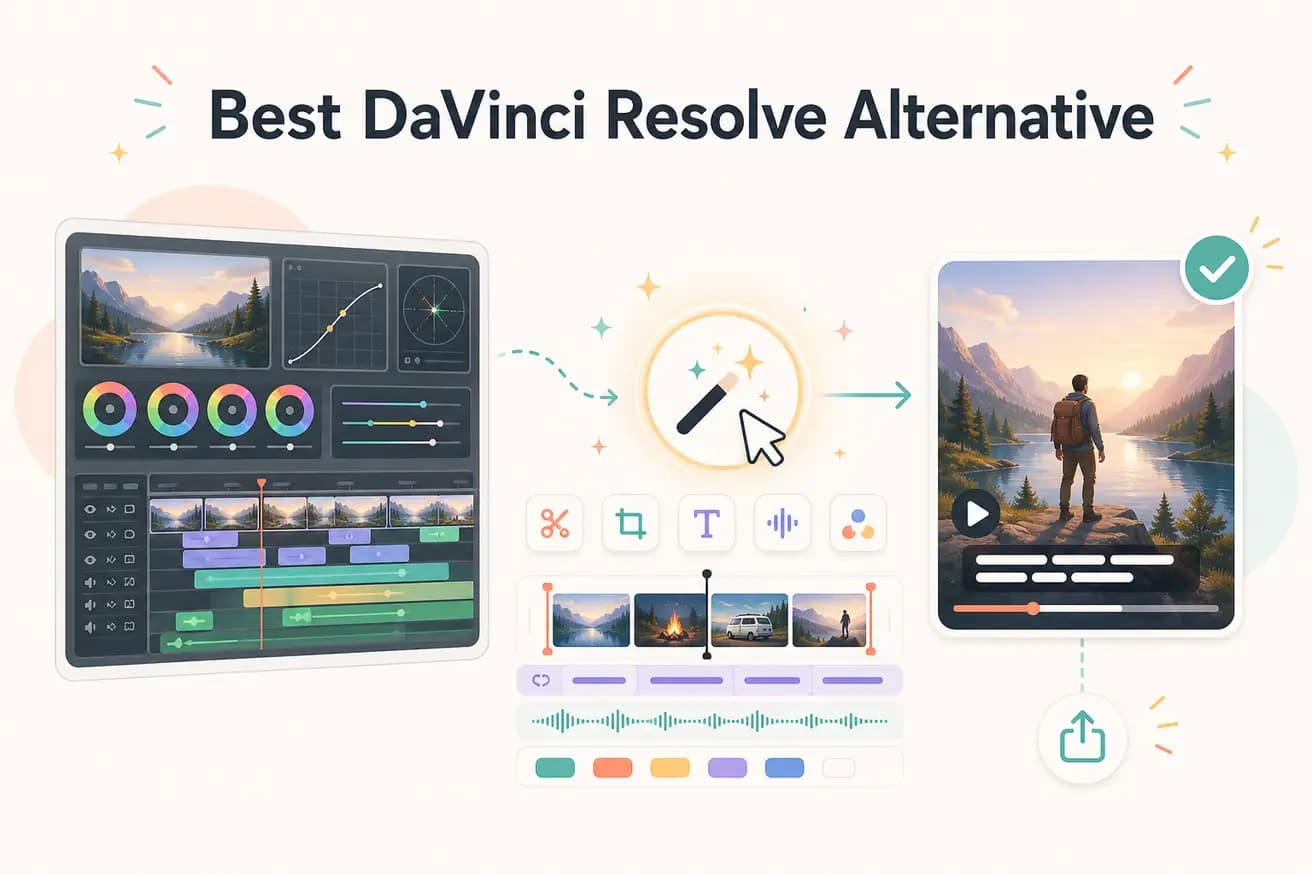
They solve different problems. DaVinci Resolve is a complete post-production suite for film and broadcast. Editly is an AI-powered editor for content creators who need fast, consistent video output. If you're color grading commercial work, use DaVinci. If you're cutting YouTube content, Editly is faster.
Compared on the tasks that most content creators actually need — not Hollywood post-production.
| Decision | DaVinci Resolve | Editly |
|---|---|---|
| Setup time | DaVinci Resolve: download 2.5GB installer, configure project settings, set up media bins, optimize GPU settings before touching a clip | Editly: open editly.in in a browser, upload footage, write a prompt — done in 60 seconds |
| Silence removal | DaVinci Resolve: no native silence removal — requires third-party scripts or manual scrubbing through the Cut or Edit timeline | Editly: include 'remove silences' in your prompt — applied automatically across the entire clip |
| Captions | DaVinci Resolve: requires Subtitle track, manual timing, or paid Magic Mask/transcription tools in Studio version | Editly: captions are a prompt instruction — style, position, and timing handled automatically |
| Hardware requirement | DaVinci Resolve: prefers a dedicated GPU, benefits from 32GB RAM for 4K work; Studio version costs $295 | Editly: runs in any browser, any device — all processing is cloud-side via the Acute engine |
Step 1
Add your clips to Editly — interviews, screen recordings, talking-head content. No bin setup, no project config required.
Step 2
Example: 'Keep the best 5 minutes, remove silences longer than 0.8s, add white captions at the bottom, export for YouTube 16:9.' That's your timeline.
Step 3
The Acute engine returns your cut. Watch it through and compare it to what you'd expect after two hours in DaVinci.
Step 4
Need the ending reworked? Type it. Need the captions repositioned? Type it. No node editor, no render queue — just a follow-up prompt.
The free tier gives you 3 full AI-edited exports. Upload the kind of footage you'd normally bring into DaVinci and see how the prompt-driven approach compares.