Step 1
Upload your footage
Drop your clips into Editly. It accepts standard formats and handles long recordings — no need to pre-trim or organize.
Editly AI
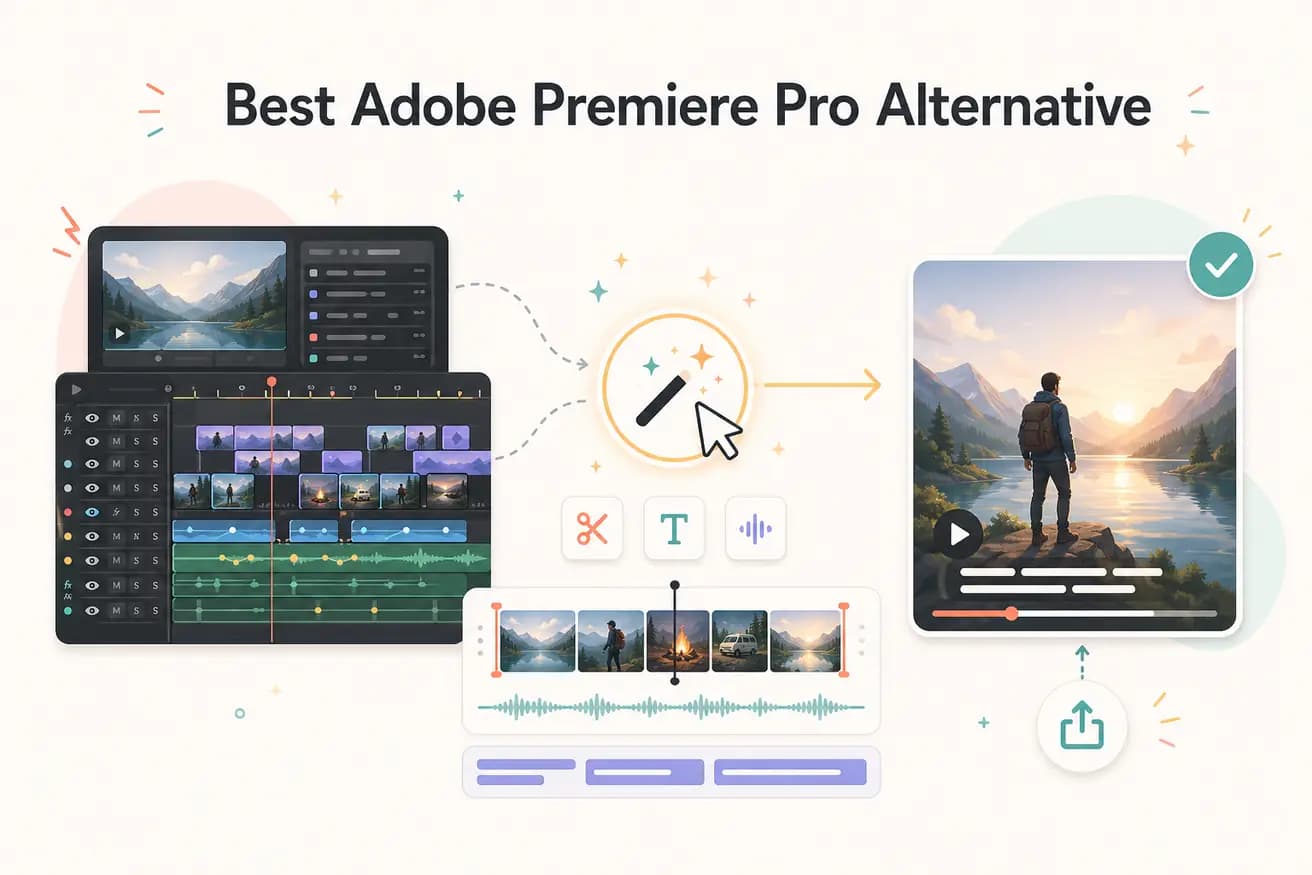
For most YouTube content — talking-head videos, vlogs, tutorials, interviews — yes. Editly handles the editing that 80% of YouTube creators need: cuts, captions, silence removal, reframing. For cinematic films or heavily color-graded content, Premiere Pro is still the better choice.
This comparison focuses on the practical differences for content creators and marketers — not film school students.
| Decision | Adobe Premiere Pro | Editly |
|---|---|---|
| Time to first cut | Premiere Pro: set up project, import clips, organize bins, build sequence, manual trim, render preview — hours for a first draft | Editly: upload footage, write a prompt, receive a cut — typically under 10 minutes for a 5-minute video |
| Cost | Premiere Pro: $55/month for Creative Cloud single-app, plus hardware requirements and plugin costs | Editly: free tier (3 credits), Pro $28/month (100 credits), Max $70/month (500 credits) |
| Captions and silence removal | Premiere Pro: requires Speech to Text panel for captions, no built-in silence removal without extensions | Editly: both are prompt-driven and applied automatically as part of the same edit instruction |
| Learning curve | Premiere Pro: significant — panels, bins, sequences, effects, audio mixer, export settings all require learning | Editly: if you can write an email, you can write an edit prompt — zero new interface to learn |
Step 1
Drop your clips into Editly. It accepts standard formats and handles long recordings — no need to pre-trim or organize.
Step 2
Describe what a Premiere editor would do: 'Remove silences over 1 second, add captions, cut to 4 minutes, reframe for 16:9, start with the strongest quote.'
Step 3
Editly's Acute engine processes your instructions and returns a draft video. No rendering wait — it's cloud-processed.
Step 4
Need changes? Type them: 'Make the intro 10 seconds shorter', 'Add a lower-third at 1:20'. No timeline, no project file — just prompts.
Take the 10 minutes you would spend setting up a Premiere project and spend it testing Editly instead. Upload a real clip, write a real prompt, see if the output meets your standard.