Step 1
Open Firefox and go to editly.in
No package manager, no PPA, no dependency installation. Just open the website in your existing Firefox browser.
Editly AI
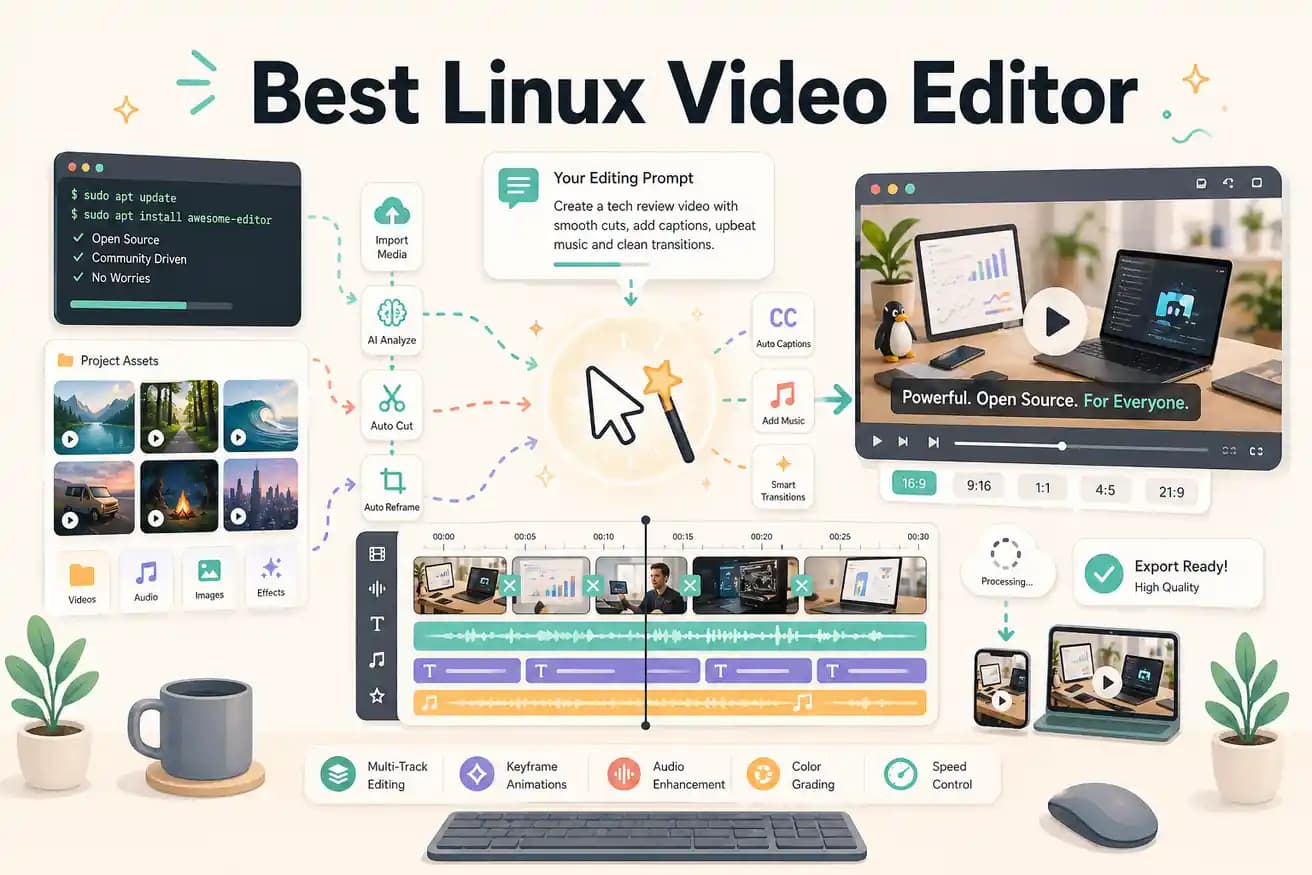
For native Linux editing: Kdenlive is the most full-featured. Shotcut is cross-platform and stable. DaVinci Resolve runs on Linux with some setup. For AI-powered browser-based editing: Editly works in Firefox on any Linux distribution with no installation required.
Comparing the main Linux editing options on what matters for content creators.
| Decision | Other Apps | Editly |
|---|---|---|
| Installation on Linux | Kdenlive / Shotcut: native Linux install — may require dependency management on some distros | Editly: open Firefox, go to editly.in — no installation, no dependencies |
| Silence removal | Kdenlive / Shotcut: no built-in silence detection — requires manual scrubbing or external scripts | Editly: silence removal is a prompt instruction — applied automatically |
| Auto-captions | Kdenlive / Shotcut: no built-in caption generation from spoken content — requires SRT file import | Editly: captions generated from spoken content as part of the edit prompt |
| GPU requirement | Kdenlive / DaVinci Resolve: benefit significantly from GPU acceleration on Linux | Editly: all processing is cloud-based — GPU requirement is irrelevant |
Step 1
No package manager, no PPA, no dependency installation. Just open the website in your existing Firefox browser.
Step 2
Add your raw recording from your Linux file system. Editly handles MP4, MOV, and MKV files.
Step 3
Example: 'From this 30-minute interview, create a 5-minute YouTube video. Remove silences. Add captions. Keep the most insightful parts. Export 16:9.' That replaces a Kdenlive project.
Step 4
Editly returns an MP4 to your browser. Download it to your Linux file system and post directly.
Open Firefox, go to editly.in, upload footage that you'd normally edit in Kdenlive or Shotcut. Write a prompt. Compare the time and output. 3 exports free.
Related editing pages