Step 1
Upload your recorded footage
Bring in your interview, product demo, webinar clip, or raw footage. Editly handles long recordings and multi-clip projects.
Editly AI
No — Editly edits footage you've already recorded. It doesn't generate video from a script or pull stock footage. If you need to create video content from text alone, InVideo is the right tool for that workflow.
The right choice depends on whether you're creating from scratch or editing footage you already have.
| Decision | InVideo | Editly |
|---|---|---|
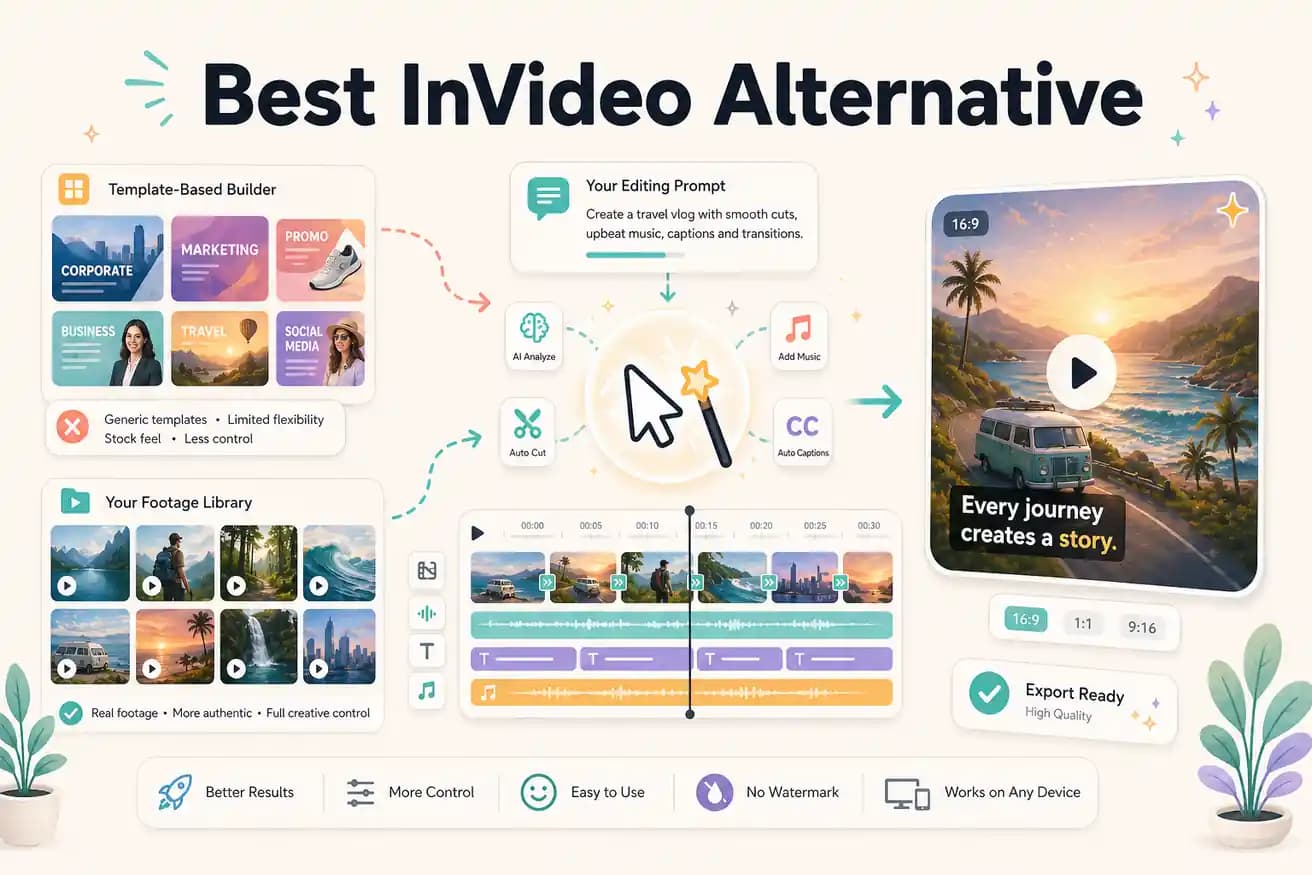
| Input type | InVideo: starts from a script, topic, or template — fills with stock footage and AI narration | Editly: starts from your raw footage — AI edits it according to your prompt |
| Editing approach | InVideo: template builder with drag-and-drop scene editing and stock asset library | Editly: plain-English prompt — describe the cut, receive the video |
| Silence removal | InVideo: not applicable to template workflow; footage-based editing requires manual trimming | Editly: silence removal is a prompt instruction — applied automatically across uploaded footage |
| Pricing for clean exports | InVideo: $30/month Business plan to remove watermark and access full features | Editly: 3 free clean exports; Pro $28/month for 100 exports |
Step 1
Bring in your interview, product demo, webinar clip, or raw footage. Editly handles long recordings and multi-clip projects.
Step 2
Write a prompt like 'extract the 3 most useful tips from this webinar, add captions, keep it under 5 minutes, export for LinkedIn.' No template selection needed.
Step 3
Editly identifies the best segments, removes dead air, applies captions, and assembles the edit according to your instructions.
Step 4
Need the intro reworked or a different clip at the start? A follow-up prompt adjusts it without rebuilding the whole project.
If you have footage sitting on your drive that needs editing, Editly is the faster path. Upload, prompt, receive. No templates, no subscription required to start.