Step 1
Upload your footage directly
Add your interview, product demo, or webinar clip. No Canva template selection, no brand kit setup.
Editly AI
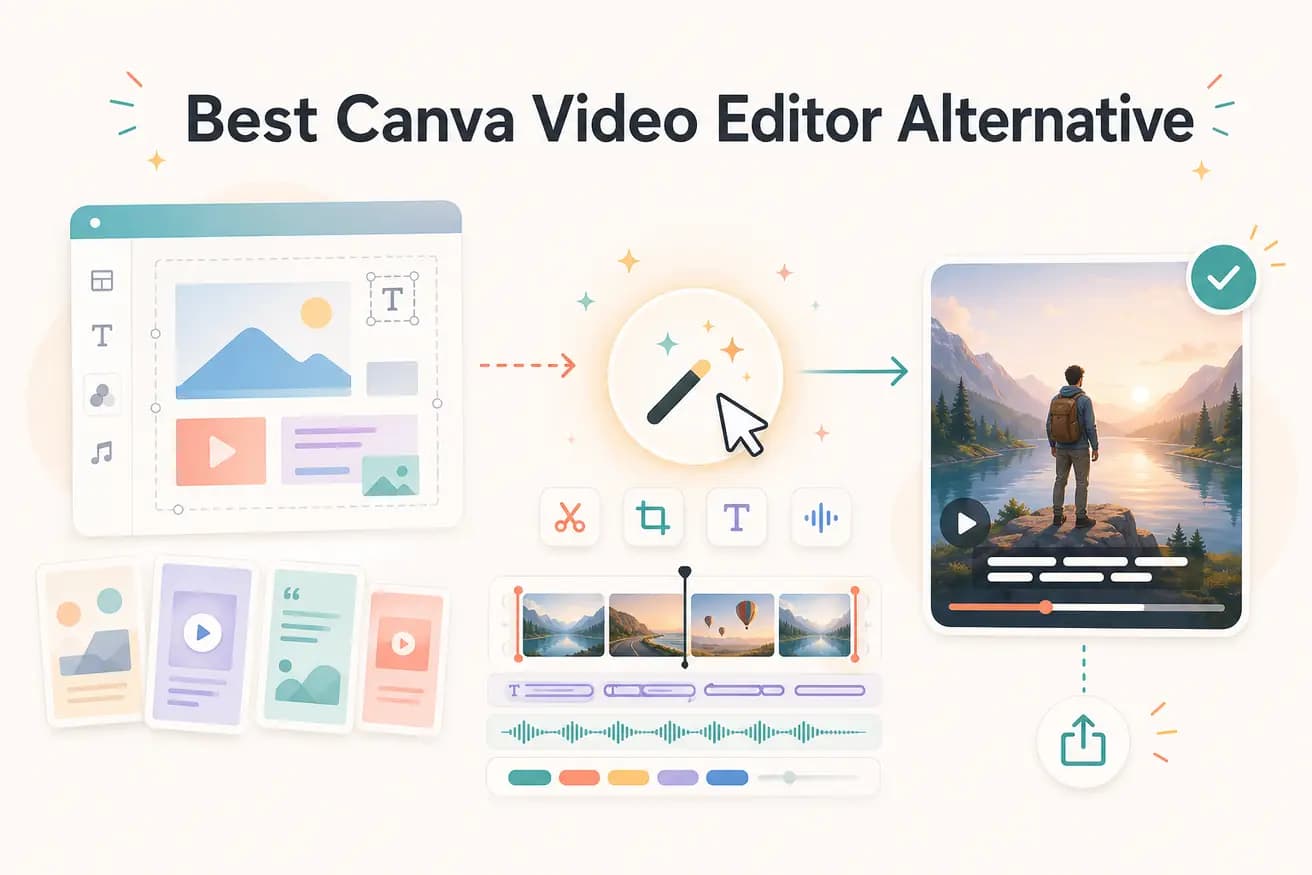
Editly edits footage; Canva Video creates designed content from templates. They solve different problems. If you want branded social graphics with consistent design elements, use Canva. If you have raw footage that needs cutting, captioning, and delivery, use Editly.
Canva Video and Editly both create social content but from very different starting points. Here's where each fits.
| Decision | Canva Video Editor | Editly |
|---|---|---|
| Starting point | Canva Video: starts from a design template — you fill in media, text, and brand elements | Editly: starts from your raw footage — AI edits it according to your plain-English prompt |
| Silence removal | Canva Video: no silence removal capability — it's a design tool, not an editorial editor | Editly: 'remove silences' is a standard prompt instruction applied automatically to footage |
| Auto-captions | Canva: has caption generation but designed for styled branded text overlays, not raw footage transcription | Editly: captions generated from spoken content in your footage and applied automatically as part of the edit |
| Best use case | Canva Video: branded social graphics, presentation videos, ads built around designed templates | Editly: raw footage editing — interviews, demos, tutorials, webinar clips converted to polished video |
Step 1
Add your interview, product demo, or webinar clip. No Canva template selection, no brand kit setup.
Step 2
Write: 'Keep the best 3 minutes from this customer interview, remove silences, add captions, export 9:16 for Reels.' That's your complete edit brief.
Step 3
Editly analyzes your footage and builds the edit. No template adjustments, no design layer to navigate.
Step 4
Import the Editly export into Canva if you want to add brand overlays or intros. The clean MP4 works in any editor.
If you have footage that needs editing (not designing), try Editly free. Upload, prompt, receive. Compare the result to what you'd build in Canva.