Step 1
Record your first video
Phone, webcam, or screen recorder. Record what you want to share. Don't overthink it — Editly can work with imperfect recordings.
Editly AI
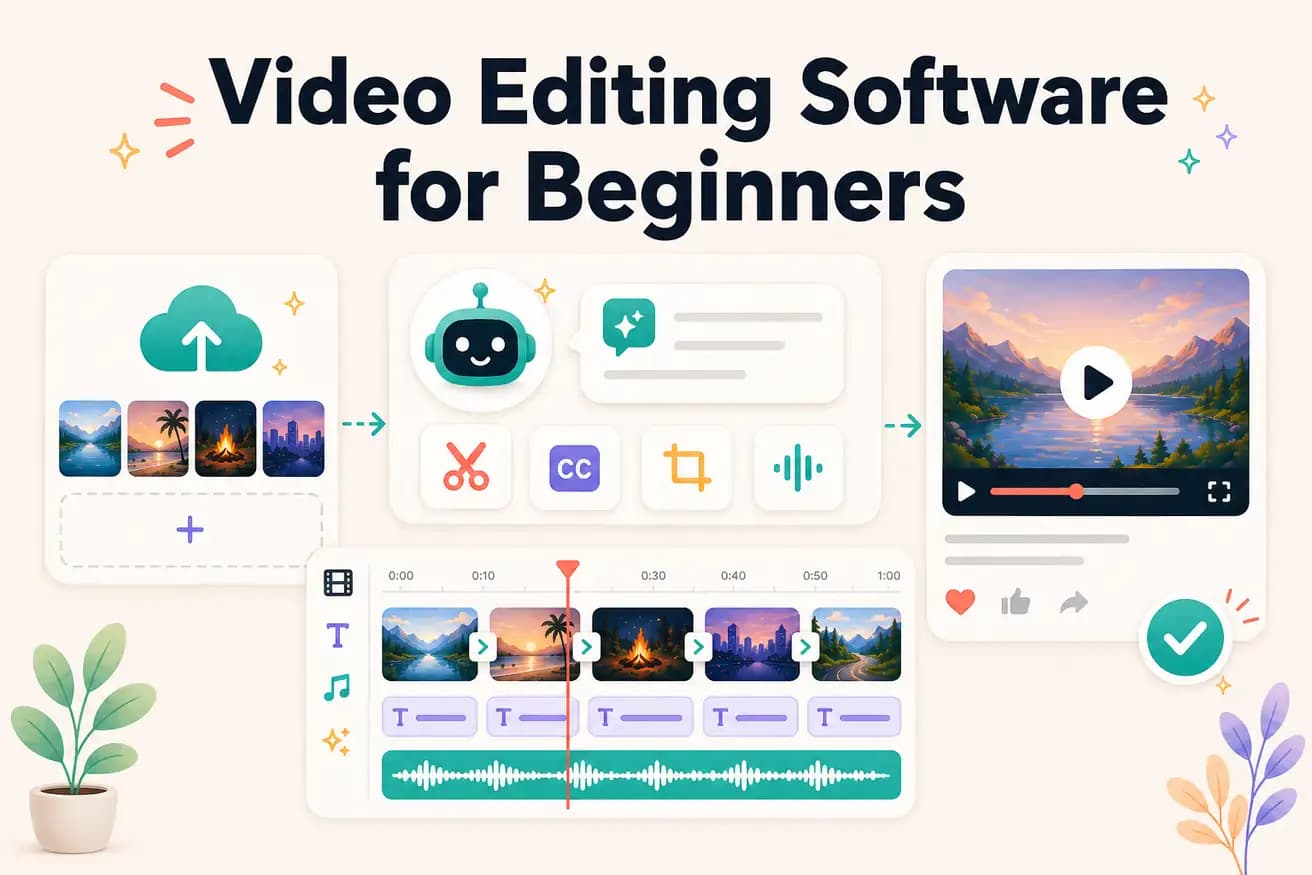
Editly has the lowest learning curve — describe what you want in English, AI produces it. Among traditional editors, Filmora and iMovie are the most beginner-friendly. The right choice depends on whether you want to develop editing skills or just publish videos.
Comparing beginner-friendly traditional editors against Editly's zero-learning-curve approach.
| Decision | Other Apps | Editly |
|---|---|---|
| Time to first usable video | Filmora / iMovie: 2-4 hours of learning + 1-2 hours of editing before first acceptable output | Editly: 15-20 minutes from footage to first video — no learning required |
| Learning requirement | Filmora / iMovie: need to learn timeline, trimming, text overlays, and export settings | Editly: zero — describe what you want in English |
| Silence removal | Beginner editors: not built-in — manual scrubbing required | Editly: 'remove silences' in the prompt — applied automatically |
| Captions | Beginner editors: requires understanding text tracks, timing, and styling | Editly: 'add captions' in the prompt — generated automatically |
Step 1
Phone, webcam, or screen recorder. Record what you want to share. Don't overthink it — Editly can work with imperfect recordings.
Step 2
Go to editly.in, create a free account, upload your recording.
Step 3
'This is a 15-minute video about [topic]. Make an 8-minute YouTube video. Remove pauses. Add captions. Start with a hook.' That's everything Editly needs.
Step 4
Download the AI-edited result. Upload to YouTube, Instagram, or wherever. Your first video is done — today.
Don't spend weeks learning editing software. Use Editly's free tier to publish your first 3 videos. Learn as you go, not before you start.