Step 1
Open Chrome or Edge on Windows 10
Go to editly.in. Works on Windows 10 in any modern browser without downloading anything.
Editly AI
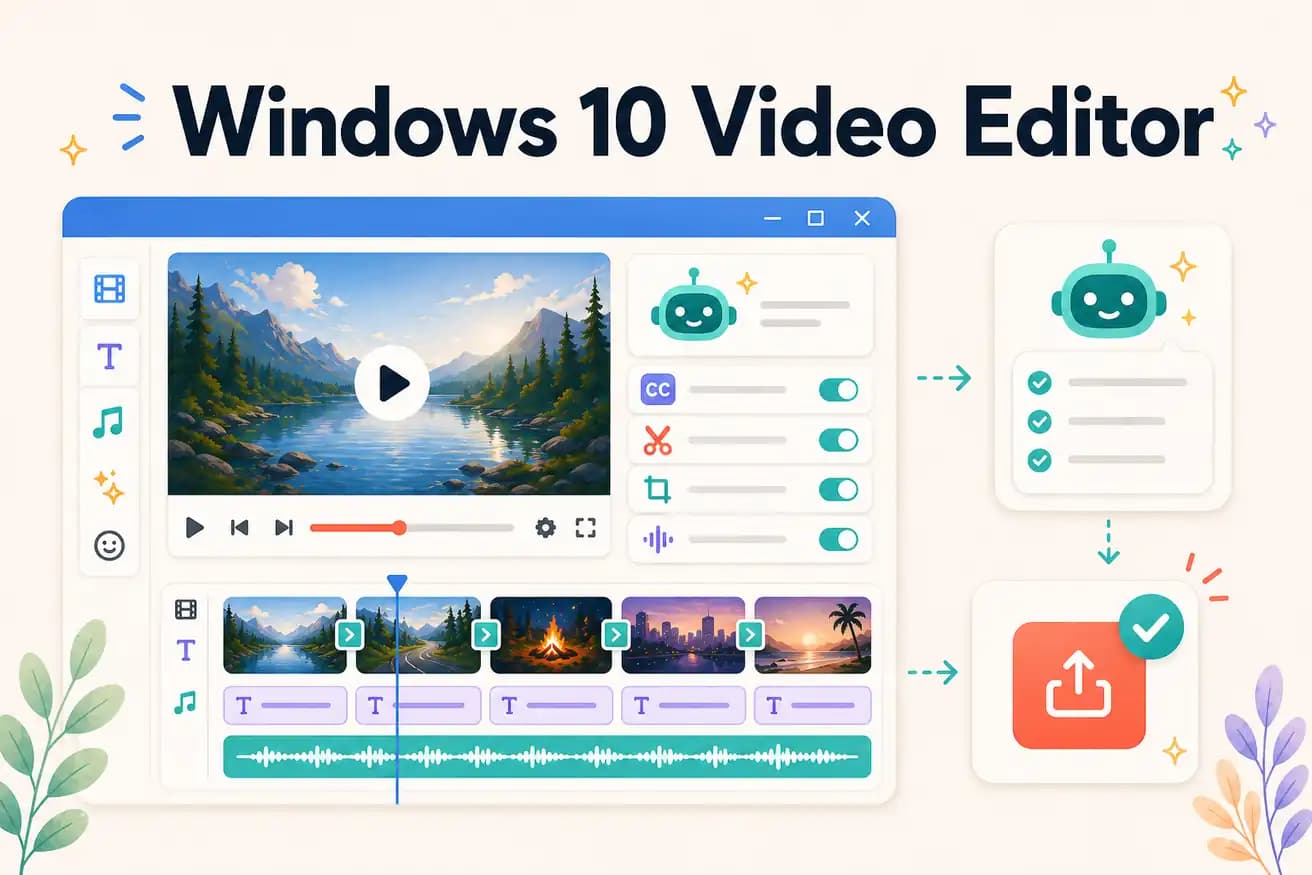
DaVinci Resolve is the best free professional Windows 10 editor. Editly works in any Windows 10 browser for AI-powered editing. Shotcut is a solid free alternative. Filmora is beginner-friendly with a paid subscription.
All major video editing options available to Windows 10 users in 2026.
| Decision | Other Apps | Editly |
|---|---|---|
| Free professional option | DaVinci Resolve: download for Windows 10, professional NLE, GPU-beneficial, unlimited exports | Editly: open Chrome on Windows 10, 3 free AI exports, no download, no GPU |
| Clipchamp availability | Clipchamp: NOT pre-installed on Windows 10 — available via web but not native | Editly: works on Windows 10 in any browser — Edge, Chrome, Firefox all work |
| Hardware requirement | DaVinci Resolve on Windows 10: GPU helps significantly — older PCs may struggle | Editly on Windows 10: any browser, any hardware — cloud processing |
| AI features | Windows 10 NLEs: DaVinci has Speech to Text; others have minimal AI | Editly: full AI editorial layer on Windows 10 via browser |
Step 1
Go to editly.in. Works on Windows 10 in any modern browser without downloading anything.
Step 2
Add your video files from Windows 10 file explorer. Editly handles MP4, MOV, and MKV files.
Step 3
'Cut to 5 minutes, remove silences, add captions, export 16:9.' Cloud processes it — your Windows 10 PC doesn't render.
Step 4
Editly returns an MP4 to Chrome on Windows 10. No Windows 11 or GPU required.
Still on Windows 10? Open Chrome or Edge, go to editly.in, upload footage, write a prompt. 3 free AI-edited exports without upgrading or downloading anything.