Step 1
Open editly.in in your browser
Any browser, any OS. No download. Works on desktop, tablet, and mobile.
Editly AI
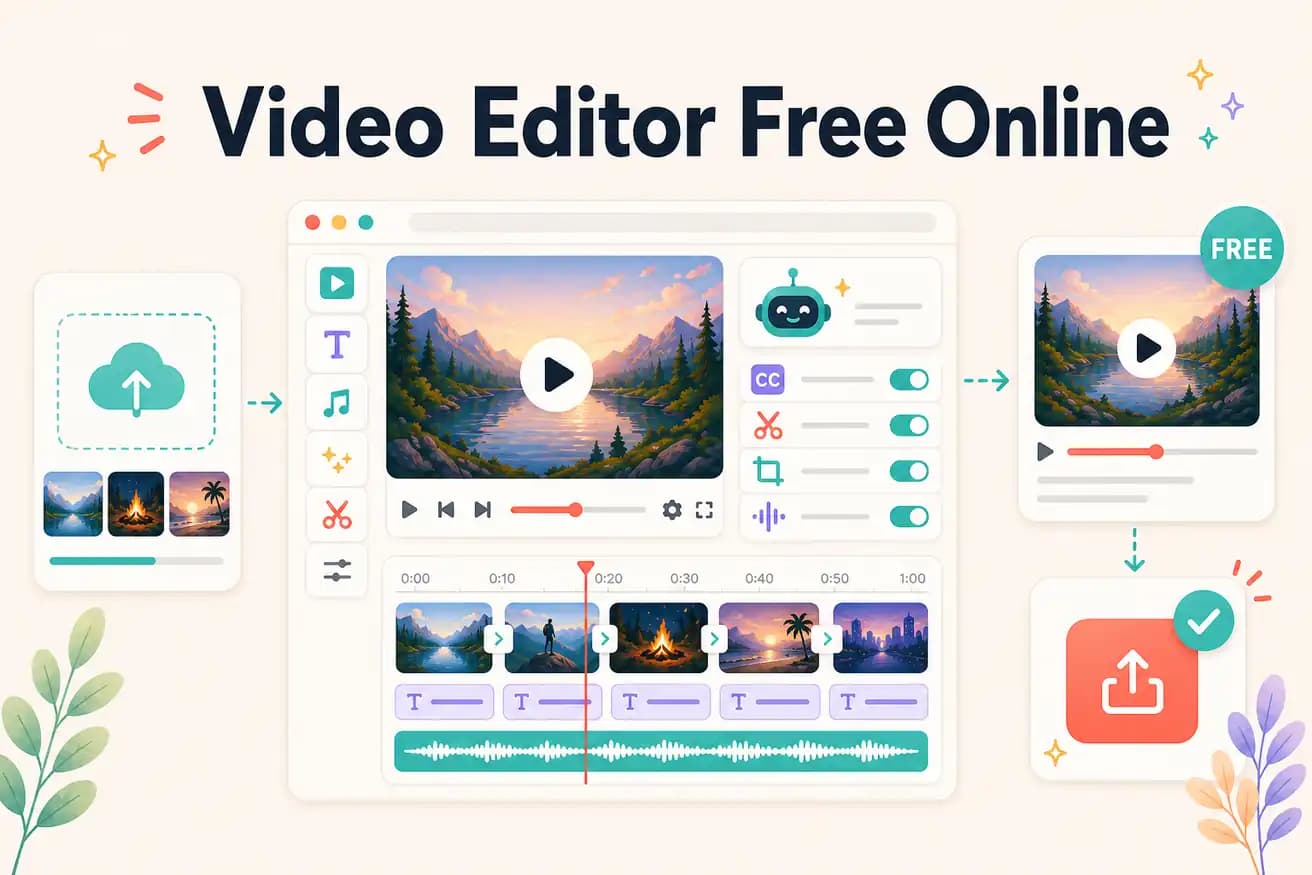
Editly's free tier gives 3 AI-edited exports without a watermark. Clipchamp (Windows) provides unlimited online editing without a watermark. Kapwing and VEED add watermarks on free tiers.
Comparing free online video editors on the dimensions that actually matter.
| Decision | Other Apps | Editly |
|---|---|---|
| Watermark | Kapwing / VEED free: adds watermark — subscription required for clean output | Editly: no watermark on all 3 free AI-edited exports |
| AI editing | Clipchamp / Kapwing: manual online editors — AI features limited on free tiers | Editly: full AI editing on all 3 free exports — silence removal, captions, segment selection |
| Limits | Clipchamp: unlimited free — manual editing, basic features | Editly: 3 free AI exports — then $28/month for 100 |
| No download required | Clipchamp / Kapwing / VEED: all browser-based, no download | Editly: browser-based, no download — works in any browser on any OS |
Step 1
Any browser, any OS. No download. Works on desktop, tablet, and mobile.
Step 2
Sign up free (no card). Upload your video. Get 3 AI-editing credits.
Step 3
'Create a 5-minute YouTube video from this interview. Remove silences. Add white captions. Export 16:9.' One instruction covers the whole edit.
Step 4
Finished MP4 with no watermark. Same quality as paid exports. Use your remaining 2 credits on different content types.
Open any browser, go to editly.in, upload footage, write a prompt. 3 free AI-edited online exports, no watermark, no download, no card.