Step 1
Start with your most common content type
Use export 1 on the footage type you edit most often. This gives you the most relevant quality comparison.
Editly AI
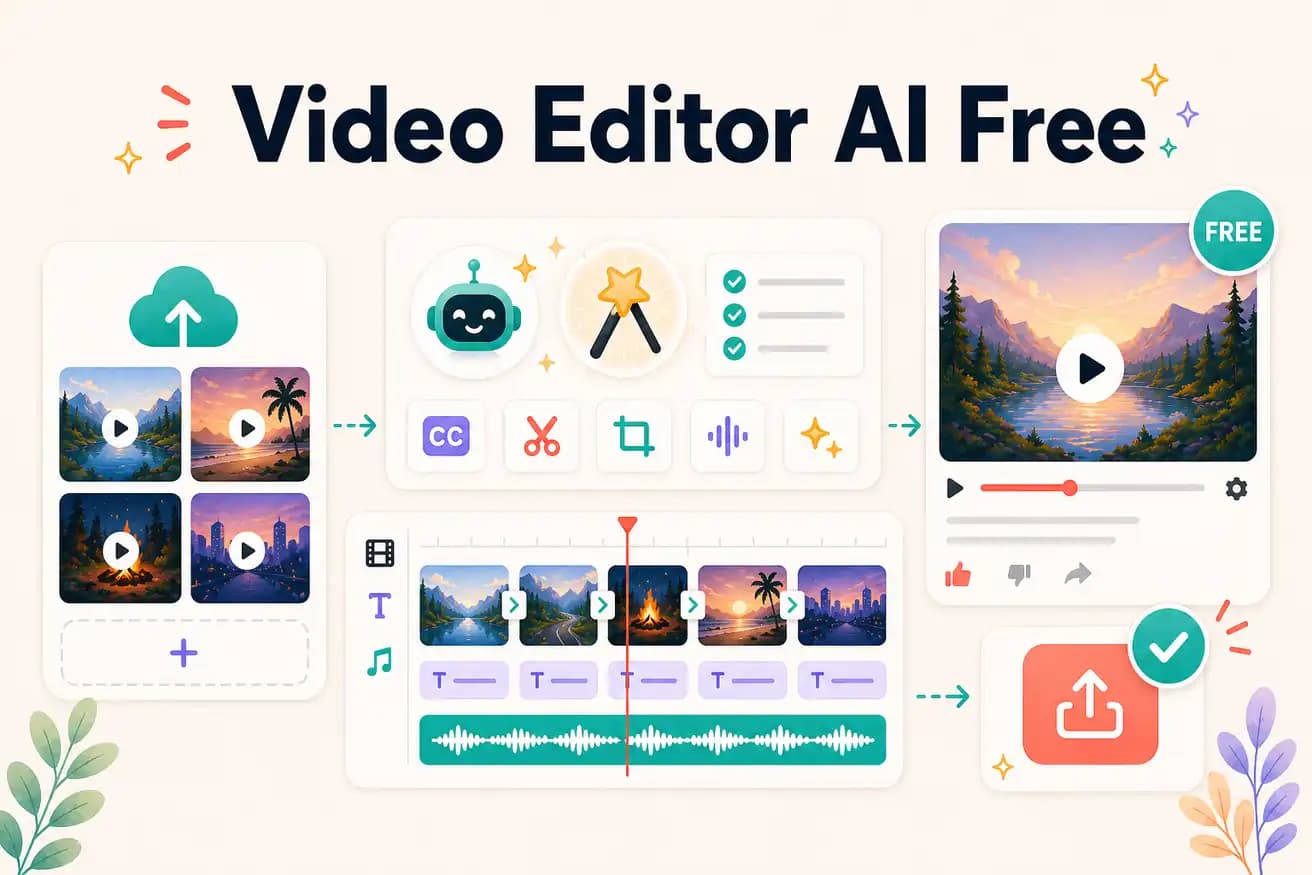
Yes — Editly's free tier gives 3 full AI-edited exports with no watermark. These are complete AI-edited videos at the same quality as paid exports.
Comparing free AI video editing options on the criteria that matter for real evaluation.
| Decision | Other Apps | Editly |
|---|---|---|
| AI features on free tier | Most AI tools: limited AI on free — silence removal or captions require subscription | Editly: full AI editing on all 3 free exports — silence removal, captions, clip selection |
| Watermark | Most free AI tools: watermark on free outputs — subscription required for clean video | Editly: no watermark on any free export — honest quality evaluation |
| Credit card | Many AI tools: credit card required even for free trial | Editly: no credit card required for 3 free exports |
| Unlimited free option | DaVinci Resolve: unlimited free professional editing — manual timeline required | Editly: 3 free AI exports — then $28/month for 100 more |
Step 1
Use export 1 on the footage type you edit most often. This gives you the most relevant quality comparison.
Step 2
'Create a 5-minute YouTube video from this interview. Remove silences. Add white bold captions. Start with the strongest answer. Export 1080p 16:9.' Be specific — it improves the output.
Step 3
Time the Editly process from upload to download. Compare to how long the same edit takes in your current editor.
Step 4
Test a different content type (social clip, Shorts format) and a different prompt approach. Three exports gives a comprehensive view.
3 full AI-edited exports, no watermark, no credit card. The most honest free evaluation of AI video editing available.
Related editing pages