Step 1
Create a free account at editly.in
No credit card needed. 3 AI-editing credits provided immediately.
Editly AI
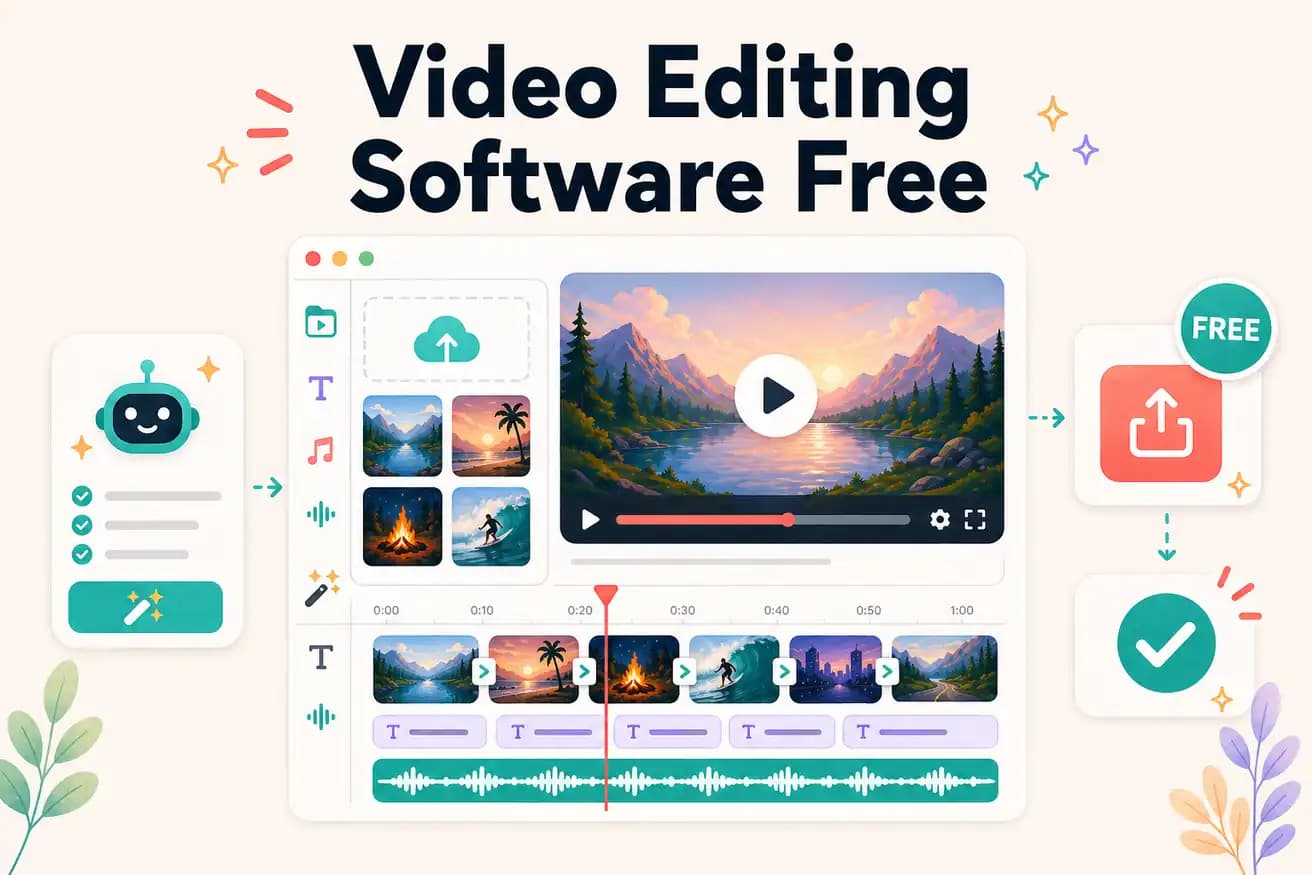
DaVinci Resolve is the best free traditional video editing software — professional quality, unlimited, no watermark. Editly's free tier is the best for testing AI editing — 3 full exports, no watermark, no card required.
Comparing the genuine free options with honest assessment of what each costs beyond zero dollars.
| Decision | Other Apps | Editly |
|---|---|---|
| DaVinci Resolve (free) | Unlimited professional editing, no watermark — costs significant learning time and manual editing time per video | Editly free: 3 AI-edited exports — zero learning time, 15-20 minutes per video, then $28/month |
| Shotcut / Kdenlive (free) | Unlimited editing, open-source, no watermark — lighter than DaVinci but still manual | Editly free: AI automation vs manual timeline — different approach entirely |
| Silence removal | Free NLEs: not built-in — manual scrubbing required every time | Editly: 'remove silences' in the prompt — automated, included in free tier |
| Total time to 10 videos/month | Free NLEs: 20-40 hours manual editing time | Editly: 3.3 hours total (after free tier: $28/month) |
Step 1
No credit card needed. 3 AI-editing credits provided immediately.
Step 2
Add the video you want edited. Any standard format, any length.
Step 3
'Create a 5-minute YouTube video from this 25-minute recording. Remove silences. Add captions. Export 1080p.' That's your complete edit instruction.
Step 4
Edit the same footage in DaVinci. Compare time and output quality. Make an informed decision about which approach fits your workflow.
DaVinci Resolve is always there for unlimited free manual editing. Use Editly's 3 free exports to understand what AI editing looks like on your actual content.