Step 1
Sign up for free — no credit card
Create an Editly account and get 3 credits immediately. No payment required to start.
Editly AI
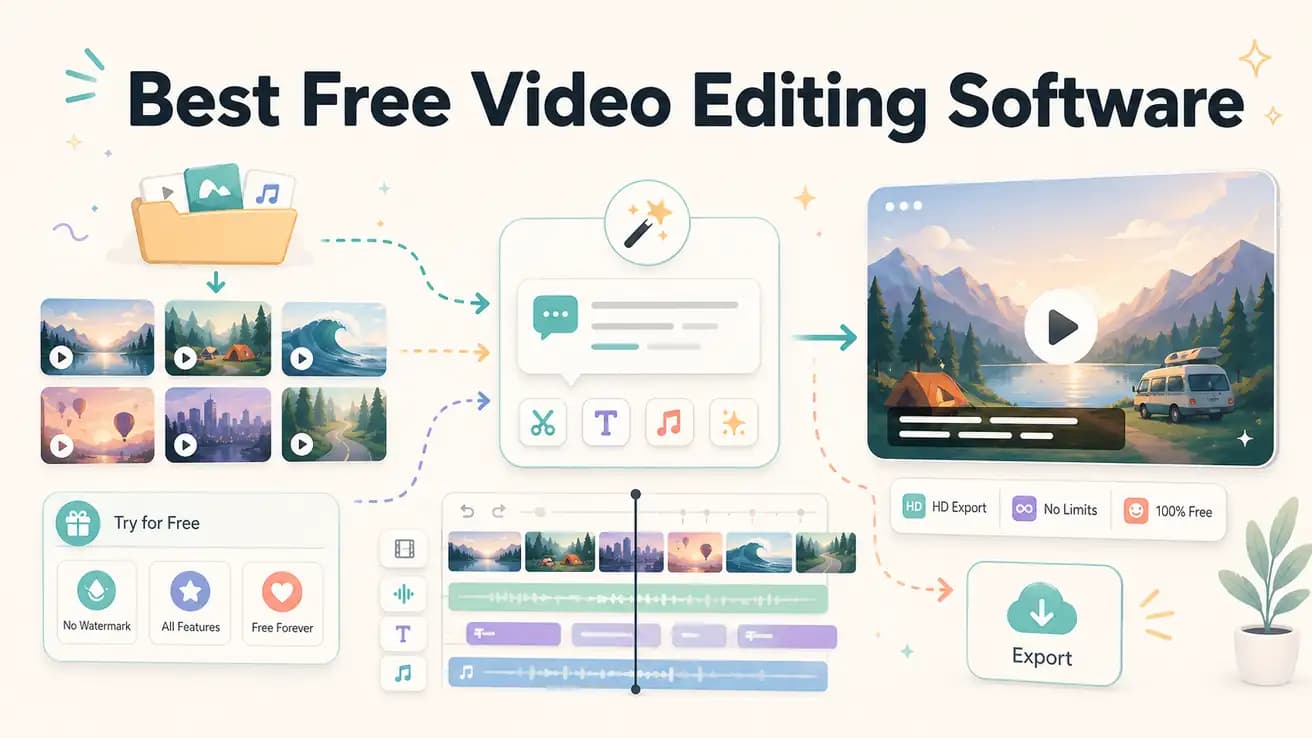
DaVinci Resolve is the best free traditional NLE — professional-grade features at zero cost. Editly's free tier is the best free AI video editing option — 3 full AI-edited exports with no watermark. The 'best' depends on whether you want manual control or automated speed.
Comparing the best free options for creators who need to make a decision about their editing workflow.
| Decision | Other Apps | Editly |
|---|---|---|
| Learning curve | Free NLEs (DaVinci, Shotcut): significant — timelines, bins, color tools, export settings require time investment | Editly free tier: zero — write what you want, AI handles the execution |
| Silence removal | Free NLEs: not built in — requires manual scrubbing or external tools (auto-editor, etc.) | Editly: included in any prompt — 'remove silences' is a standard instruction |
| Auto-captions | Free NLEs: limited or none — DaVinci Resolve has a Speech to Text tool; Shotcut/OpenShot do not | Editly: captions generated from spoken content and applied as part of every edit prompt |
| Time per video | Free NLEs: 1-3 hours per video for typical content creator workflow | Editly: 10-20 minutes per video from upload to finished export |
Step 1
Create an Editly account and get 3 credits immediately. No payment required to start.
Step 2
Use the same footage you'd take into DaVinci Resolve or Shotcut. This is the apples-to-apples comparison.
Step 3
Describe the finished video: 'Trim to 5 minutes, remove silences, add captions, export for YouTube.' Compare the output and the time it took.
Step 4
If the output is acceptable and the time savings are significant, Pro at $28/month is the upgrade. If you want more manual control, the free NLEs are there.
Test AI editing alongside your current free video editor. Upload the same footage to both. Compare the output and the time invested. The answer to which is 'best' will be clear.