Step 1
Open editly.in in any browser
No download, no install. Any browser, any OS, any device — works equally well everywhere.
Editly AI
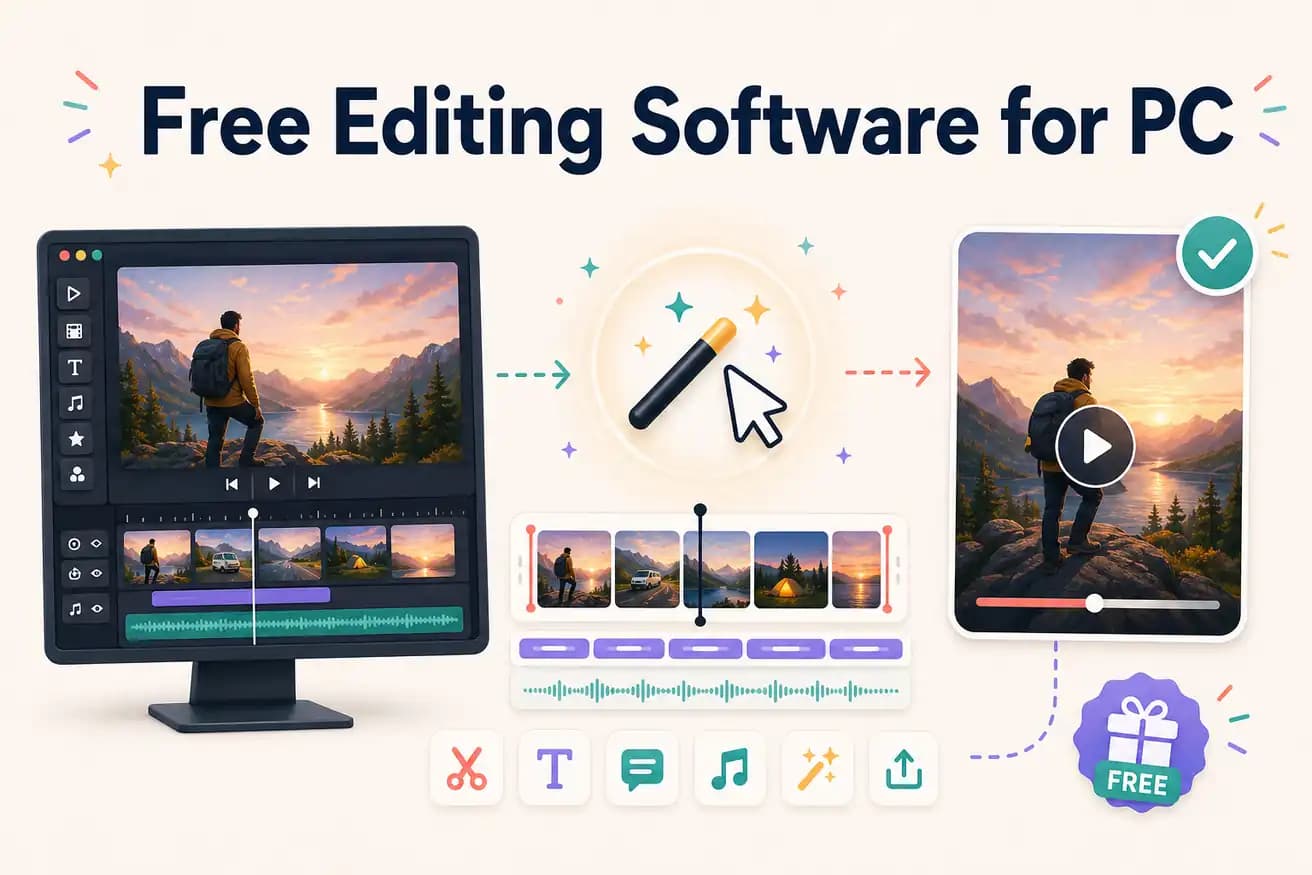
Editly's free tier gives 3 AI-edited exports without a watermark. Clipchamp (Windows) provides unlimited free online editing without a watermark. Kapwing and VEED add watermarks on free tiers.
Comparing the leading free online video editing options on watermark status, AI capability, and editing approach.
| Decision | Other Apps | Editly |
|---|---|---|
| Watermark on free tier | Kapwing / VEED: adds watermark on all free exports — subscription required for clean output | Editly: 3 free exports with no watermark — honest evaluation of AI editing quality |
| Silence removal | Free online editors: not available — requires manual timeline scrubbing | Editly: silence removal in any prompt — automated, no scrubbing required |
| Editing approach | Free online editors: browser timeline — manual editorial decisions per video | Editly: text prompt — AI makes editorial decisions |
| Long footage | Free online editors: browser timeline slows on long recordings; file size limits on some | Editly: cloud processing handles long recordings without browser performance issues |
Step 1
No download, no install. Any browser, any OS, any device — works equally well everywhere.
Step 2
Create a free account (no card). Upload your video. Get 3 AI-editing credits.
Step 3
Describe the edit: 'Make a 5-minute YouTube video from this 25-minute recording. Remove silences. Add captions. Export 16:9.' One instruction.
Step 4
The finished MP4 downloads with no watermark. Same quality as paid exports.
Test online AI editing on real footage. 3 clean exports, no timeline to navigate, no watermark. Just upload, write, download.