Step 1
Upload your YouTube recording
Add the raw footage — tutorial, interview, review. Full length, no pre-trim needed.
Editly AI
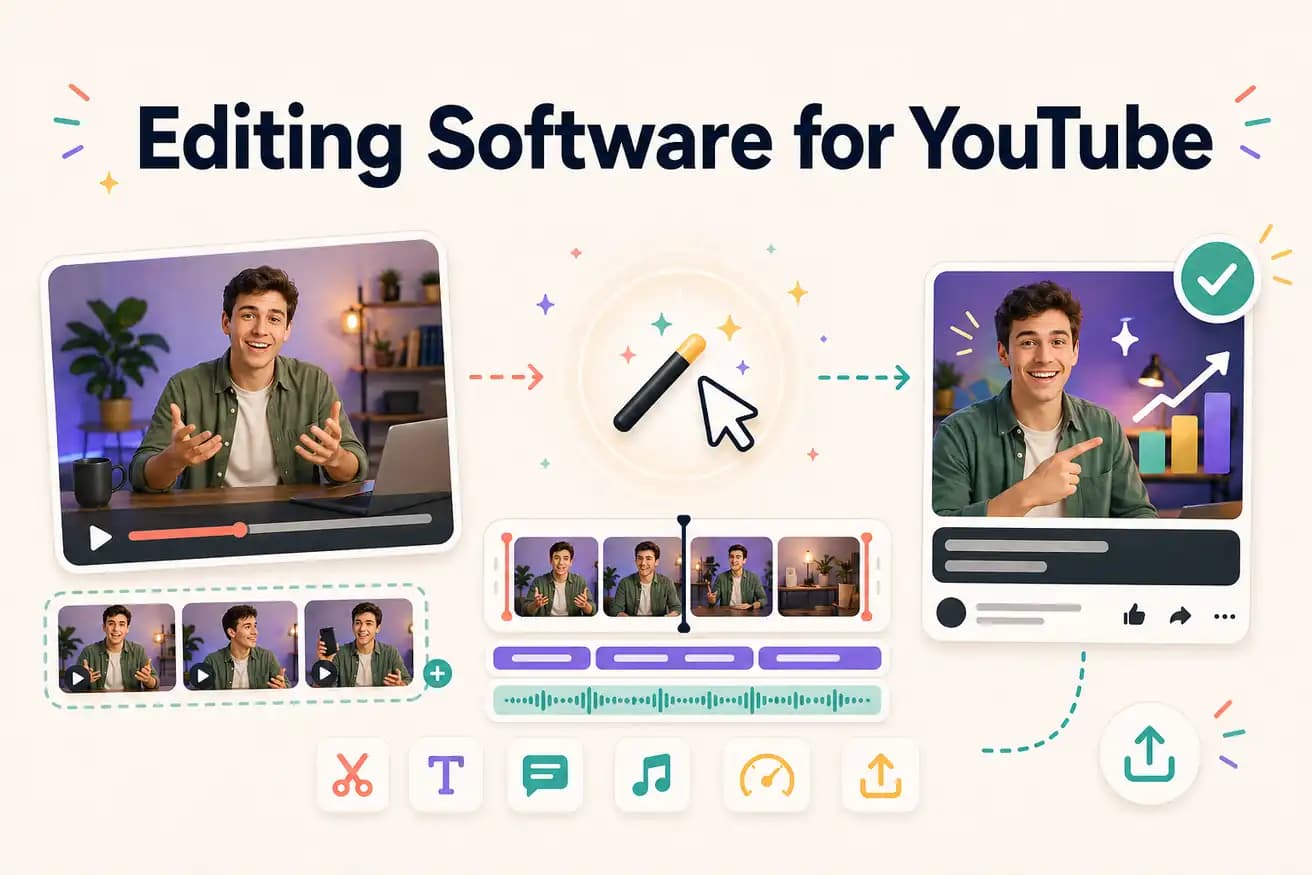
DaVinci Resolve for professional manual YouTube editing at zero cost. Editly for AI-automated YouTube editing at $28/month. Filmora for beginners. Match to your content type and frequency.
Comparing YouTube editing software options on what matters for channel growth.
| Decision | Other Apps | Editly |
|---|---|---|
| Time to published YouTube video | DaVinci Resolve / Premiere: 2-4 hours per YouTube video | Editly: 15-20 minutes per YouTube video |
| YouTube captions | Traditional YouTube editors: separate step — 30-60 additional minutes | Editly: captions in the prompt — included in the 15-20 minute total |
| YouTube Shorts from long-form | Traditional YouTube editors: separate project and edit for each Short | Editly: additional prompt on same upload — minimal extra time |
| Cost | DaVinci Resolve: free; Premiere Pro: $55/month | Editly: $28/month for 100 YouTube videos |
Step 1
Add the raw footage — tutorial, interview, review. Full length, no pre-trim needed.
Step 2
'Create a 10-minute YouTube tutorial from this 40-minute recording. Remove silences. Add captions. Start with a hook. Keep the key steps. Export 1080p 16:9.'
Step 3
Editly returns a finished YouTube-ready video. Review hook, pacing, and captions.
Step 4
Download the 1080p MP4. Add thumbnail and description. Publish.
Upload your next YouTube recording. Write a brief. See a finished video in 15-20 minutes. Compare to your last DaVinci or Filmora session. 3 free exports.