Step 1
Upload your recorded video
Add the footage you want edited — customer interview, product demo, webinar clip, tutorial recording. Real footage from your camera or screen recorder.
Editly AI
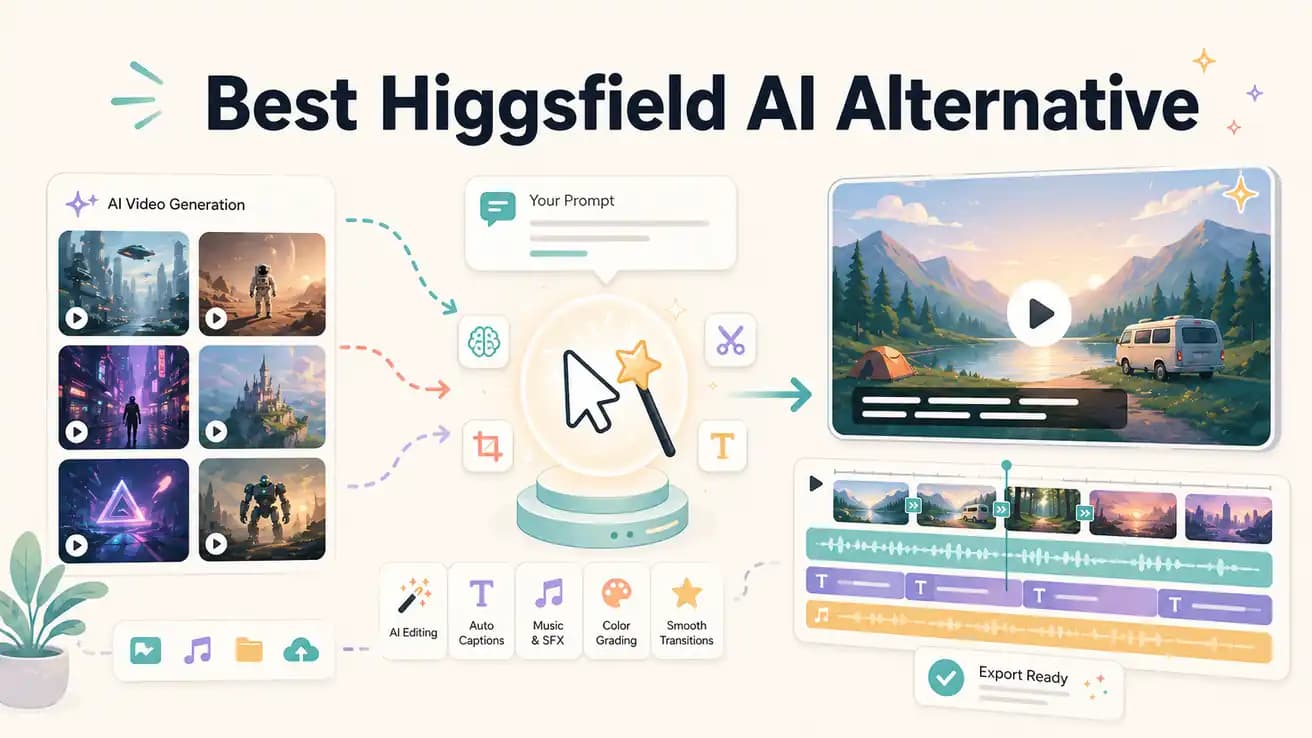
Higgsfield AI generates synthetic video from text and motion prompts — you don't need any footage. Editly edits footage you've already recorded using AI — you provide the raw video and describe the edit you want. They're different tools for different stages of content creation.
Understanding which tool fits your workflow starts with understanding what kind of video you're trying to create.
| Decision | Other Apps | Editly |
|---|---|---|
| Primary function | Higgsfield AI: generate cinematic AI video from motion prompts and image references — no footage required | Editly: edit recorded footage with AI — cuts, captions, silence removal, clip extraction from a prompt |
| Input | Higgsfield AI: text motion prompts and reference images — footage is generated, not uploaded | Editly: your recorded video files — upload and describe the edit you want applied |
| Captions | Higgsfield AI: not applicable — generated video doesn't include spoken word content to transcribe | Editly: auto-captions generated from the spoken content in your footage as part of the edit prompt |
| Best for | Higgsfield AI: creators who need AI-generated visual content — B-roll, animations, stylized video without footage | Editly: creators who have recordings and need them edited quickly — interviews, demos, tutorials, social content |
Step 1
Add the footage you want edited — customer interview, product demo, webinar clip, tutorial recording. Real footage from your camera or screen recorder.
Step 2
Describe the finished video: 'Extract the top 3 points, remove silences, add captions in yellow, export 9:16 for Reels.' Editly applies this to your real footage.
Step 3
Editly's Acute engine processes your footage and returns a complete edited video — not generated content, but your footage intelligently trimmed and captioned.
Step 4
Refine the edit with additional instructions until the output matches your brief.
If you have footage that needs editing — not video that needs generating — Editly's free tier gives you 3 full exports to test on your actual recordings.
Related editing pages