Step 1
Upload your authentic recorded footage
Customer testimonials, founder interviews, product demos, course recordings — footage that carries trust because it's real.
Editly AI
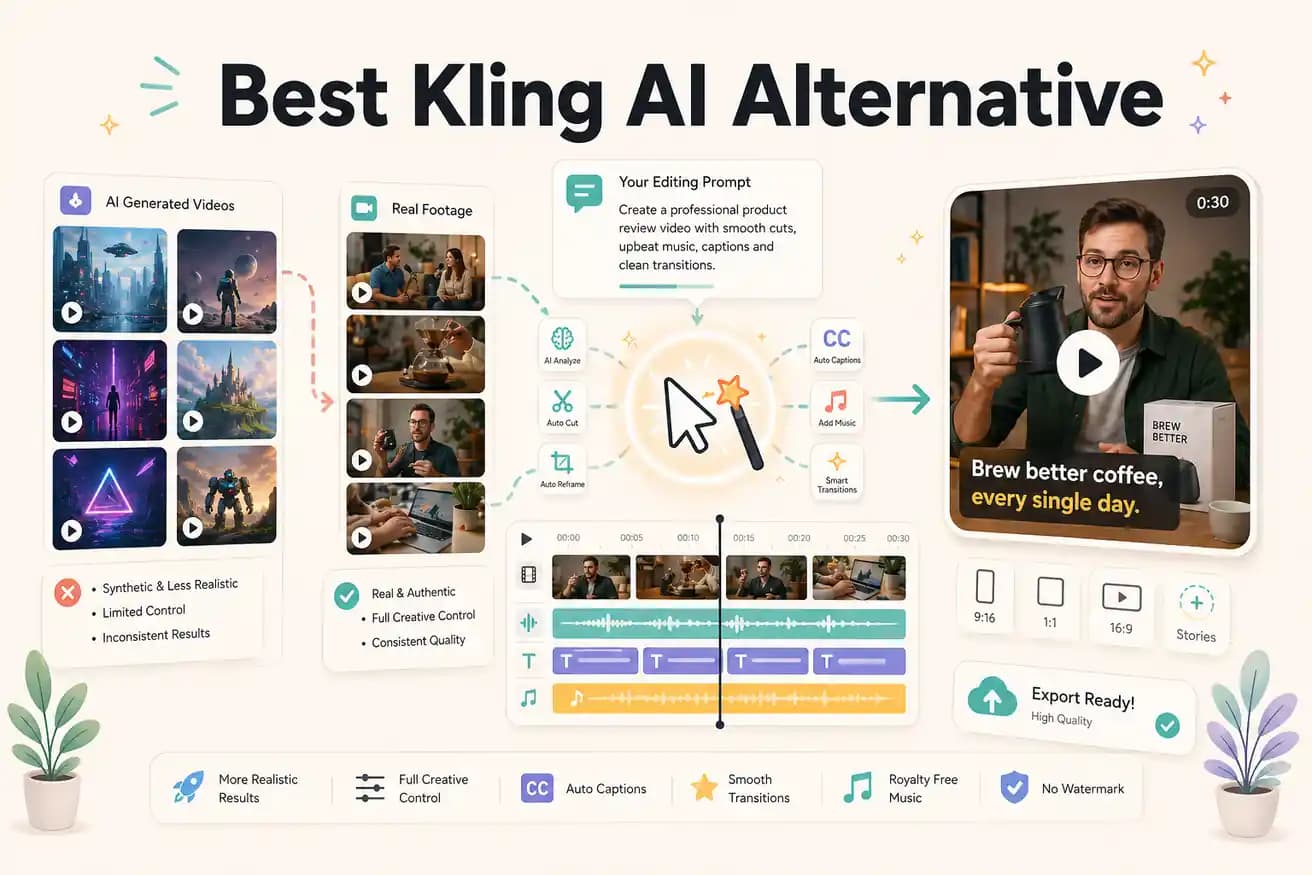
Kling AI is better for generating video content from scratch. Editly is better for editing footage you've already recorded. They're not direct competitors — they solve different problems in the video production workflow.
Both use AI for video, but they're for completely different content workflows. Here's the practical breakdown.
| Decision | Other Apps | Editly |
|---|---|---|
| Core function | Kling AI: generate synthetic video clips from text prompts and image references | Editly: edit your recorded footage with AI — cut, caption, silence-remove, reframe from a prompt |
| Input required | Kling AI: text prompt and optional image references — no video footage needed | Editly: your recorded video files — the AI works with content you've already captured |
| Authenticity | Kling AI: AI-generated visuals — may not match real product appearance or people | Editly: your real footage, unmodified — authentic content with AI-applied editing decisions |
| Best for | Kling AI: creating visual content from scratch — B-roll, abstract scenes, animated concepts | Editly: editing recordings at speed — reducing hours of footage to polished deliverables |
Step 1
Customer testimonials, founder interviews, product demos, course recordings — footage that carries trust because it's real.
Step 2
'Extract the strongest 90 seconds, remove silences, add captions, export 9:16 for Instagram Reels.' Editly applies this to your real footage.
Step 3
Your authentic footage, intelligently edited by AI. No synthetic content, no generation artifacts.
Step 4
Adjust specific parts of the edit with additional instructions — no timeline to rebuild.
If you have footage that needs editing — not generating — try Editly free. 3 exports to test on your actual recordings.