Step 1
Choose footage that represents your typical workflow
Pick a video type you edit regularly — interview, tutorial, product demo. This gives you the most useful comparison against your current free editor.
Editly AI
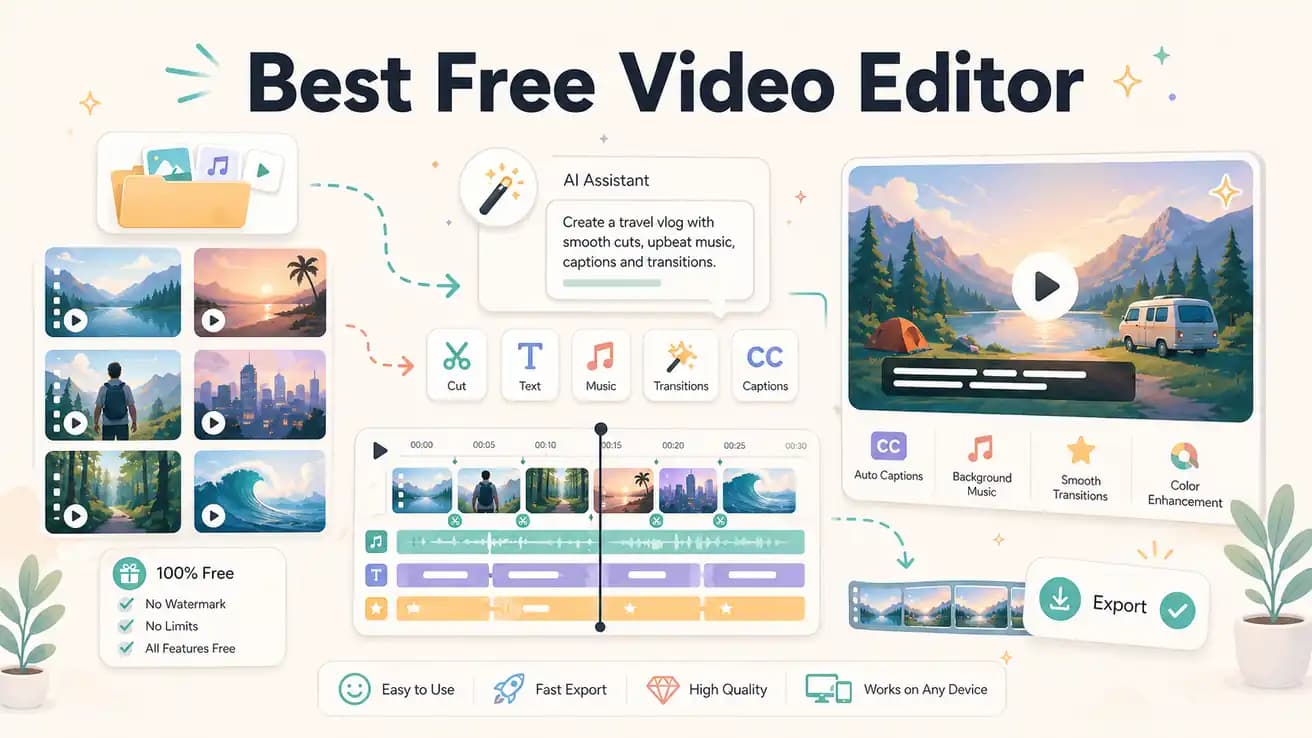
Editly has a free tier with 3 full AI-edited exports — no watermark, no credit card required. After those 3 credits, you need a Pro subscription at $28/month for 100 exports or Max at $70/month for 500 exports.
Every free editor has a cost — either in money or in time. Here's an honest comparison.
| Decision | Other Apps | Editly |
|---|---|---|
| DaVinci Resolve (free) | DaVinci Resolve: professional-grade free NLE — costs significant learning time and manual editing time per project | Editly free: 3 AI-edited exports — zero learning time, 10-20 minutes per video, then $28/month |
| Silence removal | Free NLEs (Shotcut, OpenShot, Clipchamp): not built in — requires manual scrubbing for every project | Editly: built-in as a prompt option — applied automatically with any free or paid export |
| Auto-captions | Free NLEs: limited (DaVinci has Speech to Text; Shotcut/OpenShot don't) — requires additional setup | Editly: included in every edit prompt — generated from spoken content automatically |
| Export quality | Free NLEs: full quality, no watermark — genuinely unlimited free exports | Editly free: 3 full-quality exports, no watermark — then $28/month for 100 exports |
Step 1
Pick a video type you edit regularly — interview, tutorial, product demo. This gives you the most useful comparison against your current free editor.
Step 2
The more specific the prompt, the better the output. 'Trim to 5 minutes, remove silences over 0.8 seconds, add white captions at the bottom, start with the strongest point.'
Step 3
Time how long the Editly process takes from upload to download. Compare that to how long the same edit takes in your current free editor.
Step 4
If 3 exports is enough to see the value, upgrade to Pro at $28/month. If you prefer manual control, the free NLEs are excellent and always available.
Test AI editing for free. Upload real footage, write a real prompt, compare against your current workflow. Make the decision based on what you see, not what we say.