Step 1
Upload your footage to Editly
Same as you'd import into Clipchamp, but cloud-based. No OneDrive integration needed.
Editly AI
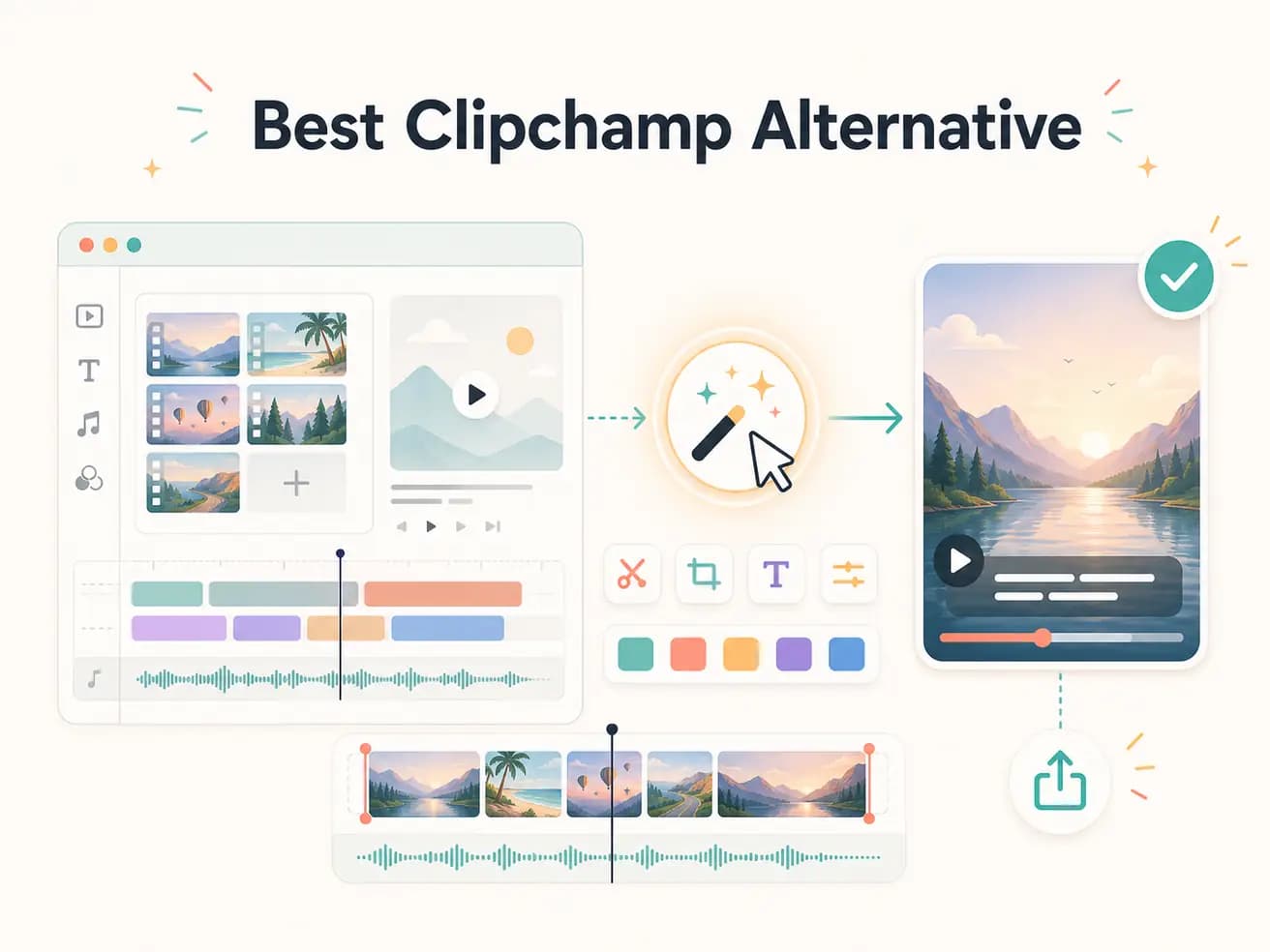
Editly has a free tier with 3 full AI-edited exports. Clipchamp is free with a Microsoft account and doesn't limit exports. If you need unlimited basic editing for free, Clipchamp wins. If you want AI-powered editing to replace manual timeline work, Editly's free tier lets you test that before subscribing.
Both tools work in a browser. The fundamental difference is how much editing work you do manually versus what the AI handles.
| Decision | Clipchamp | Editly |
|---|---|---|
| Platform availability | Clipchamp: Windows 11 built-in or Microsoft account web app — best experience on Windows | Editly: any browser on any OS — Mac, Windows, Linux, mobile equally supported |
| Silence removal | Clipchamp: no automatic silence removal — requires manual scrubbing to find and trim dead air | Editly: 'remove silences' in the prompt — applied automatically across the entire recording |
| Auto-captions | Clipchamp: auto-captions available but require per-project enabling, style setup, and review | Editly: caption style and position described in the prompt — generated automatically without review step |
| Editorial AI | Clipchamp: no AI editorial layer — all clip selection, timing, and structure decisions are manual | Editly: Gemini AI analyzes footage and makes editorial decisions according to your prompt |
Step 1
Same as you'd import into Clipchamp, but cloud-based. No OneDrive integration needed.
Step 2
Instead of building a timeline, write: 'Keep the best 4 minutes, remove silences, add bold white captions, export for YouTube.' One instruction covers the whole project.
Step 3
Editly returns a finished edit. Compare it to how long the same edit would take in Clipchamp's timeline.
Step 4
If something needs adjusting, describe it. No timeline to reopen, no captions to re-sync — just an additional prompt.
If Clipchamp is already your default, test Editly on one video before your next manual edit. 3 free exports, no Microsoft account required.