Step 1
Upload your full-length footage
No pre-compression needed. Upload the original recording — interview, webinar, product demo — at full quality.
Editly AI
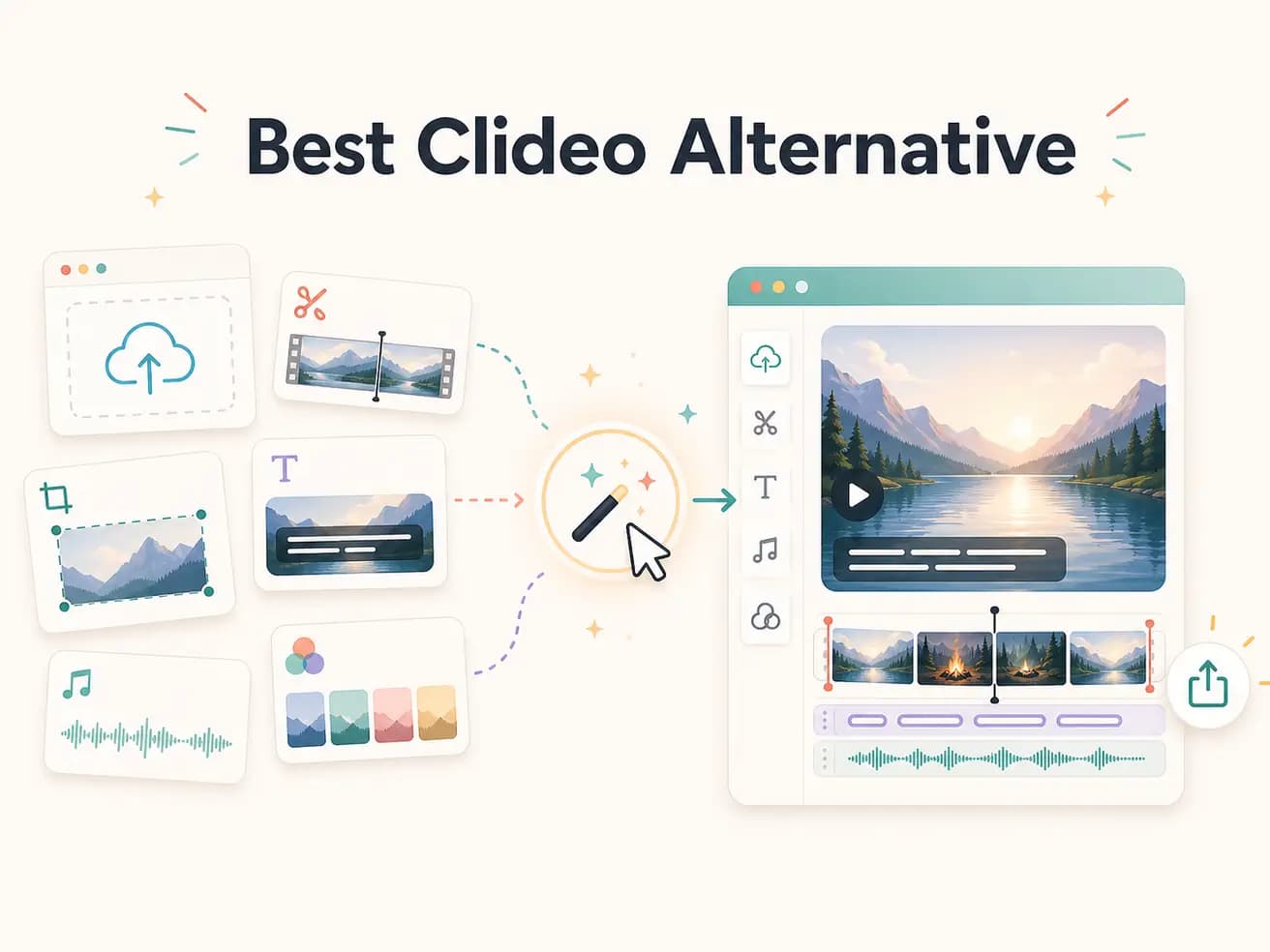
For simple tasks like merging two files or trimming a clip to a specific length, Clideo is simpler and free. Editly is better when you want the AI to handle the editorial work — deciding what to cut, adding captions, removing silences — which is beyond what Clideo can do.
Clideo is a conversion tool. Editly is an AI editor. Here's where those differences matter in practice.
| Decision | Clideo | Editly |
|---|---|---|
| Core capability | Clideo: trim, merge, compress, convert — single-purpose tools for basic video file operations | Editly: full AI-driven editing — cuts, captions, silence removal, B-roll direction from a text prompt |
| File size limits | Clideo: free tier limited to 500MB; Pro tier increases this but still has limits | Editly: accepts full-length recordings without the file size friction that requires pre-compression |
| Captions | Clideo: no auto-caption feature — subtitles require manual upload of SRT files | Editly: captions generated automatically from a prompt instruction — no SRT file required |
| Editorial intelligence | Clideo: no AI editorial decisions — you decide what to keep and what to cut manually | Editly: Gemini AI identifies the best segments and applies your editing brief to the footage |
Step 1
No pre-compression needed. Upload the original recording — interview, webinar, product demo — at full quality.
Step 2
Example: 'Cut to 4 minutes, keep the best moments, remove silences over 0.5 seconds, add captions, export 16:9.' That's the whole edit instruction.
Step 3
The AI analyzes your footage, applies your prompt, and returns a finished cut. No manual trimming, no SRT uploads, no compression workarounds.
Step 4
Add a follow-up prompt for any adjustments. The iteration cycle is faster than returning to Clideo and starting a new clip.
If you've outgrown Clideo's basic tools, Editly is the next step. Upload real footage, write a real prompt, see what AI editing looks like in practice.