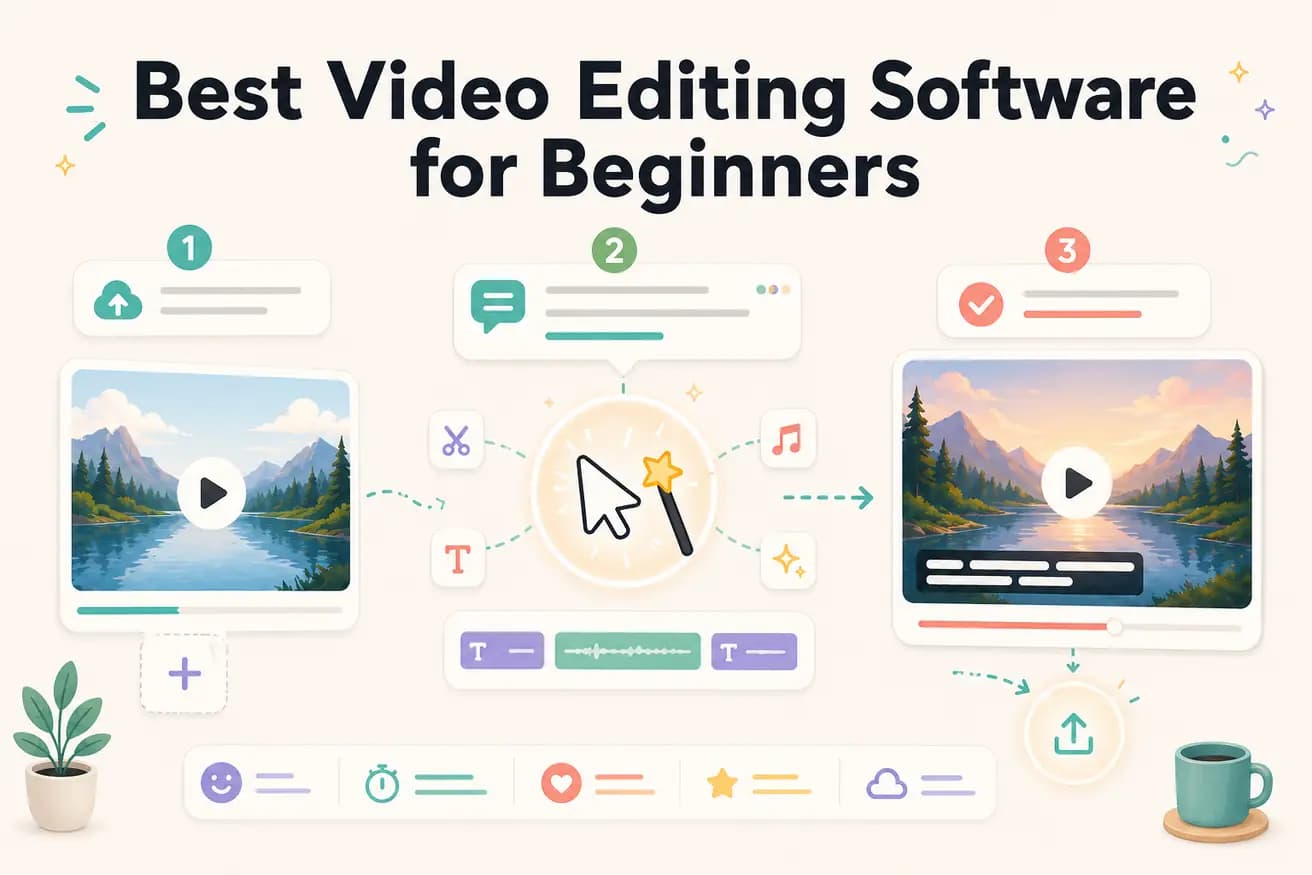
Step 1
Upload your first recording
Add your footage — whatever you recorded: a phone video, screen recording, or camera footage. No format prep required.
Editly AI
Editly is the easiest for beginners who want output fast — zero learning curve, just describe what you want. Filmora and Clipchamp are the easiest traditional editors. iMovie is good for Mac beginners. The right choice depends on whether you want to learn editing or just want videos produced.
For beginners, the most important comparison is how quickly you can produce acceptable output without specialized knowledge.
| Decision | Other Apps | Editly |
|---|---|---|
| Time to first acceptable output | Filmora / Clipchamp: 2-4 hours of tutorial watching + 1-2 hours of practice before producing reasonable output | Editly: first acceptable output in 15-20 minutes — no tutorials required |
| Technical knowledge required | Traditional editors: need to understand timelines, clip handles, text tracks, export settings | Editly: zero technical knowledge — describe what you want in plain English |
| Fixing mistakes | Traditional editors: find the mistake on the timeline, undo/redo or manually fix, re-render | Editly: describe the change in a follow-up prompt — no timeline navigation required |
| Captions for beginners | Traditional editors: caption tools require setup, styling decisions, and review even on beginner-friendly software | Editly: 'add captions' in the prompt — generated automatically, no setup required |
Step 1
Add your footage — whatever you recorded: a phone video, screen recording, or camera footage. No format prep required.
Step 2
Be specific: 'This is a 15-minute tutorial I recorded. Make a 6-minute YouTube video. Remove the pauses. Add captions. Start with a hook. Keep the step-by-step instructions.'
Step 3
Editly returns a complete edited video. Watch it and note anything that needs changing.
Step 4
Tell Editly what to fix: 'The intro is too long', 'Move the main point earlier', 'Add more captions.' No timeline knowledge needed.
Upload your first video. Write what you want. See a finished edit in under 20 minutes. No course, no tutorial, no timeline to learn.