Step 1
Upload your footage
Add your video file. Any format — phone video, screen recording, camera footage.
Editly AI
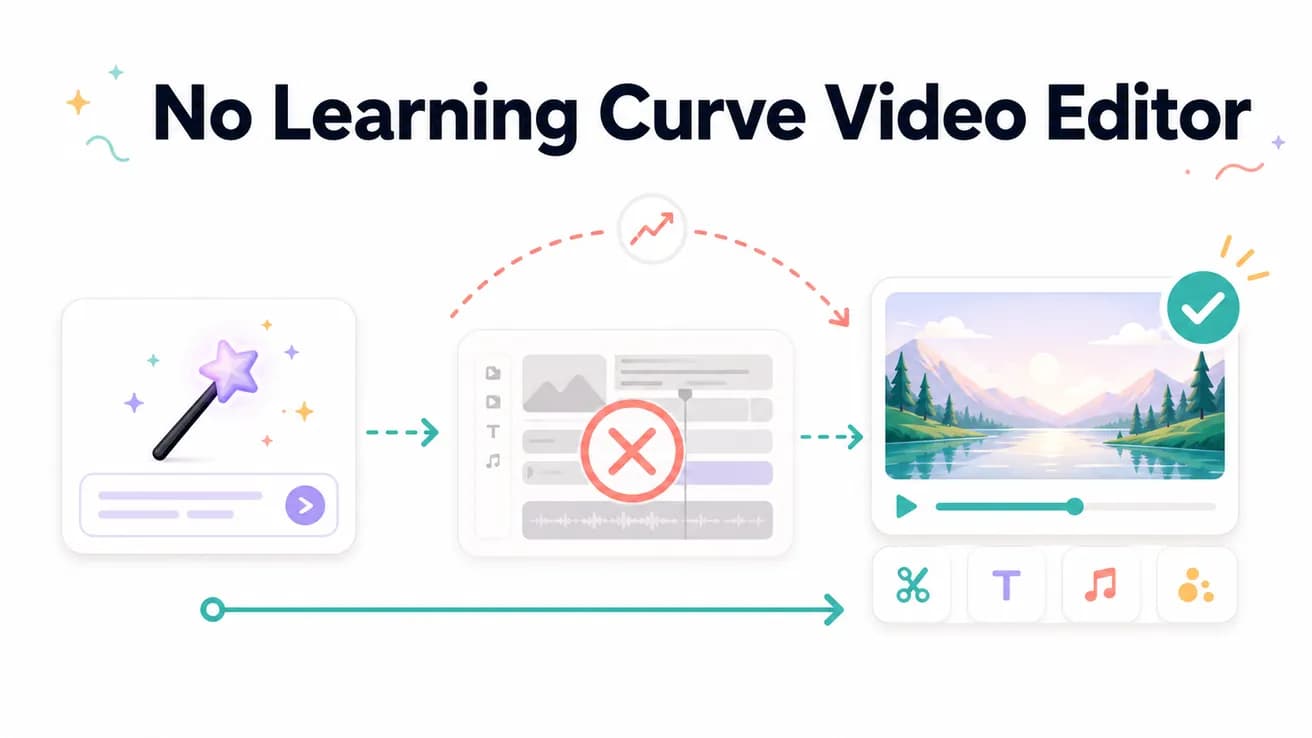
Editly has the lowest learning curve of any video editor because it replaces the timeline with plain-English prompts. Traditional 'easy' editors (iMovie, Clipchamp) still require learning a timeline interface. Editly requires only the ability to describe what you want.
What you need to know before you can produce your first good video.
| Decision | Other Apps | Editly |
|---|---|---|
| Before first video | Traditional editors: learn timeline, tracks, trim tools, export settings — hours of tutorials | Editly: sign up, upload, write a sentence — first video on day one |
| Making a cut | NLEs: find the in/out points, use the trim tool, manage the clip gap | Editly: 'cut from 0:45 to 1:20' — written instruction, AI executes |
| Exporting correctly | NLEs: choose codec, resolution, bitrate, container — easy to get wrong | Editly: 'export 1080p 16:9 for YouTube' in the prompt — handles settings |
| Getting better over time | NLEs: skill compounds — better editor makes better videos over years | Editly: better prompts make better videos — skill is writing, not software |
Step 1
Add your video file. Any format — phone video, screen recording, camera footage.
Step 2
'3-minute YouTube video. Keep the main points. Remove dead air. Add white captions.' Specific is better, but even basic descriptions produce usable output.
Step 3
Watch the output. Does it match your description? For most content, the first pass is close to final.
Step 4
If anything needs fixing, describe it: 'The ending drags — cut the last 30 seconds.' No timeline needed for revisions either.
No onboarding video to watch. No feature tour to sit through. Upload footage, write what you want, receive the edit.