Step 1
Open Chrome on Android and go to editly.in
No Play Store download required. Open the Editly website in Chrome on your Android phone or tablet.
Editly AI
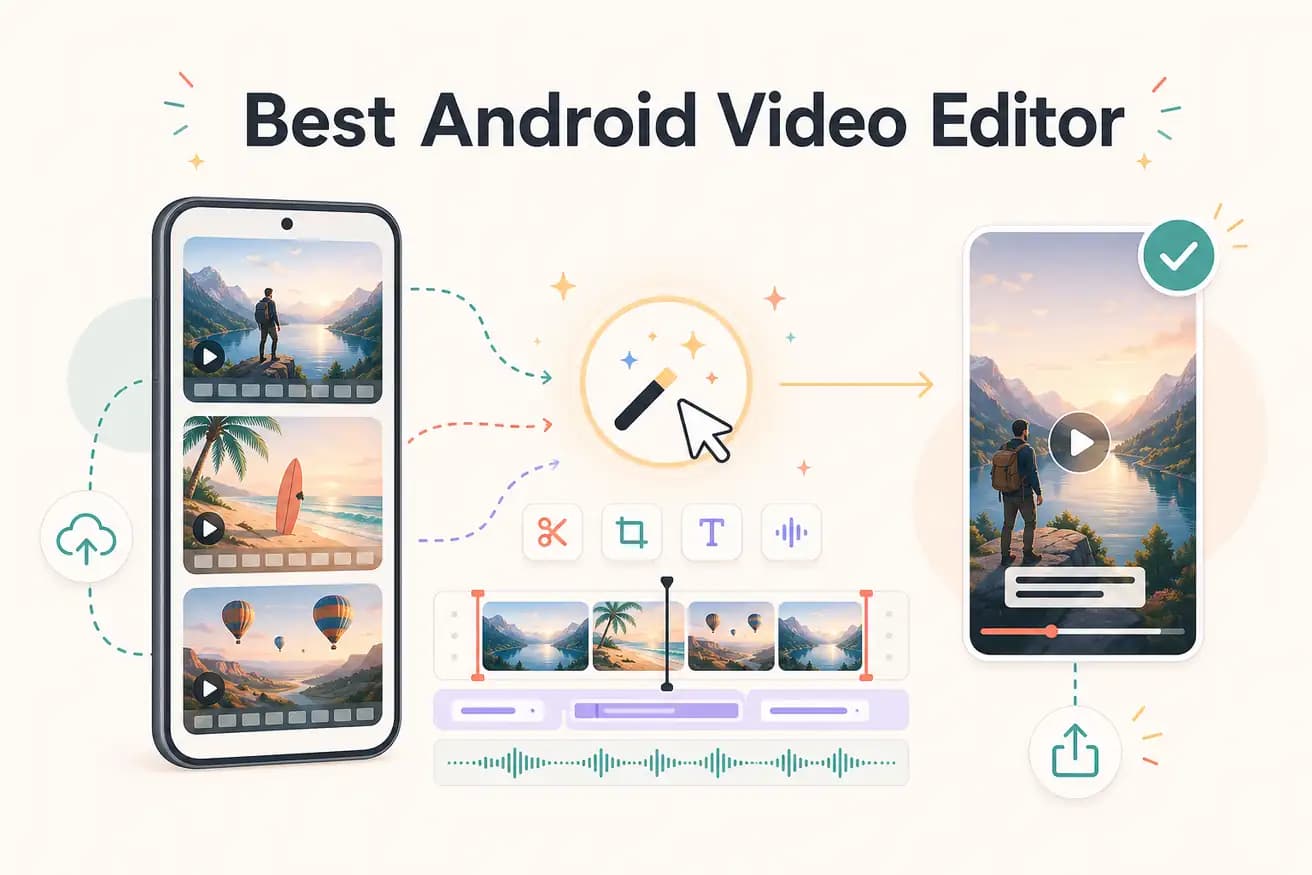
For mobile-native Android editing, CapCut is the best free option — no watermark, solid features, TikTok integration. For AI-powered editing without a mobile app, Editly works in Chrome on Android with a free tier of 3 exports.
Both native apps and Editly can produce social-ready video on Android. The difference is how much manual work each requires.
| Decision | Other Apps | Editly |
|---|---|---|
| App installation | CapCut / InShot / KineMaster: requires app install from Google Play Store — may require storage space | Editly: no app required — works in Chrome browser on any Android device |
| Silence removal | Android apps: no automatic silence removal — requires manual scrubbing on mobile timeline | Editly: silence removal in the prompt — applied automatically to full recordings |
| Long footage editing | Android apps: mobile timeline becomes unwieldy for recordings over 15-20 minutes | Editly: cloud processing handles long recordings without mobile performance issues |
| Editing method | Android apps: touch-based mobile timeline — every clip, caption, and trim is a manual touch interaction | Editly: write a prompt — AI makes editorial decisions and processes in the cloud |
Step 1
No Play Store download required. Open the Editly website in Chrome on your Android phone or tablet.
Step 2
Upload from your phone's storage or camera roll. Long recordings and multi-clip projects both work through the browser upload.
Step 3
Type: 'Cut this interview to 4 minutes, remove silences, add captions, export 9:16 for Reels.' Editly processes in the cloud — your phone is just the browser.
Step 4
Editly returns a finished, edited MP4. Download it to your phone and post directly to Instagram, TikTok, or YouTube.
Open editly.in in Chrome on Android. Upload a video you'd normally edit in CapCut. Write a prompt. Compare the result and the time.