Step 1
Open Chrome on your Android device
Go to editly.in. No Play Store download needed. Works on any Android phone or tablet with Chrome.
Editly AI
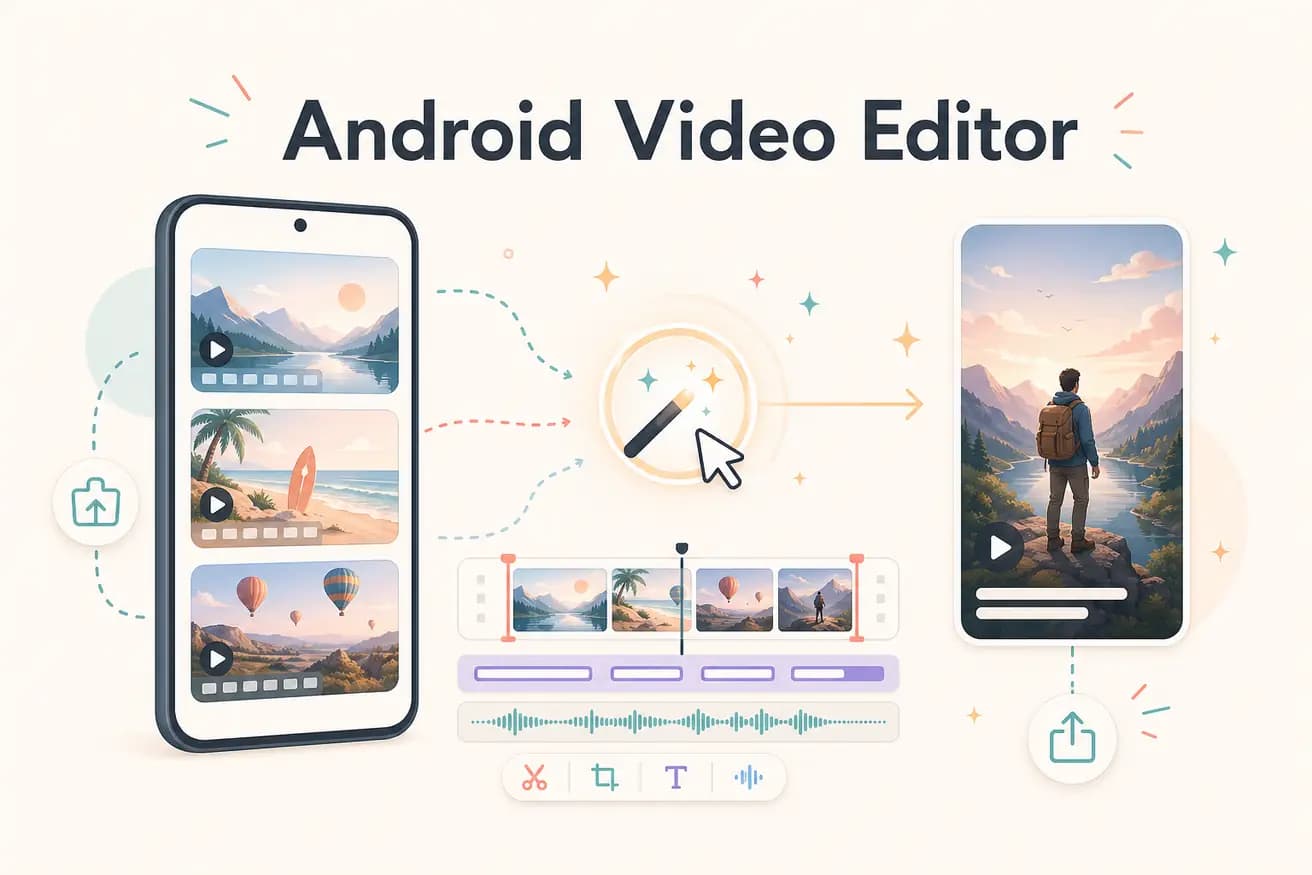
For native Android mobile editing: CapCut is the best free option with the most features. For AI browser-based editing: Editly works in Chrome on Android with a free tier of 3 exports. Best depends on whether you need mobile-native effects or AI footage editing.
Comparing the main Android video editing approaches on what matters for different content types.
| Decision | Other Apps | Editly |
|---|---|---|
| Short mobile clips | CapCut / InShot: purpose-built for Android mobile clips — best experience for quick social content | Editly: better for long footage editing — use native apps for short phone clips |
| Long footage editing on Android | Native apps: mobile timeline becomes unwieldy for recordings over 15 minutes | Editly in Chrome: cloud processing handles long footage without Android performance issues |
| Silence removal | Android apps: no automatic silence removal — manual scrubbing on mobile | Editly: silence removal in the prompt — applied automatically |
| Captions | Android apps: auto-caption exists but requires per-video review on small mobile screen | Editly: captions from a prompt instruction — generated and applied without mobile review |
Step 1
Go to editly.in. No Play Store download needed. Works on any Android phone or tablet with Chrome.
Step 2
Sign up free. Upload your video from Android storage or camera roll. Long recordings are handled through cloud upload.
Step 3
Describe the edit: 'Cut to 60 seconds for Instagram, add captions, reframe 9:16, remove silences.' Cloud processes, your phone doesn't render.
Step 4
The finished video downloads to your Android device. Post directly to Instagram, TikTok, or YouTube.
Open Chrome on your Android device, go to editly.in, upload footage, write a prompt. 3 free AI-edited exports without installing a new app.