Step 1
Start with DaVinci Resolve for professional Windows editing
Download DaVinci Resolve free. Best Windows NLE with no cost. Handles professional content that requires color and manual control.
Editly AI
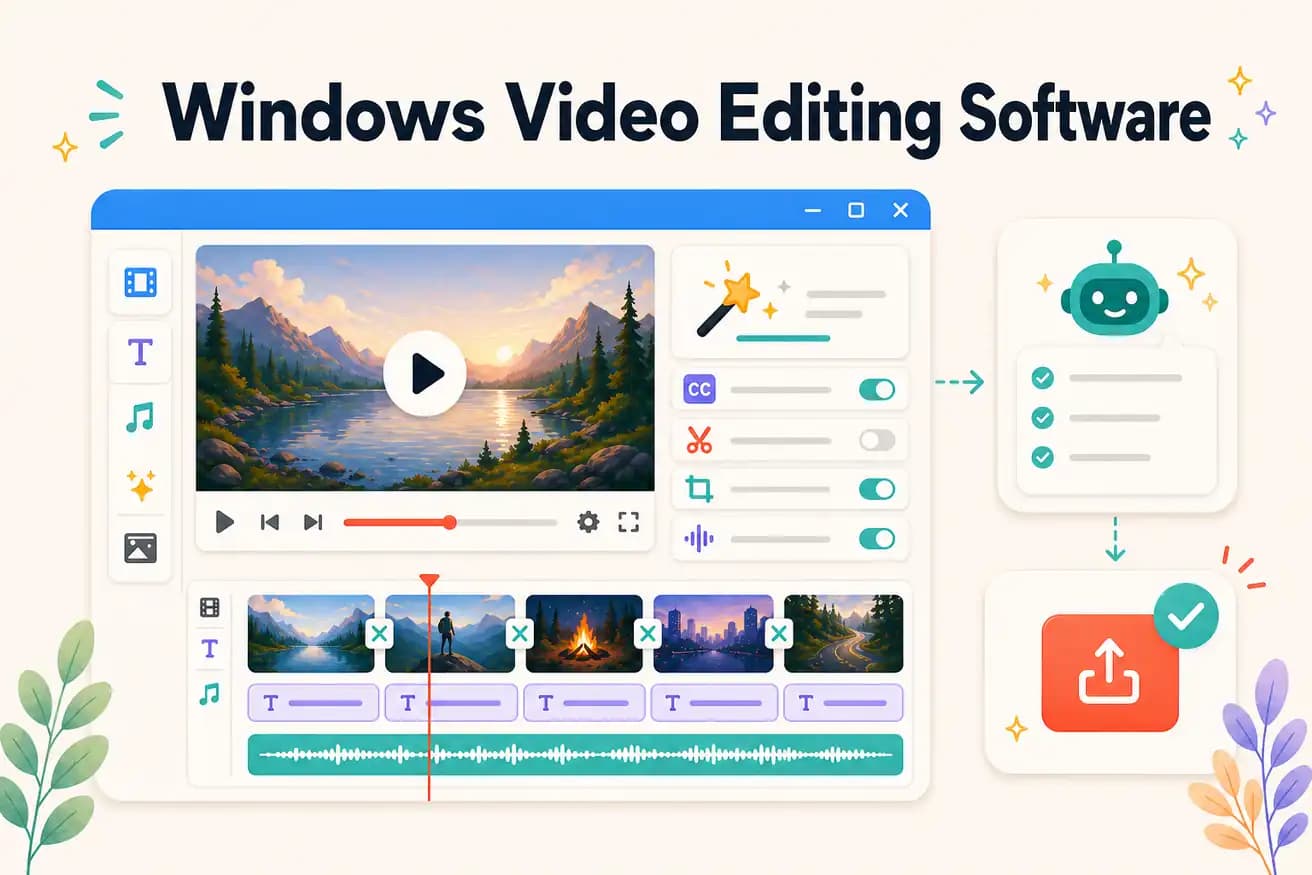
For professional Windows production: DaVinci Resolve (free) or Premiere Pro ($55/month). For AI-automated content: Editly in Edge or Chrome ($28/month). For beginners on Windows: Filmora or Clipchamp. No single best — depends on your use case.
Matching Windows video editing software to actual creator workflows.
| Decision | Other Apps | Editly |
|---|---|---|
| Professional Windows editing | DaVinci Resolve / Premiere Pro: full professional Windows NLE — color, multicam, effects, broadcast | Editly: not for professional broadcast — optimized for content creator Windows workflows |
| Volume content on Windows | Traditional Windows NLEs: 2-4 hours per video — each video requires full manual editing session | Editly in Edge/Chrome: 15-20 minutes per video — AI handles editorial decisions |
| Cost on Windows | Windows NLEs: free (DaVinci, Shotcut) to $55/month (Premiere Pro) | Editly: 3 free AI exports, Pro $28/month for 100 AI-edited videos |
| Hardware requirement | Windows NLEs: GPU acceleration significantly improves performance on Windows | Editly: any Windows browser — cloud processing, no GPU needed |
Step 1
Download DaVinci Resolve free. Best Windows NLE with no cost. Handles professional content that requires color and manual control.
Step 2
Open Edge or Chrome, go to editly.in. 3 free AI exports to test. Pro $28/month for volume content that doesn't need professional NLE treatment.
Step 3
For quick, simple edits on Windows 11 — it's already there and works for basic needs.
Step 4
Hero content and professional work → DaVinci. Regular social and volume content → Editly. Quick one-offs → Clipchamp.
Open Edge on any Windows version, go to editly.in, upload footage, write a prompt. Add AI editing to your Windows video software stack at zero cost to start.