Step 1
Open Edge or Chrome on your PC
Go to editly.in. No Windows software to download or install.
Editly AI
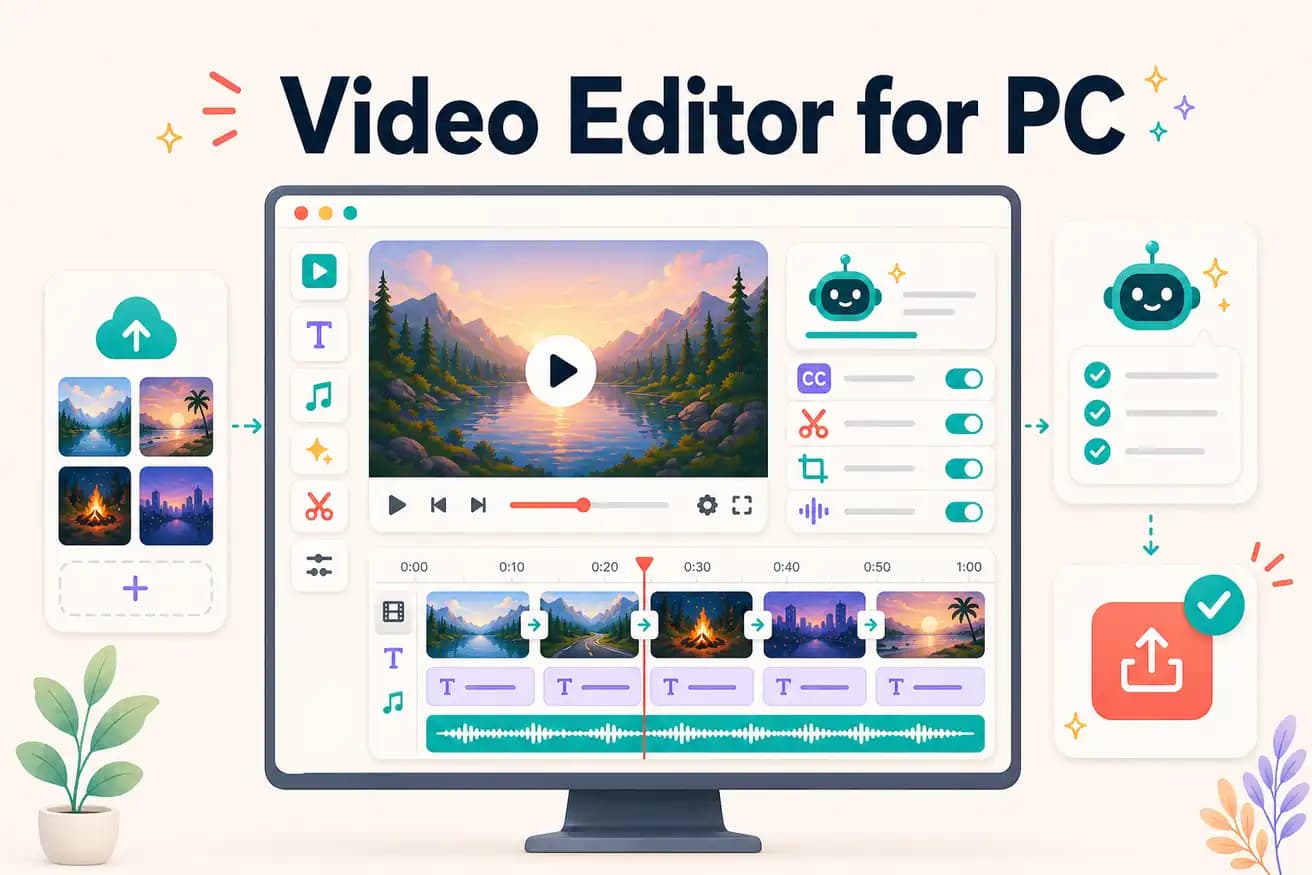
DaVinci Resolve is the best free professional PC video editor. Premiere Pro is the industry professional standard. Editly is the best AI-powered PC editor in any browser. Best depends on your use case.
The key decision for PC video editors: manual control or AI speed.
| Decision | Other Apps | Editly |
|---|---|---|
| Time per video | DaVinci Resolve / Premiere Pro: 2-4 hours per video — manual timeline editing | Editly: 15-20 minutes per video — AI editorial decisions from prompt |
| GPU requirement | PC NLEs: dedicated GPU significantly improves rendering and playback | Editly: any PC browser — cloud processing, no GPU needed |
| Silence removal | PC NLEs: manual or plugin-based — additional time per video | Editly: 'remove silences' in the prompt — automated, zero additional time |
| Captions | DaVinci Resolve: Speech to Text (good but setup required); others: manual | Editly: captions in the prompt — generated automatically as part of the edit |
Step 1
Go to editly.in. No Windows software to download or install.
Step 2
Add your video from Windows file explorer. Any standard format, any length.
Step 3
'Create an 8-minute YouTube tutorial from this 35-minute recording. Remove silences. Add captions. Export 1080p 16:9.' One instruction, cloud executes it.
Step 4
Finished MP4 downloads to Windows PC. Publish or import into DaVinci for finishing.
Open Edge on your PC, go to editly.in, upload footage, write a prompt. 3 free AI-edited exports to compare against DaVinci Resolve or Premiere Pro.
Related editing pages