Step 1
Upload a long-form recording
Add a podcast, interview, webinar, or tutorial that contains valuable content to extract as Reels.
Editly AI
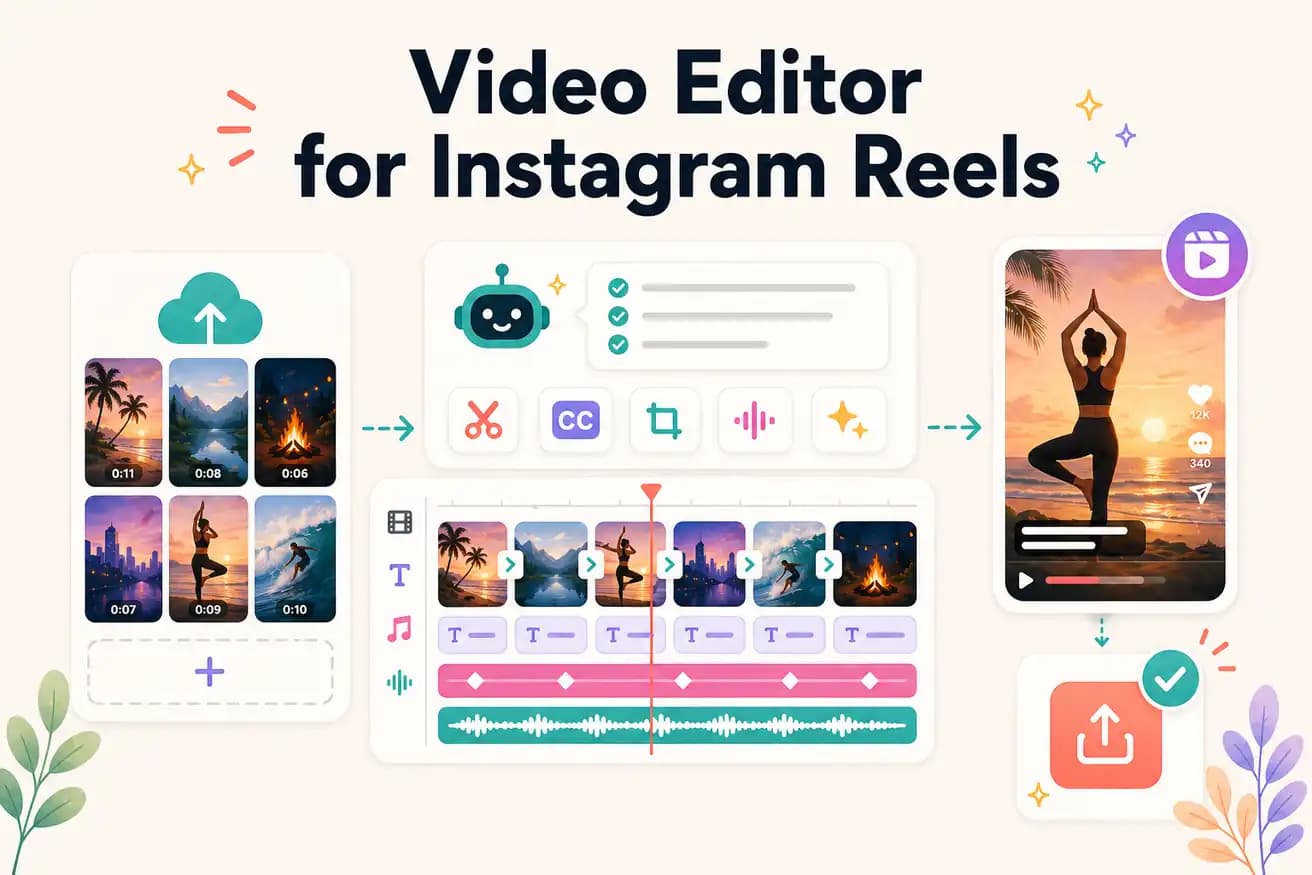
CapCut is the best for mobile-native Reels from phone footage. Editly is the best for extracting Reels from longer recorded footage with AI. For batch Reel production from podcasts or interviews, Editly is significantly faster.
Comparing manual Reels editing against AI-powered Reels extraction with Editly.
| Decision | Other Apps | Editly |
|---|---|---|
| Finding the right segment | Mobile apps: you scroll through footage to find the right 30-90 second segment | Editly: AI analyzes footage and identifies strongest segment based on your prompt |
| 9:16 reframing | Mobile apps: manual canvas crop positioning per clip | Editly: '9:16 for Reels' in the prompt — applied automatically |
| Batch Reels | Mobile apps: each Reel is a separate manual project | Editly: each Reel is a prompt on the same upload — batch efficient |
| Captions | Mobile apps: per-Reel captioning with mobile review step | Editly: caption style in prompt — consistent across all Reels |
Step 1
Add a podcast, interview, webinar, or tutorial that contains valuable content to extract as Reels.
Step 2
'From around minute 8-12, create a 60-second Instagram Reel about [topic]. Start with my most surprising statement. 9:16. Bold white captions. Remove pauses.'
Step 3
Editly returns a vertical, captioned, hook-first Reel. Check the opening second, caption accuracy, and length.
Step 4
Target different segments with separate prompts. Build a Reels library from one recording.
Upload a recording. Write a Reel prompt targeting the best 45-90 seconds. Receive a 9:16 captioned hook-first Reel. 3 free exports.