Step 1
Identify which content is right for AI editing
Regular tutorials, interview highlights, social clips, webinar edits — these patterns are perfect for AI. Complex campaigns and hero productions still belong with skilled editors.
Editly AI
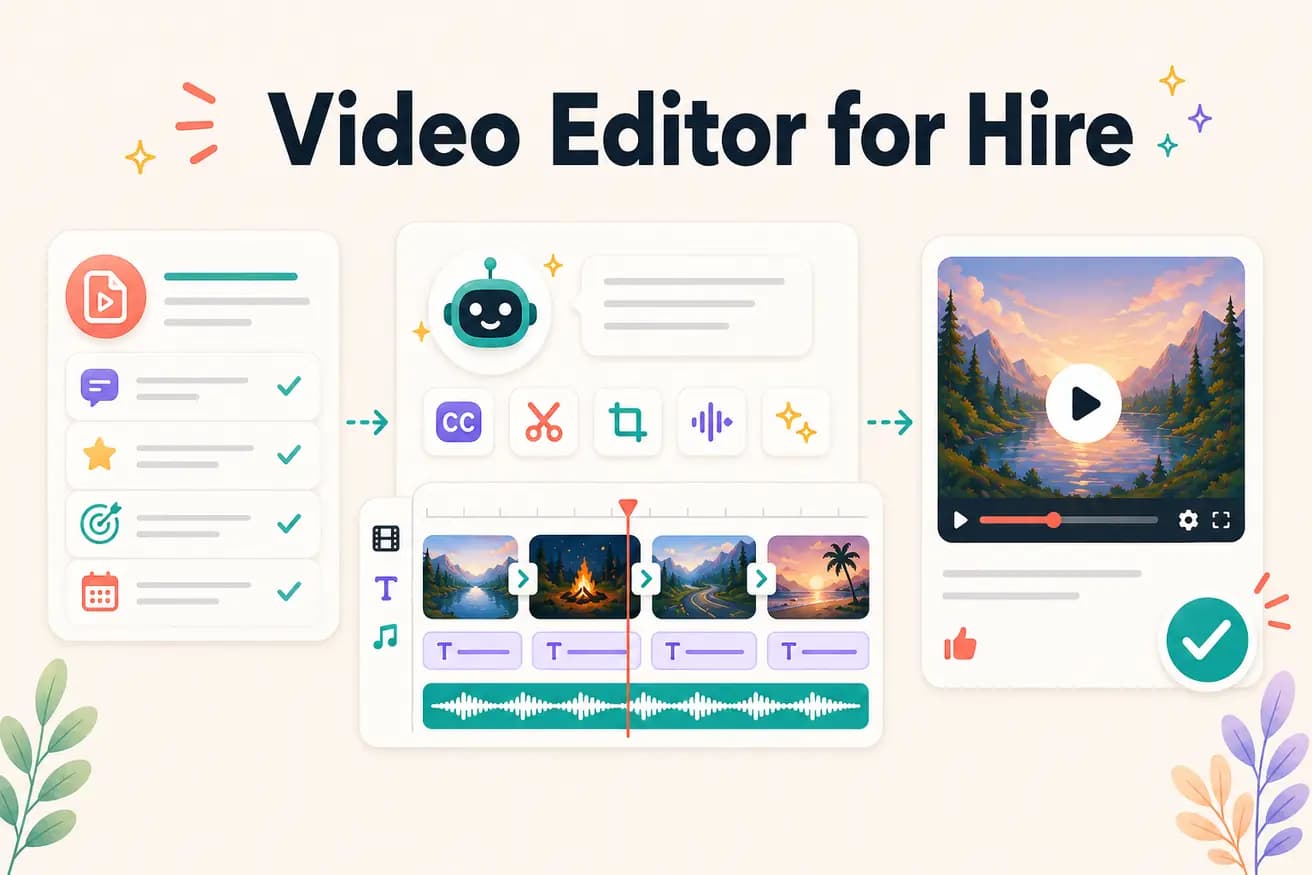
For standard content creator workflows — interview edits, tutorials, social clips, webinar highlights — AI editing with Editly produces quality comparable to mid-level freelancers. For complex creative productions, brand campaigns, or content requiring specialized judgment, human editors still provide better results.
Comparing the main dimensions of freelancer editing vs AI editing for typical content creator workflows.
| Decision | Other Apps | Editly |
|---|---|---|
| Cost per video | Freelance video editor: $300-1500 per video depending on length and complexity | Editly AI: $0.28 per video on Pro plan ($28/month for 100 exports) |
| Turnaround time | Freelance video editor: 1-5 business days depending on availability and queue | Editly AI: 15-20 minutes from upload to finished video |
| Consistency | Freelance editor: varies by project, editor state, and time pressure | Editly AI: consistent approach from consistent prompt language across every video |
| Complex creative decisions | Freelance editor: applies professional creative judgment and brand understanding | Editly AI: executes editorial instructions well, less suited for ambiguous creative decisions |
Step 1
Regular tutorials, interview highlights, social clips, webinar edits — these patterns are perfect for AI. Complex campaigns and hero productions still belong with skilled editors.
Step 2
Create a standard brief that encodes your editorial preferences: 'Create an [X]-minute YouTube video. Remove silences. Add white bold captions. Start with the strongest insight. Export 16:9 1080p.'
Step 3
Upload footage, apply your prompt template. Editly returns a finished video in 15-20 minutes — without a freelancer queue or revision cycle.
Step 4
Keep your freelance relationships for quarterly hero content. Use Editly for everything else.
Test Editly on footage you'd normally send to a freelancer. Compare the output and the time. 3 free exports with no card required.
Related editing pages