Step 1
Open Edge on Windows
Go to editly.in. Already the default browser — no additional setup.
Editly AI
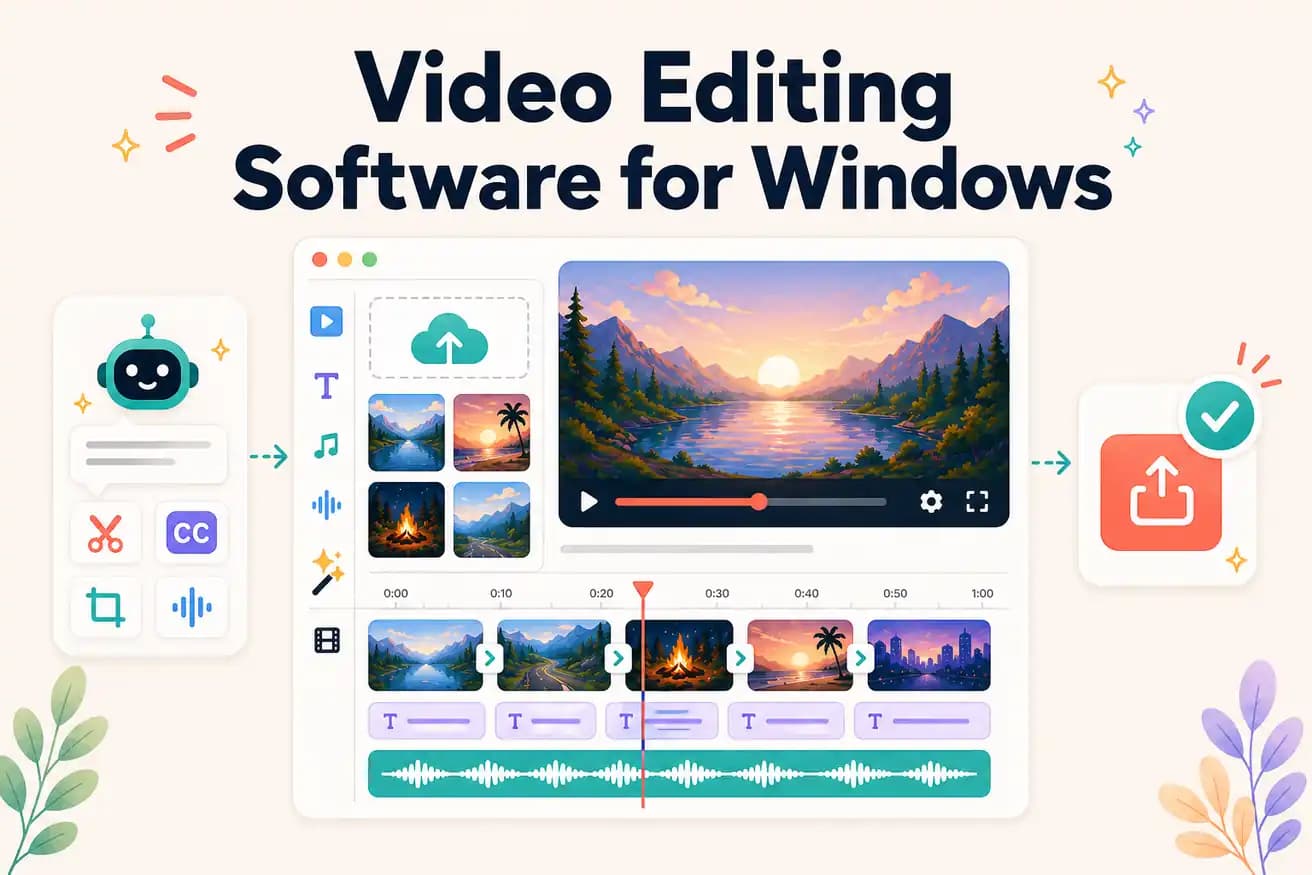
DaVinci Resolve is the best free professional Windows editor. Premiere Pro is the industry standard. Editly is the best AI-powered Windows editor working in any browser. Best depends on your use case.
The Windows video editing landscape matched to specific creator needs.
| Decision | Other Apps | Editly |
|---|---|---|
| Free professional | DaVinci Resolve: professional NLE, unlimited, no watermark — GPU beneficial | Editly: 3 free AI exports in Edge — no GPU, no learning curve |
| Windows 11 built-in | Clipchamp: already installed, convenient — basic timeline, no silence removal | Editly in Edge: AI editorial decisions from prompt, silence removal and captions |
| Time per video | Windows NLEs: 1-4 hours per video — manual editing required | Editly: 15-20 minutes per video — AI editorial automation |
| Hardware requirement | DaVinci Resolve: GPU significantly improves performance on Windows | Editly: any Windows browser — cloud processing, no GPU needed |
Step 1
Go to editly.in. Already the default browser — no additional setup.
Step 2
Add your video from Windows file explorer. Standard formats handled.
Step 3
'Create a 6-minute tutorial from this 30-minute recording. Remove silences. Add captions. Export 1080p.' That's the complete editing instruction.
Step 4
Finished MP4 downloads to Windows. Publish or import into DaVinci for finishing.
Open Edge, go to editly.in, upload footage, write a prompt. 3 free AI-edited exports on Windows without downloading any video editing software.