Step 1
Open Edge or Chrome on your Windows PC
Go to editly.in. No GPU driver update, no 2.5GB download, no Windows-specific setup.
Editly AI
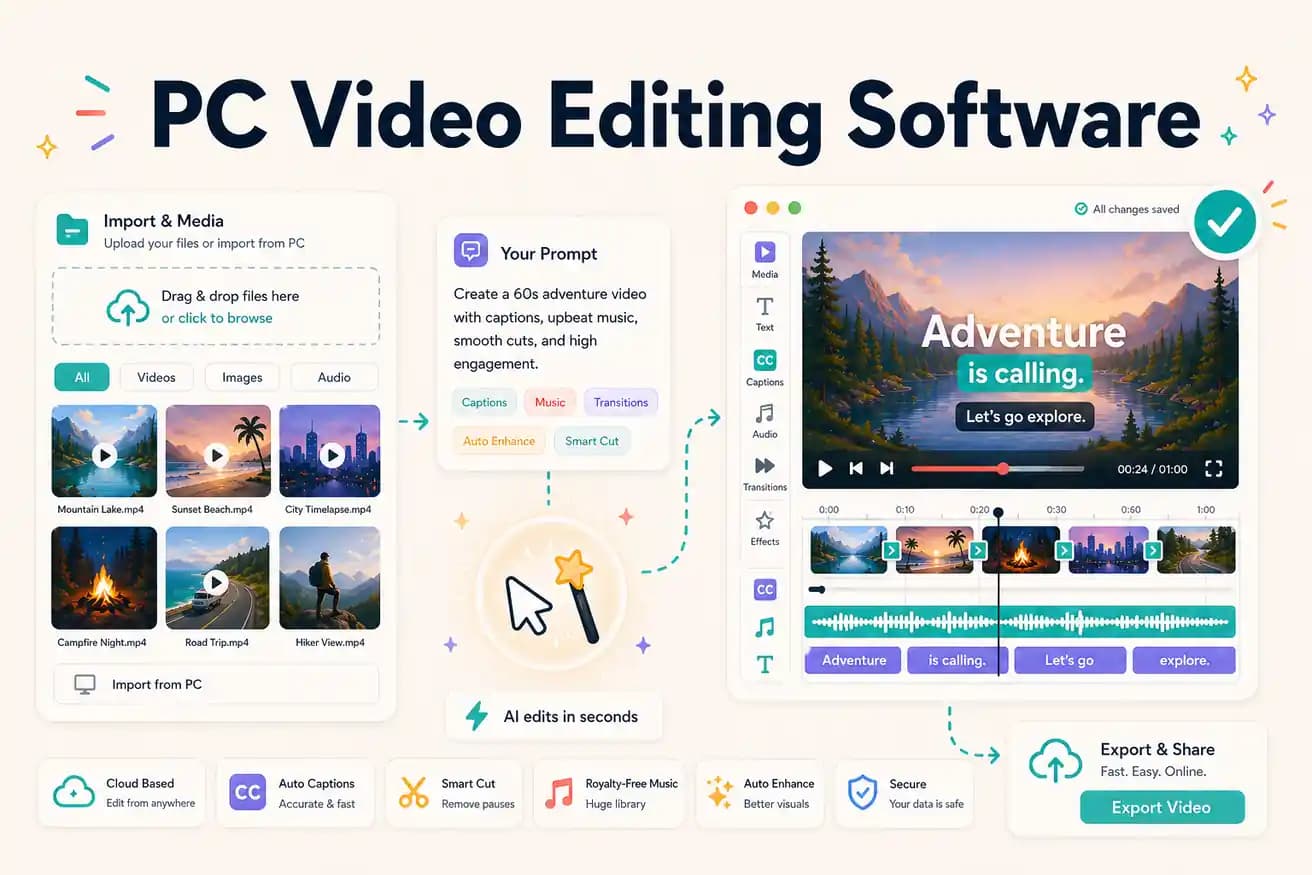
For professional PC production: DaVinci Resolve (free) or Premiere Pro ($55/month). For beginner PC editing: Filmora or Clipchamp. For AI-automated PC editing: Editly in Edge or Chrome. Best depends on your editing approach and budget.
Comparing the leading PC video editing options on the dimensions that drive the final choice.
| Decision | Other Apps | Editly |
|---|---|---|
| Professional free option | DaVinci Resolve: best free professional PC editor — unlimited, no watermark, GPU-beneficial | Editly: AI-powered browser editing — 3 free exports then $28/month |
| Time per video | All PC NLEs: 2-4 hours per video for typical content creator projects | Editly: 15-20 minutes per video — AI editorial decisions from a prompt |
| GPU requirement | DaVinci Resolve / Premiere Pro: dedicated GPU significantly improves 4K performance | Editly: no GPU needed — cloud processing is hardware-independent |
| Learning investment | PC NLEs: weeks to learn well — timeline, effects, export settings all require investment | Editly: zero learning — describe what you want in English |
Step 1
Go to editly.in. No GPU driver update, no 2.5GB download, no Windows-specific setup.
Step 2
Add your video from Windows. Editly handles MP4, MOV, and MKV files uploaded from any PC.
Step 3
'Create an 8-minute YouTube tutorial from this 35-minute recording. Remove silences. Add captions. Export 1080p 16:9.' One instruction.
Step 4
Finished MP4 downloads to PC. Publish directly or import into DaVinci for finishing.
Open Edge or Chrome on any Windows PC, go to editly.in, upload footage, write a prompt. Test AI editing without purchasing or installing software.
Related editing pages