Step 1
Upload your footage
Add the raw recording — interview, tutorial, or demo. Cloud upload handles the transfer.
Editly AI
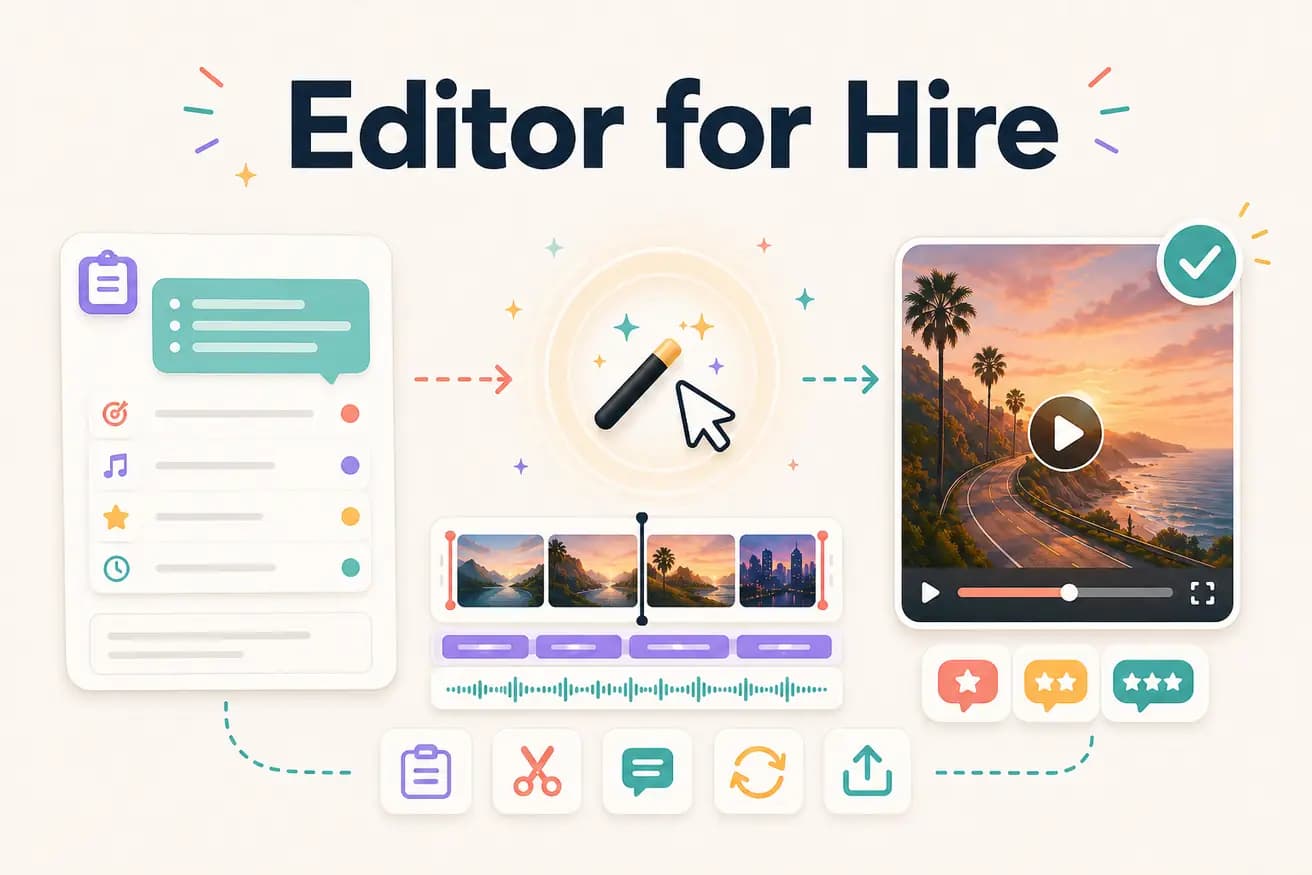
For standard content creator content — interviews, tutorials, social clips, webinar edits — yes. Editly produces professional quality at a fraction of the cost and in 15-20 minutes vs days. For complex productions requiring specialized creative judgment, human editors still provide better results.
Comparing the key dimensions of freelance editing vs AI editing for content creator workflows.
| Decision | Other Apps | Editly |
|---|---|---|
| Cost per video | Freelance editor: $75-1500 per video depending on level and complexity | Editly AI: $0.28 per video on Pro ($28/month for 100 exports) |
| Turnaround | Freelance editor: 1-5 business days depending on queue and complexity | Editly AI: 15-20 minutes from upload to finished video |
| Consistency | Freelance editor: varies by project, communication clarity, and editor state | Editly AI: consistent approach from consistent prompt language |
| Creative editorial judgment | Freelance editor: professional creative judgment and brand understanding | Editly AI: executes detailed briefs well, less suited for ambiguous creative decisions |
Step 1
Add the raw recording — interview, tutorial, or demo. Cloud upload handles the transfer.
Step 2
Brief the AI as you'd brief a human editor: 'Create a 5-minute YouTube video. Focus on the key tips. Remove dead air. Add captions. Start with the hook. Export 16:9 1080p.'
Step 3
Editly returns a complete edited video. Review it against your brief.
Step 4
Changes are described in text: 'The intro runs long, trim by 20 seconds.' No revision cycle, no back-and-forth emails.
Test Editly on footage you'd normally send to a freelance editor. Compare the output and turnaround. 3 free exports, no card required.
Related editing pages