Step 1
Open Edge or Chrome on your Windows PC
Go to editly.in. No install, no GPU driver update required.
Editly AI
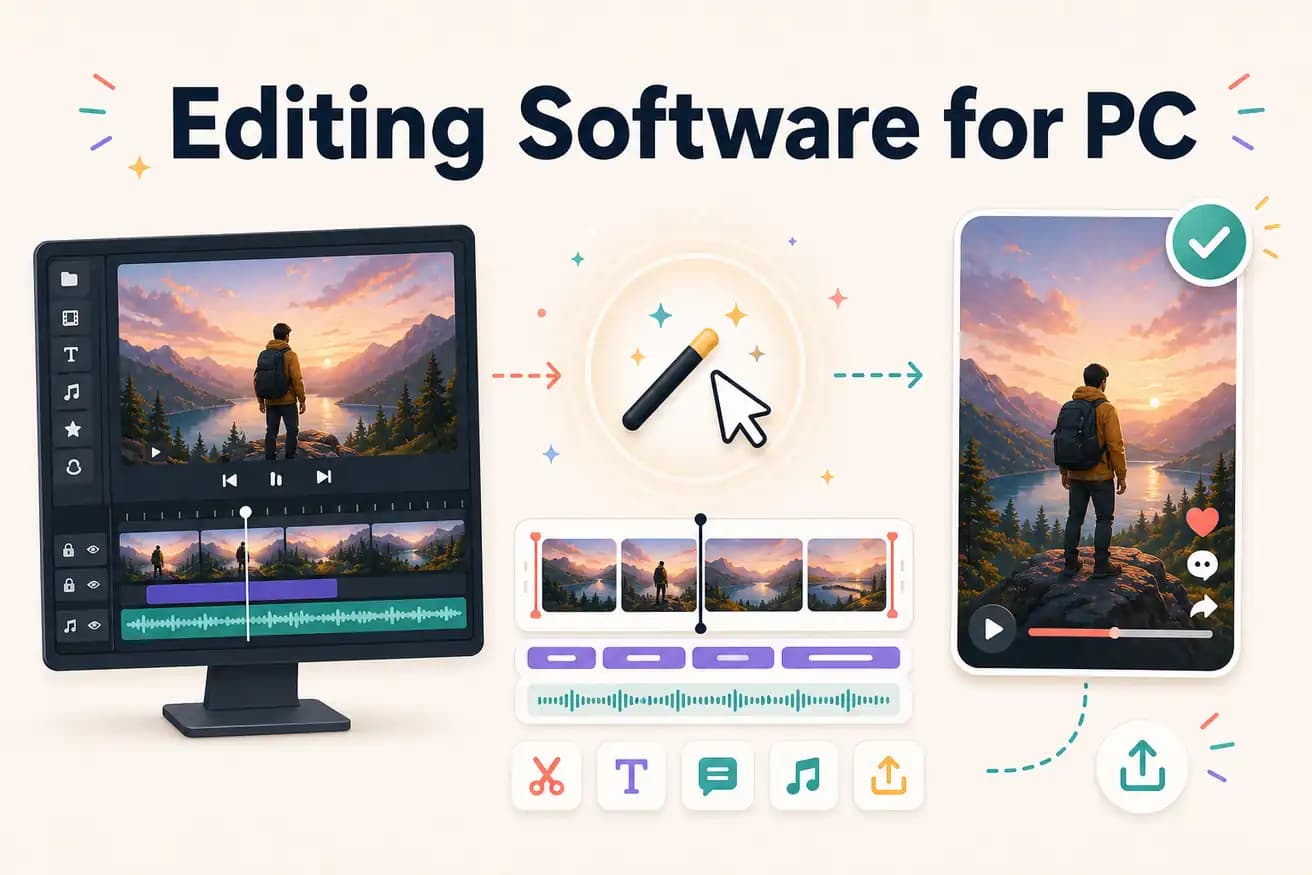
DaVinci Resolve is the best free professional PC editing software. Editly in Edge is the best AI-powered PC option. Best depends on manual control vs AI speed preference.
Comparing the main PC editing software options on dimensions that drive the choice.
| Decision | Other Apps | Editly |
|---|---|---|
| Free professional option | DaVinci Resolve: unlimited, professional, no watermark — manual timeline required | Editly: 3 free AI exports — then $28/month for 100 AI-edited exports |
| Time per video | DaVinci / Premiere / Filmora: 2-4 hours per video — manual editing | Editly: 15-20 minutes per video — AI makes the editorial decisions |
| PC install required | DaVinci Resolve: 2.5GB; Premiere Pro: Creative Cloud; Filmora: separate download | Editly: no install — open editly.in in Edge or Chrome |
| GPU requirement | DaVinci / Premiere: GPU significantly improves PC performance | Editly: no GPU needed — all processing is cloud-based |
Step 1
Go to editly.in. No install, no GPU driver update required.
Step 2
Add your video file. Editly handles the format and upload.
Step 3
'Create a 6-minute YouTube video from this 35-minute interview. Remove silences. Add white captions. Export 1080p 16:9.' One prompt.
Step 4
Finished MP4 downloads to Windows. Publish or import into DaVinci for finishing.
Open Edge, go to editly.in, upload footage, write a prompt. 3 free AI-edited PC video exports to compare against your current editing software.