Step 1
Upload real footage
Bring in the recordings you need edited — no template selection required. Long interviews, product demos, and tutorials all work.
Editly AI
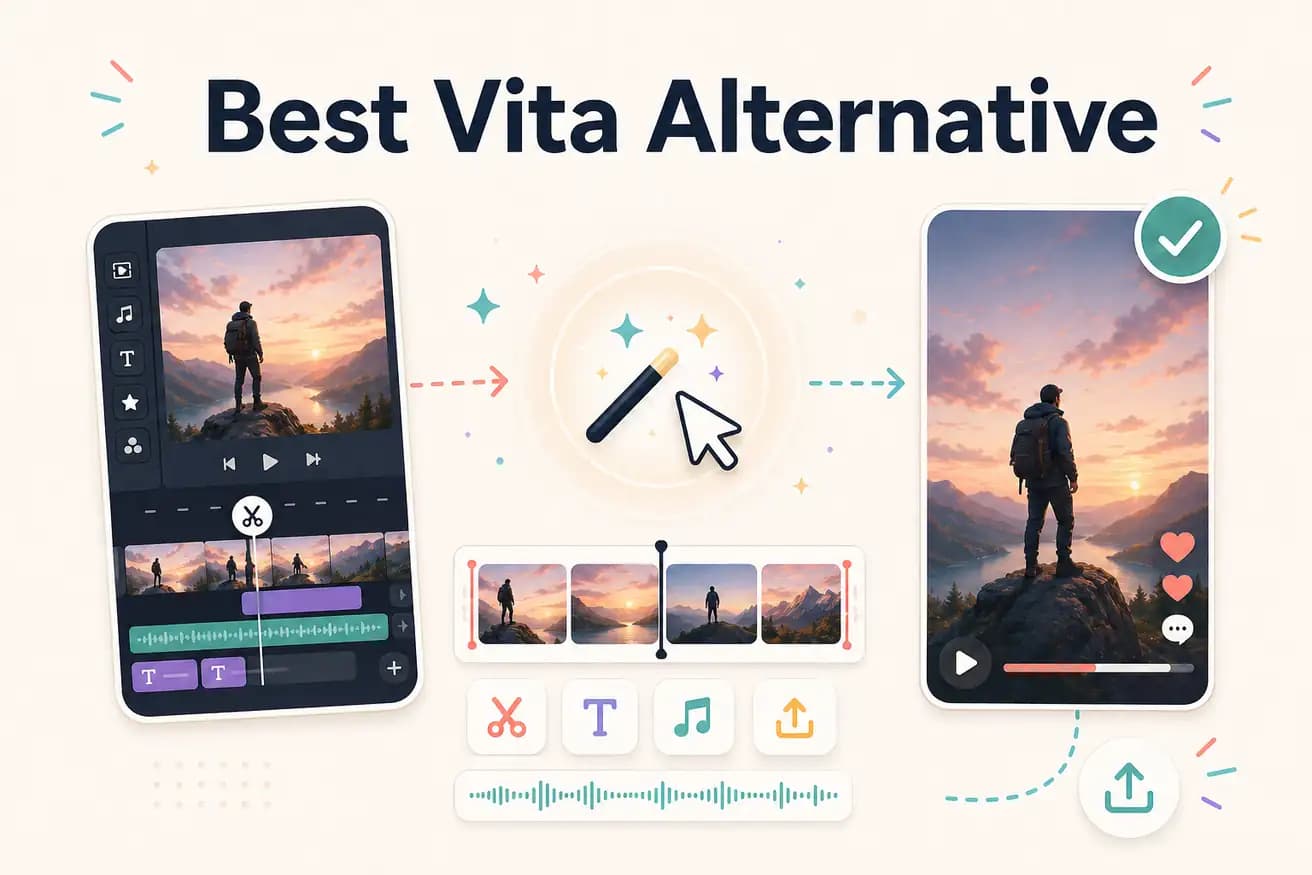
Yes — Vita is designed for template-based mobile clips. Editly is designed for editing real footage with AI. For turning recorded interviews, demos, or tutorials into polished videos, Editly is more capable.
Both create short-form social video. The difference is whether you start from a template or from your own footage.
| Decision | Vita Video Editor | Editly |
|---|---|---|
| Starting point | Vita: choose a template, insert your clips — the template defines the structure and style | Editly: upload your footage, write a prompt — the AI defines the structure based on your content |
| Platform | Vita: iOS and Android mobile app — best on phone; limited desktop capability | Editly: browser-based — desktop-optimized, works on any device including mobile browsers |
| Silence removal | Vita: not applicable for template edits; footage-based editing is not Vita's core use case | Editly: silence removal is a standard prompt instruction applied automatically to footage |
| Content type | Vita: best for trendy social clips, highlights, and template-driven aesthetic content | Editly: best for editing real footage — interviews, demos, tutorials, webinars |
Step 1
Bring in the recordings you need edited — no template selection required. Long interviews, product demos, and tutorials all work.
Step 2
Describe what you want: 'Cut to 3 minutes, keep the most engaging parts, add captions, export 9:16 for TikTok.' No template to fill.
Step 3
Editly builds the edit from your footage based on your instruction. Real content, AI editorial decisions.
Step 4
Any adjustments are prompt-based — no mobile template to reconfigure.
If you have footage that needs intelligent editing (not template filling), test Editly with 3 free exports on your real recordings.
Related editing pages