Step 1
Use DaVinci Resolve free for unlimited professional editing
Download DaVinci Resolve. It's free, professional-grade, and has no usage limits. Best for creators who want manual control and are willing to invest in learning.
Editly AI
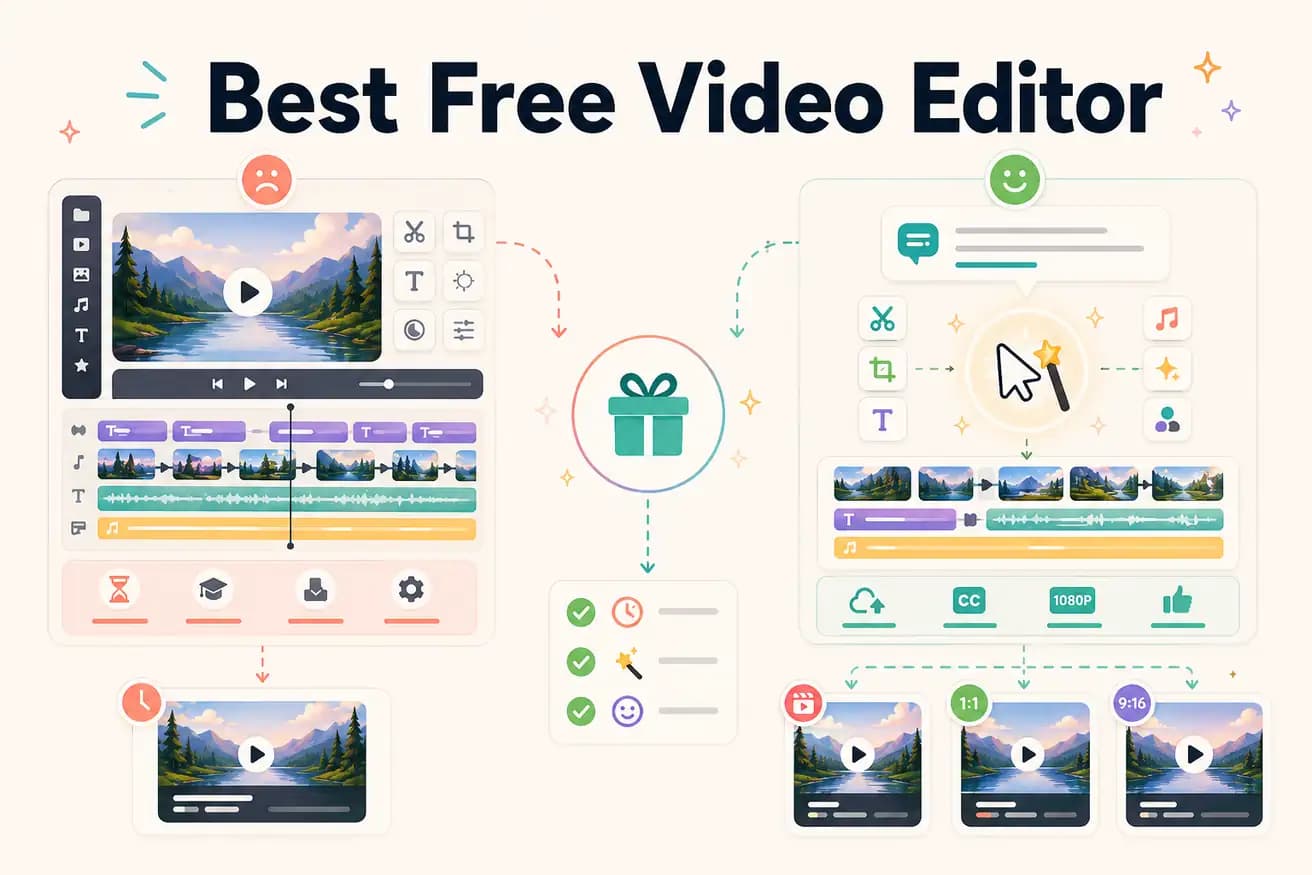
DaVinci Resolve is the best free, watermark-free, unlimited video editor. Editly's free tier also exports without a watermark (3 exports). Shotcut and Kdenlive are also free with no watermarks and unlimited exports.
No single 'best' — the right free editor depends on your use case and what you're willing to invest in time.
| Decision | Other Apps | Editly |
|---|---|---|
| Export limits | DaVinci Resolve / Shotcut: unlimited exports — genuinely free forever, no usage caps | Editly free: 3 AI-edited exports (full quality, no watermark), then $28/month |
| Editorial work required | Free NLEs: all editorial decisions are manual — 1-4 hours per video depending on complexity | Editly: AI makes editorial decisions — 15-20 minutes per video from upload to export |
| Silence removal | Free NLEs: not built in — requires manual scrubbing, external scripts, or plugins | Editly: silence removal is a prompt instruction — applied automatically |
| Auto-captions | DaVinci Resolve: Speech to Text feature (requires setup); Shotcut/Kdenlive: SRT file only | Editly: captions generated automatically as part of every edit |
Step 1
Download DaVinci Resolve. It's free, professional-grade, and has no usage limits. Best for creators who want manual control and are willing to invest in learning.
Step 2
Open editly.in, upload footage, write a prompt. Get 3 watermark-free AI-edited exports to compare against your manual editor workflow.
Step 3
Use identical footage in both tools. Time the process. Compare the output. This gives you an honest basis for the decision.
Step 4
If DaVinci gives you what you need with acceptable time investment, stay there. If Editly's AI editing saves significant time, $28/month Pro covers 100 exports.
Take your typical footage. Run it through Editly's free tier. Compare to your current free editor. That's the only test that matters.