Step 1
Option 1: DaVinci Resolve for unlimited watermark-free editing
Download DaVinci Resolve. Free, no watermark, professional quality. Time investment for the edit is still manual.
Editly AI
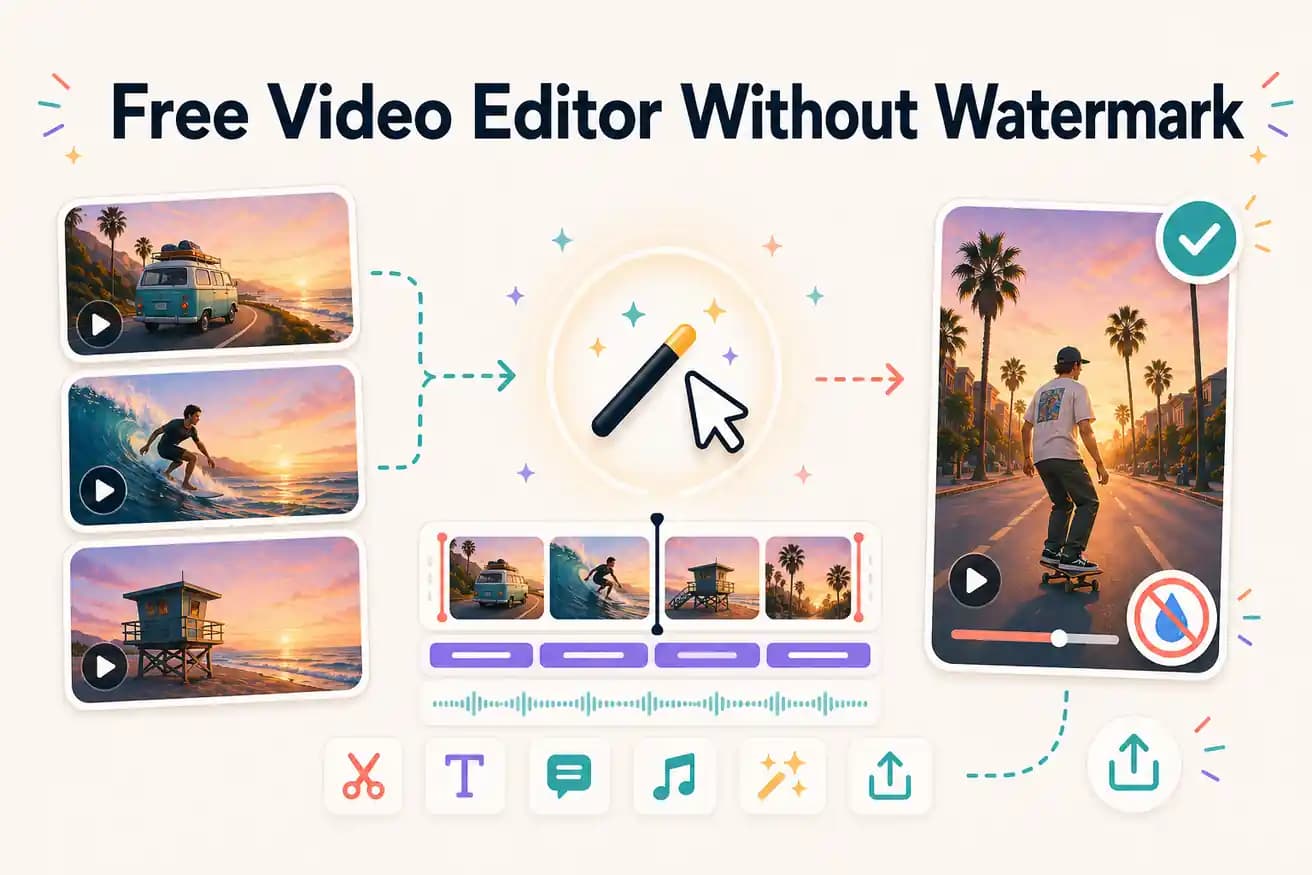
DaVinci Resolve, Shotcut, Kdenlive, OpenShot, and Clipchamp (Windows 11) all export without watermarks at no cost. Editly's free tier also gives 3 watermark-free exports. Filmora and most online editors add watermarks on their free tiers.
All of these are genuinely free with no watermark. The differences are the editing approach and usage limits.
| Decision | Other Apps | Editly |
|---|---|---|
| DaVinci Resolve | Free, no watermark, unlimited — professional NLE, GPU benefits, steep learning curve | Editly: AI-powered, no watermark, 3 free exports then $28/month — zero learning curve |
| Filmora (comparison only) | Filmora FREE: ADDS WATERMARK — $49.99/year required to remove it | Editly: NO watermark on any export including the free tier |
| Shotcut | Free, no watermark, unlimited — cross-platform open-source, lighter than DaVinci | Editly: AI automation vs Shotcut's manual timeline — different time investment |
| Editing approach | DaVinci / Shotcut: manual editing — all editorial decisions are yours, 1-4 hours per video | Editly: AI editing — describe the output, receive it in 15-20 minutes |
Step 1
Download DaVinci Resolve. Free, no watermark, professional quality. Time investment for the edit is still manual.
Step 2
Open editly.in, upload footage, write a prompt. 3 free AI-edited exports, no watermark, 15-20 minutes per video.
Step 3
Same footage, different approaches. Compare the time and output quality.
Step 4
DaVinci for unlimited free no-watermark manual editing. Editly Pro ($28/month) for ongoing watermark-free AI editing.
If you're looking for a free video editor without a watermark and want to test AI editing, Editly's free tier delivers 3 clean exports. No card, no watermark.