Step 1
Define prompt templates for each content type
Write a reusable prompt for each video format you produce: interview template, tutorial template, demo template, social clip template. These become the editing standard for each content type.
Editly AI
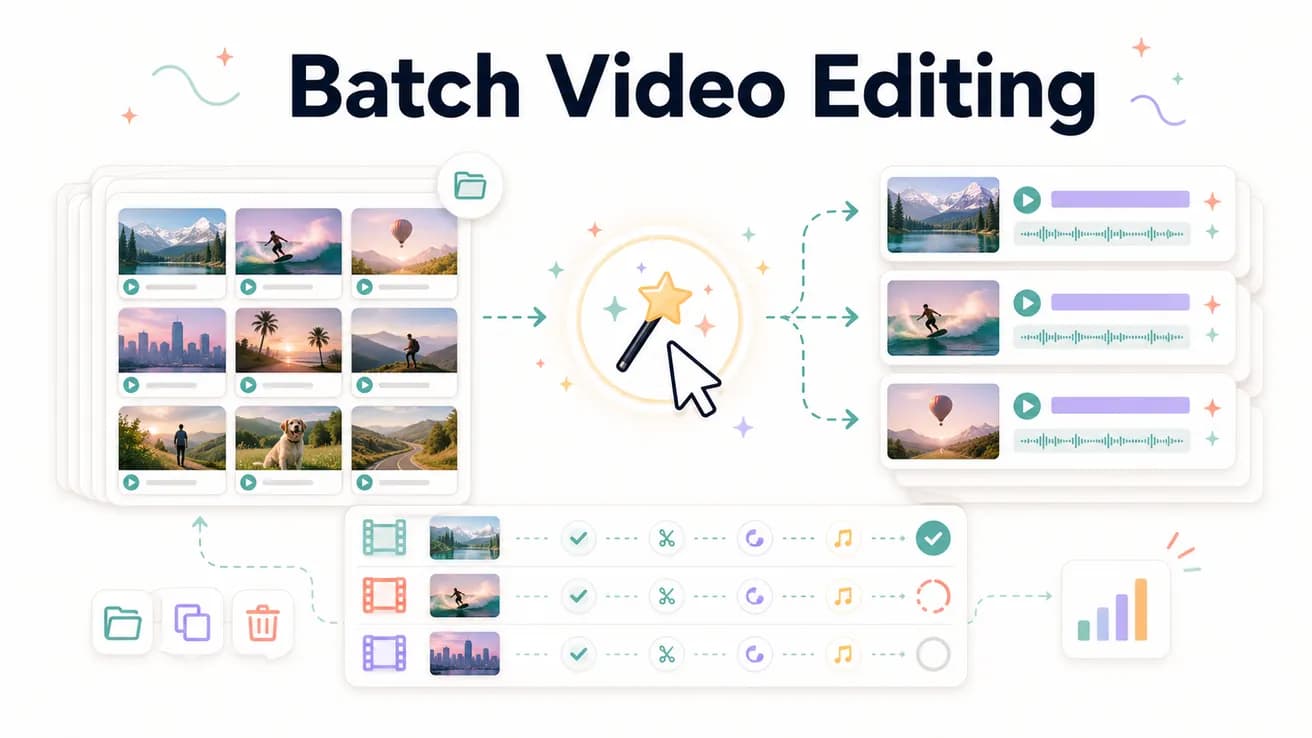
Batch video editing is editing multiple videos efficiently — applying the same editing treatment to many files without proportional time increase. Editly enables batch editing by replacing per-video manual timelines with reusable prompt templates: the same editing instructions applied to different footage produce consistent output at scale.
How batch editing economics change when you replace manual timelines with AI prompts.
| Decision | Other Apps | Editly |
|---|---|---|
| Time per video | Manual: 2-4 hours per video — multiplied by every video in the batch | Editly: 15-25 minutes per video — prompt writing plus review, not editing |
| Consistency across videos | Manual: varies by editor, session, and time pressure — no two videos are identical | Editly: same prompt produces same output — consistent style across every video |
| Scaling from 10 to 50 videos/month | Manual: 50 videos = 5x the editing hours — requires more editors or longer timelines | Editly: 50 videos = 50 prompts — Pro plan at $70/month (500 exports) handles this |
| Onboarding new team members | Manual: each new editor needs weeks of training on style, tools, and client preferences | Editly: new team member writes prompts from existing templates — minimal ramp time |
Step 1
Write a reusable prompt for each video format you produce: interview template, tutorial template, demo template, social clip template. These become the editing standard for each content type.
Step 2
Upload each video and apply the relevant template prompt. For similar content types, the same prompt applies directly. For variations, adjust the template for the specific video.
Step 3
Each video gets a 10-15 minute review: does it match the prompt? Is the opening strong? Are captions accurate? Add follow-up prompts for any needed adjustments.
Step 4
Download finished videos and deliver to clients or schedule to platforms. The full batch — 10 videos — is complete in hours instead of days.
Upload your next 3 videos of the same type. Write a consistent prompt template. Compare the output quality and time against your current manual process.
Related editing pages